
HP Ink Cartridges
Find your HP printer ink cartridges by cartridge number or printer model. At Ink Depot, we stock genuine and compatible HP ink options to suit a wide range of DeskJet, ENVY, and OfficeJet models, helping you get dependable print quality without paying more than you need to. Fast delivery Australia-wide.
Trending HP Ink Cartridges


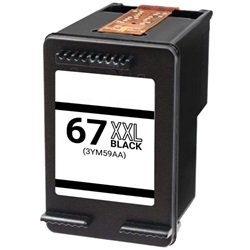

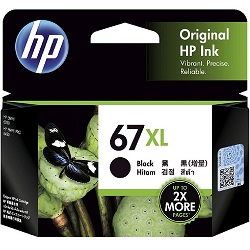
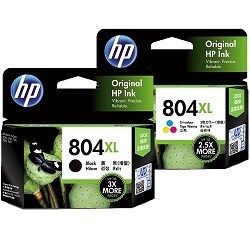
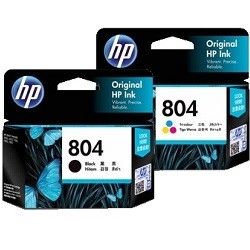
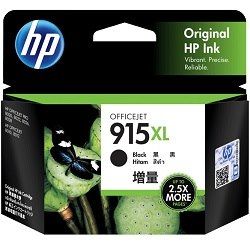


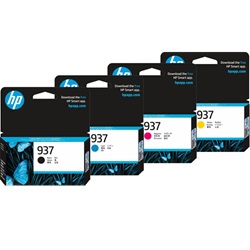

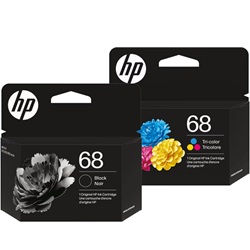


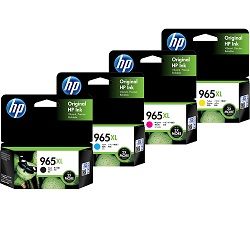

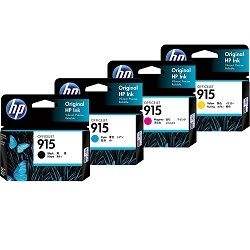

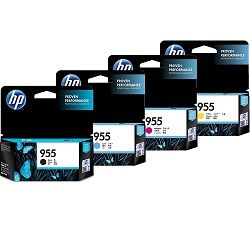
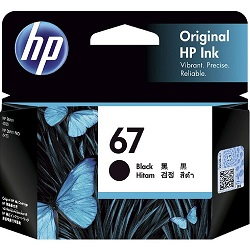
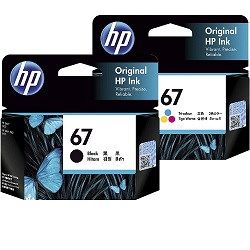
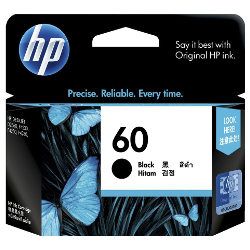
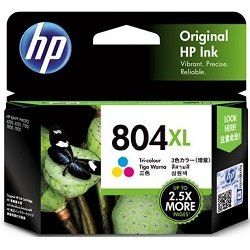


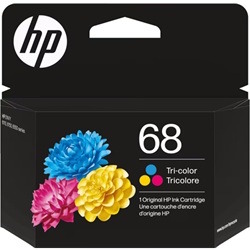
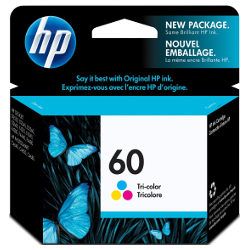


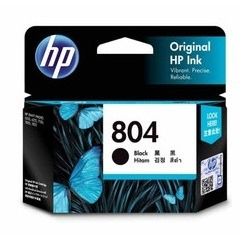


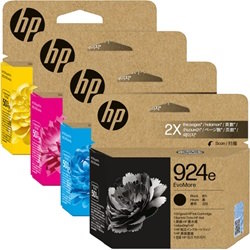
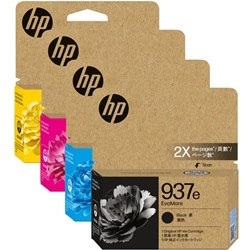


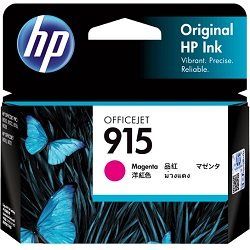



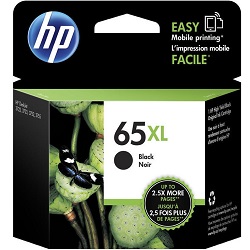

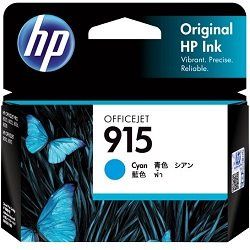
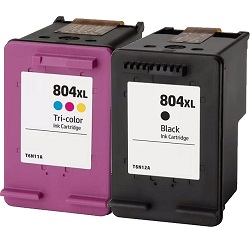
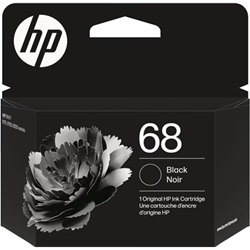


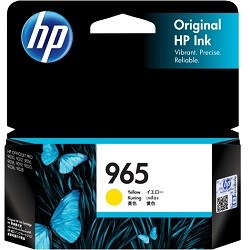
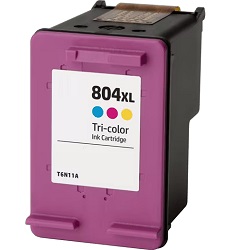
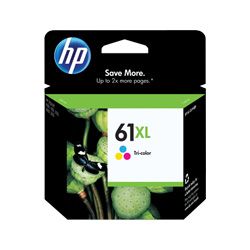
HP ink cartridges are used in homes, schools, home offices, and businesses across Australia. Whether you use a compact HP DeskJet printer for occasional printing or an HP OfficeJet Pro for higher-volume office work, choosing the correct HP printer ink helps maintain print quality and reduce common printing problems. Ink Depot stocks both genuine HP ink cartridges and compatible HP ink cartridges, with delivery available Australia-wide, including Sydney, Melbourne, Brisbane, Perth, Adelaide, Canberra, Gold Coast, and regional areas.
Understanding HP Ink Cartridge Series
HP uses several popular ink families across its home and office ranges. Find your series below to see compatible printer models and performance features.
| HP Ink Series | Common Printer Families | Key Features & Yields |
|---|---|---|
| HP 67 & 67XL | DeskJet, ENVY 6000/6400 | Standard yield (~120 pages) or XL (~240 pages). Ideal for occasional home use. |
| HP 68 & 68e | ENVY 6100, DeskJet Series | Trending: New EvoMore sustainable range offering 2x more pages vs standard. |
| HP 804 & 804XL | ENVY Photo, DeskJet | Specialized pigment black and dye-based colors for lab-quality photo printing. |
| HP 915 & 915XL | OfficeJet 8010, 8020 | Individual ink cartridges. Only replace the color you use most. |
| HP 924 & 924e | OfficeJet Pro 8120/8130 | Trending: Newest pigment ink technology for smudge-free professional documents. |
| HP 937 & 937e | OfficeJet Pro 9110/9120/9130 | Trending: High-performance series with eco-friendly EvoMore high-yield options. |
| HP 965 & 965XL | OfficeJet Pro 9010, 9020 | Best-seller for business. XL black cartridges yield up to 2,000 pages. |
| HP GT52/GT53 | Smart Tank 500, 600, 7000 | High-capacity refill bottles for ultra-low cost per page (up to 8,000 pages). |
HP Cartridges with Built-In Printhead Explained
Many HP DeskJet and OfficeJet printers use cartridges with the printhead built directly into the cartridge itself. This means replacing the cartridge also replaces the printhead, so there is no separate printhead purchase required for these models.
For customers who print less frequently, HP’s integrated cartridge system can help reduce long-term maintenance issues caused by dried ink.
Getting the Most from Your HP Ink
Print regularly. HP's integrated printhead cartridges benefit from regular use. Printing a few pages every week or two prevents ink from drying inside the printhead nozzles, which is the most common cause of streaky or faded output.
Use XL cartridges for regular printing. XL cartridges contain more ink and cost significantly less per page than standard cartridges. They are the same physical size and fit the same printer slot, the only difference is how much ink is inside.
Run the cleaning utility before replacing. If print quality drops before your cartridge is empty, run the built-in printhead cleaning utility from your printer's settings menu first. This will often restore full quality without replacing the cartridge early.
Check your paper settings. Using the correct paper type setting in your printer driver, for example, selecting "Plain Paper" for documents or "Photo Paper" for photos, can noticeably improve output quality and reduce ink saturation problems.
Page yield is based on standard testing. Page yields quoted on our site are based on ISO standard testing at approximately 5% page coverage per page. Actual yield will vary depending on what you print and how you use your printer.
Delivery, Warranty & Trust Information
Ink Depot supplies HP ink cartridges Australia-wide, including metro and regional locations. Genuine HP cartridges supplied are authentic manufacturer products, while compatible cartridges are quality-tested for compatibility and printer recognition. Please note that the page yields quoted for our ink cartridges are based on ISO standard testing at approximately 5% page coverage. Actual page yield may vary depending on the type of documents printed, printer settings, and overall printer usage.
Please note that under Australian Consumer Law, using compatible cartridges does not automatically void your printer warranty unless the manufacturer can demonstrate the cartridge directly caused the fault.
Frequently Asked Questions
1. How do I know which HP cartridge is compatible with my printer?
The cartridge number is printed on a sticker inside your printer lid or on the label of the currently installed cartridge. You can also search your printer model on our HP printer models page to confirm the correct series before ordering.
2. My HP printer shows "low ink" but the cartridge was just installed, is this normal?
In some cases the printer's ink level sensor takes a few pages to calibrate accurately after a new cartridge is installed. Continue printing normally and monitor levels over the next few pages. If the warning persists, remove and reseat the cartridge firmly to ensure it is making full contact.
3. Can I use a black XL cartridge with a standard colour cartridge in the same printer?
Yes. HP printers accept mixed yield cartridges without any issues. You can install an XL black alongside a standard colour cartridge, or any combination, as long as each cartridge is the correct series for your printer.
4. How should I store HP cartridges I am not using yet?
Store unused cartridges in their original sealed packaging in a cool, dry place away from direct sunlight. Once opened, cartridges should be installed promptly as exposure to air can cause the ink to dry out and affect print quality.
Explore Our Range of Popular Products
Other products you may interested in


