
Photo Paper
Ink Depot stocks photo paper in glossy, matte, semi gloss, lustre, archival and Pro Platinum finishes from Canon, Epson and Brother, in sizes from 2 x 3 inch through to A2. Not sure which finish to pick? Glossy for vibrant photos, Matte for reflection-free prints, Luster for professional gallery shots. Glossy and semi gloss finishes suit everyday photo prints and family albums, while matte and archival papers are better suited to portfolios, fine art prints and images that will be handled often.


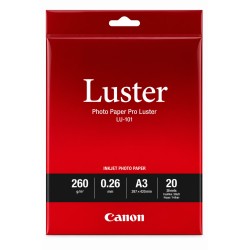
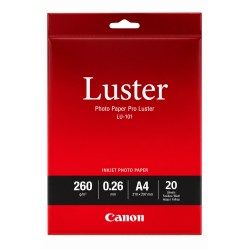
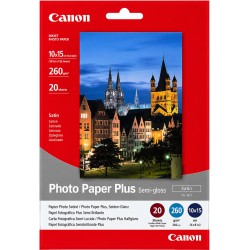
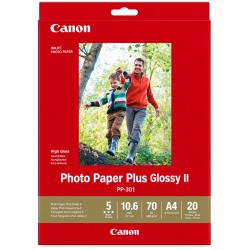
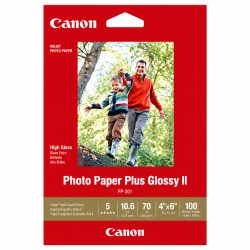
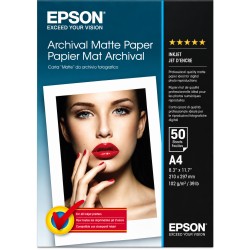
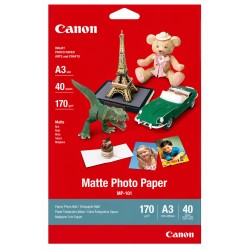
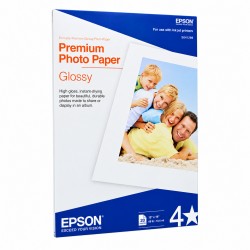
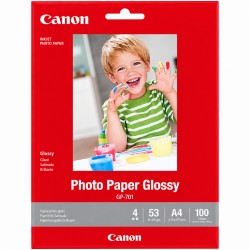
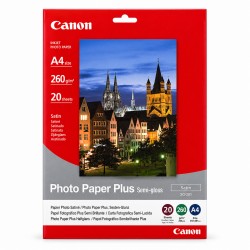
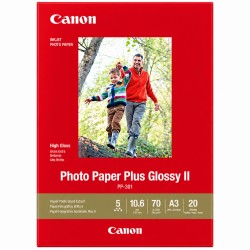
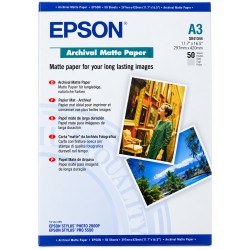
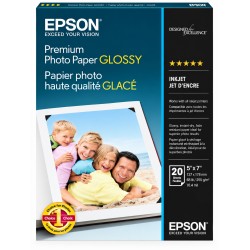
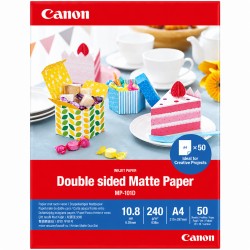
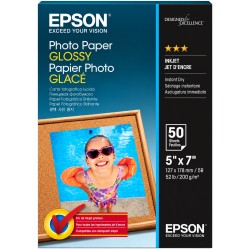
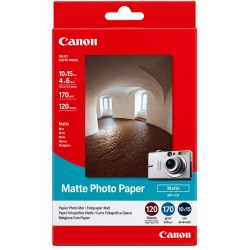
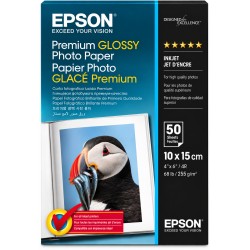
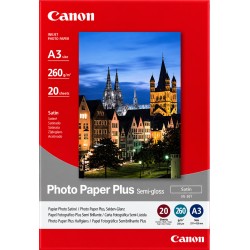
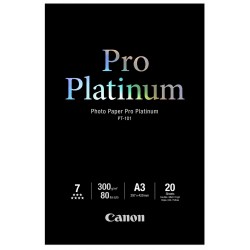
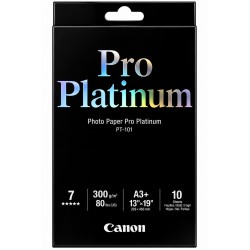
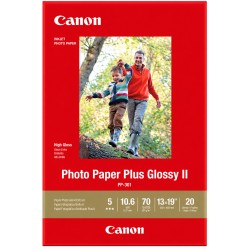
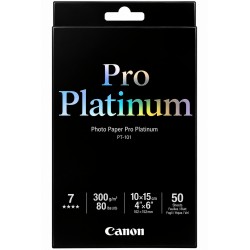
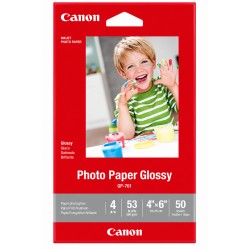
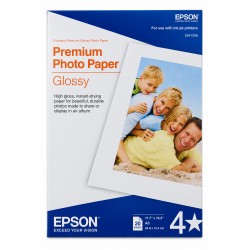










Top Searches


Shop Photo Paper at Ink Depot
Ink Depot's photo paper range covers six finishes, seven sizes and three printer brands: Canon, Epson and Brother. Specifications, weight (gsm) and printer compatibility vary by product, so check the individual product page against your printer model before ordering. Ink Depot is a long-established Australian printer supplies retailer, rated highly by customers on Google, with every order backed by our money-back guarantee.
Photo Paper Finishes
Each finish below has its own dedicated range on Ink Depot:
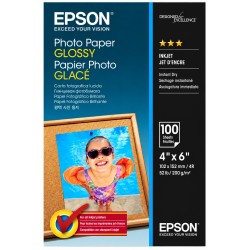
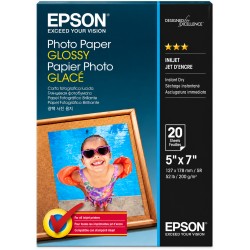
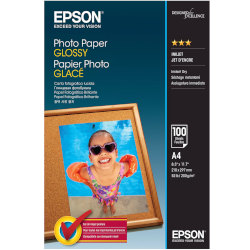
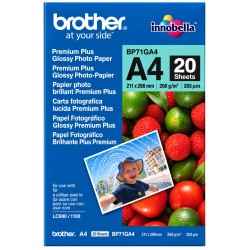
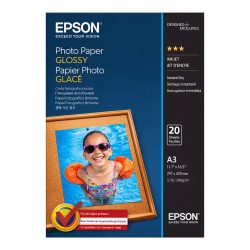
- Glossy: a reflective, high-shine surface that suits colourful everyday prints, holiday photos and family albums.
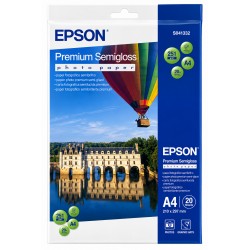
- Semi Gloss: a softer sheen than full gloss, with less glare under light — a middle ground for everyday and portfolio prints.
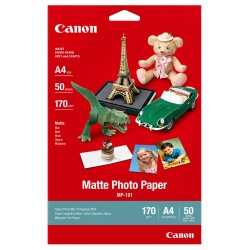
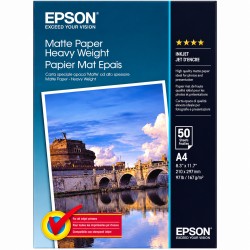
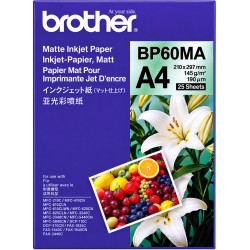
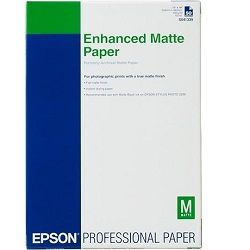
- Matte: a flat, non-reflective finish suited to fine art prints, portfolios and images that will be handled or framed behind glass.
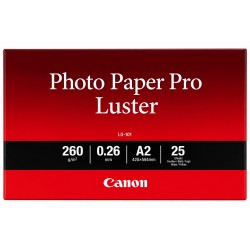
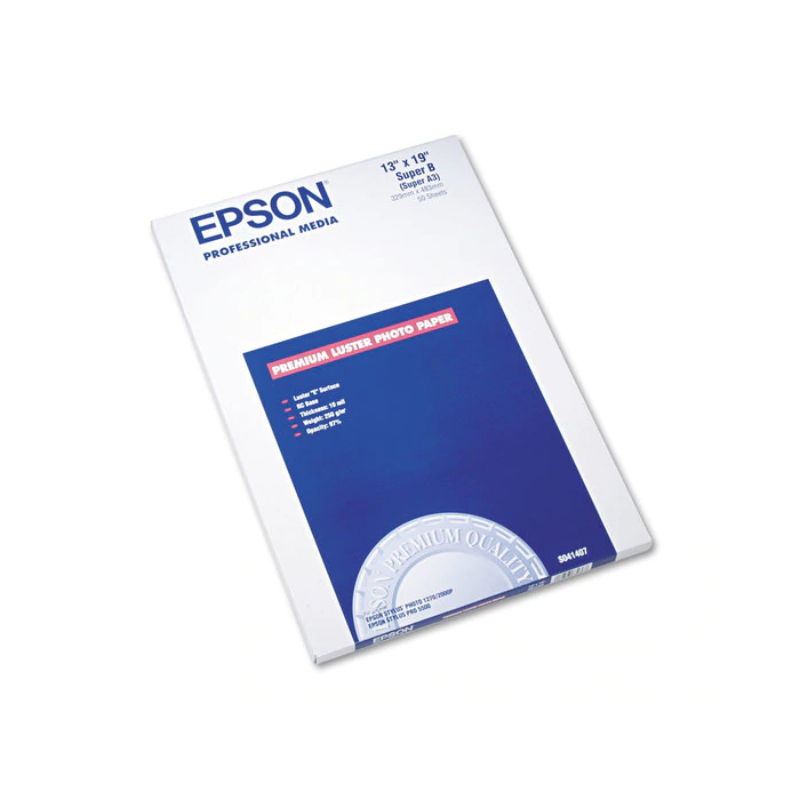
- Lustre: a slight sheen between glossy and matte, popular with professional and hobbyist photographers.
- Archival: heavier, acid-free stock intended for long-term storage, such as family heirloom prints and gallery pieces.
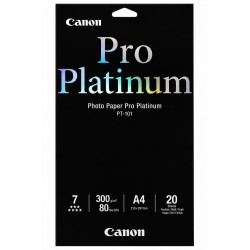
- Pro Platinum: a Canon-specific paper family (not a generic finish available across brands) aimed at professional-standard colour and detail.
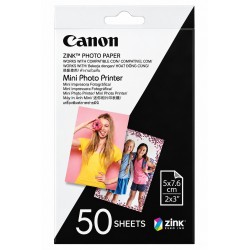
A3 and A3+ aren't the same size, so confirm which one your printer takes before ordering — one being supported doesn't mean the other is too. Printing from a portable or instant-style photo printer? Check whether it takes standard inkjet photo paper or a proprietary format like ZINK, since the two aren't interchangeable.
Photo Paper Sizes
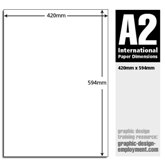
Sizes on this page range from small-format 2 x 3 inch and 4 x 6 inch prints through to A4, A3, A3+ and A2. Smaller sizes suit standard prints and instant-style photo printers, while A3 and A2 are aimed at posters, art prints and presentation pieces. Some sizes are available across multiple finishes and brands, so check the size filter alongside the finish filter to narrow your options. Shop A4 photo paper or A3 photo paper.
Photo Paper by Brand
This range includes photo paper from Canon, Epson and Brother, each formulated by the manufacturer to work with their own printer and ink systems. Canon's range spans Glossy, Matte, Lustre, Semi Gloss and Pro Platinum papers designed for PIXMA, imageGRAF and MAXIFY printers. Epson's range includes Glossy, Matte, Semi Gloss and Archival papers designed for Epson inkjet printers. Brother's range covers Glossy and Matte finishes designed for Brother inkjet printers. A small number of products also cover other needs, such as double-sided matte paper for two-sided prints and small-format paper for portable photo printers.
Choosing the Right Photo Paper
Before you order, run through this:
- Match your printer brand and model to the paper, since some stock is formulated for a specific manufacturer's ink system.
- Sheet size matters more than it seems — a printer rated for A3 won't necessarily take A3+.
- For end use: glossy and semi gloss suit everyday colour prints, while matte or archival suit portfolios and long-term storage.
- Sheet weight (gsm) and count vary by finish and size, so check the individual product page for both.
- Single-sided or double-sided? Load the paper printable-side-up as specified either way.
- Heavier archival or Pro Platinum stock needs a printer whose tray can actually handle the weight — check your manual's maximum media rating first.
- Portable or instant photo printer: standard photo paper and proprietary formats like ZINK aren't interchangeable, so confirm which yours needs.
- Wide-format or professional printer: check whether the paper comes as a cut sheet or a roll.
For more detail on matching paper weight and finish to your printer, see our guide on choosing the right paper for speciality media printing.
Photo Paper FAQs
Can I use photo paper in a laser printer?
Most photo paper on this page is designed for inkjet printers. Some laser printers can handle lighter glossy stock, but heavier or resin-coated photo paper can damage a laser printer's fuser unit. Check the paper type your printer's manufacturer recommends before ordering.
Will heavier or archival paper jam my printer?
Possibly, if your tray or feed path isn't built for it. Your printer manual will list a maximum media weight — stay under that before loading anything heavier like archival or Pro Platinum stock.
Can I print on both sides of photo paper?
Only where the product is specifically listed as double-sided. Standard single-sided photo paper is coated on one side only and shouldn't be printed on the reverse.
Is this genuine manufacturer photo paper?
Listings are manufacturer-branded stock under Canon, Epson and Brother part numbers. Check the individual product listing if authorised-reseller or genuine-stock confirmation matters for your purchase.
How should I store unopened photo paper?
Keep sheets flat in their original packaging, away from direct sunlight, heat and humidity, so the coating doesn't curl or discolour before you print.
Other products you may interested in


