
Printers
Finding the right printer doesn’t have to be complicated. At Ink Depot, we stock everything from simple home printers to powerful office machines. Whether you’re printing school assignments, business reports, or family photos, you’ll find a reliable printer that gets the job done. We also make shopping easy with Australia-wide shipping and hassle-free returns.
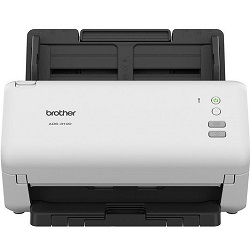
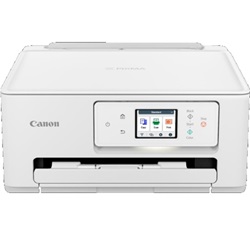
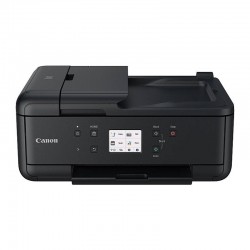
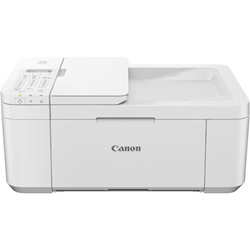
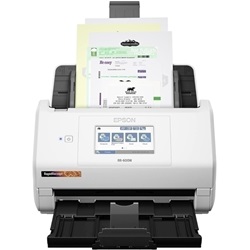


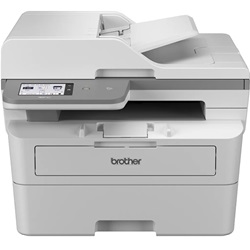
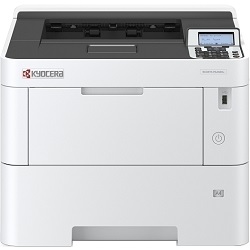
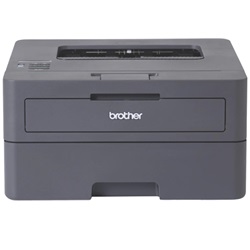
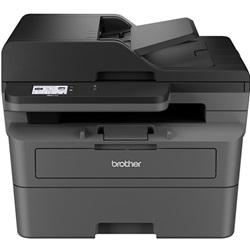
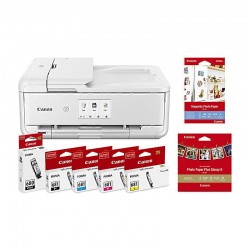
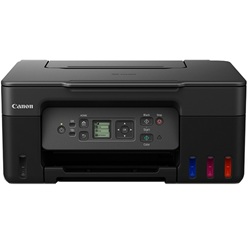
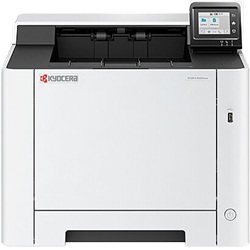
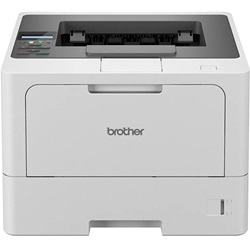
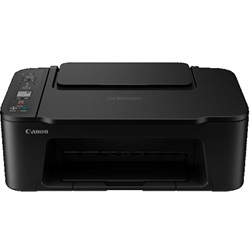


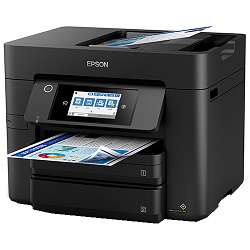


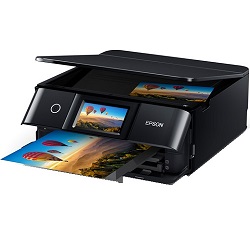


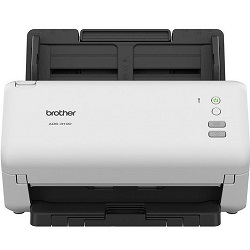


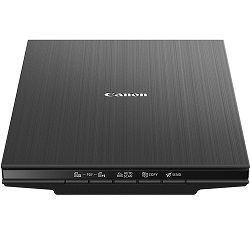


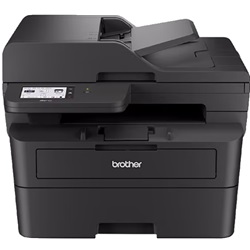
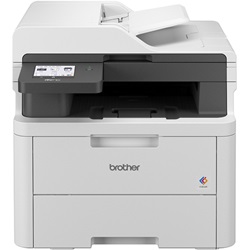
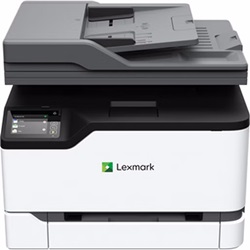
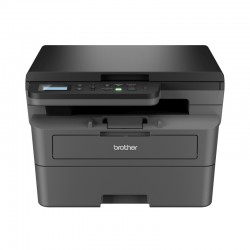
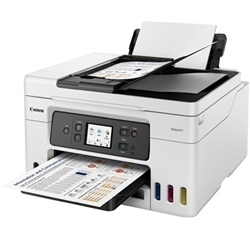
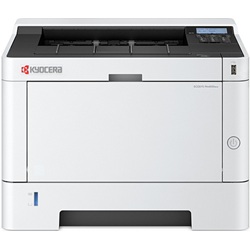
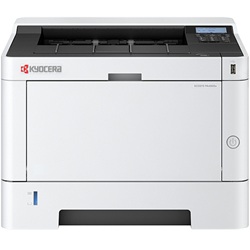
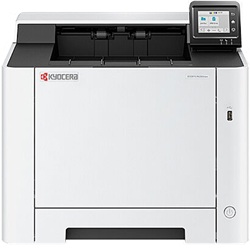
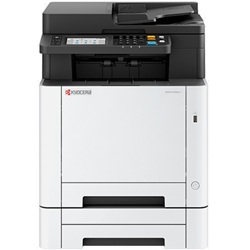
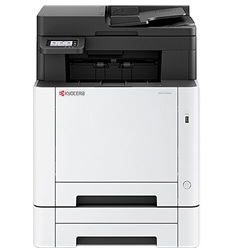
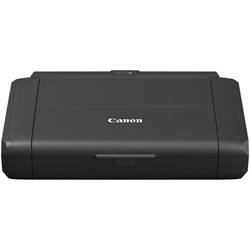
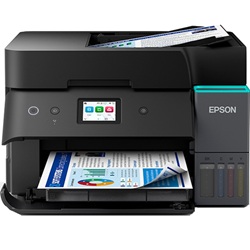

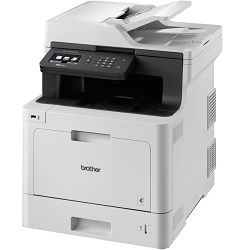
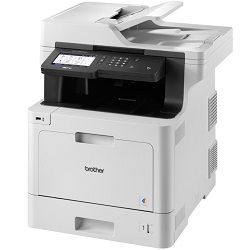


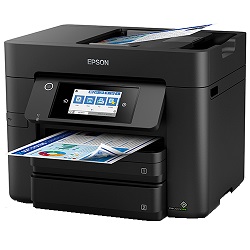

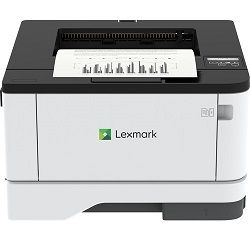


Ink Depot stocks printers from Canon, Epson, Brother, Kyocera, Lexmark, and Oki, including inkjet printers and high-volume colour laser multifunction devices. All models are stocked in Australia, with free shipping and easy return options available.
Which Printer Type Suits You?
Entry inkjet: Best for light home use and occasional printing. These printers have a low upfront cost, but the cost per page is usually higher than tank or laser printers. Popular options include the Canon PIXMA TS3660 ($68.59), Epson XP-2200 ($89.91), and Canon TR4665 ($86.94), which includes duplex and fax.
Refillable tank printers: EcoTank and MegaTank printers are better for regular home or home office printing. They cost more upfront but offer much lower running costs per page. Examples include the Canon G3675 MegaTank ($342.50), with up to 6,000 pages black and 7,700 pages colour per bottle set, and the Epson EcoTank ET-4810 ($576.69), which includes auto duplex, ADF, and fax.
Home office inkjet MFP: These are suitable for daily document and colour printing where you need wireless printing, scanning, copying, ADF, and duplex features. Options include the Canon TR7660a ($178.50) and Epson WorkForce WF-4835 ($266.49). The Epson WF-7845 ($423.23) is the A3 colour inkjet multifunction printer in the range.
Mono laser: Best for text-heavy printing. Toner does not dry out, print speeds are faster at volume, and the cost per page is usually lower than inkjet. Good options include the Brother MFC-L2820DW ($285.43) for home offices and the Brother MFC-L2920DW ($396.27) for busier small teams. For higher monthly volumes, Kyocera PA4000x ($306.77) and PA4500x ($879.03) are strong options, with Kyocera’s ECOSYS drum design helping reduce replacement costs over time.
Colour laser: Best for regular colour document printing in an office environment. Options include the Brother MFC-L3755CDW ($544.06) for compact wireless colour multifunction printing, Brother MFC-L8900CDW ($978.08) for higher-volume workgroups, Kyocera PA3500cx ($768.77), Kyocera MA3500cix ($954.18), and Lexmark CX331adwe ($507.89).
Things Worth Knowing Before You Buy
Tank printers make sense if you print more than around 100 pages a month. The ink economics favour EcoTank or MegaTank printers when print volume is higher. If you print less than this, a basic cartridge inkjet may be the cheaper total-cost option.
Mono laser is usually cheaper than inkjet for text printing. If most of your printing is black text documents, a mono laser such as the Brother MFC-L2920DW will usually cost significantly less per page than an inkjet printer at the same volume.
Check for automatic duplex printing. Most Brother and Kyocera laser models in the stocked range include automatic duplex. The Canon G3675 MegaTank does not, so two-sided printing requires manually re-feeding sheets.
Delivery & Warranty
All printers stocked at Ink Depot are delivered Australia-wide, most orders placed before 1pm on business days are dispatched the same day, with delivery typically taking 1–2 business days to major metro areas.
Manufacturer warranties apply to all printers. Canon and Epson offer 12-month return-to-base warranties, with Epson EcoTank models extendable to 24 months when registered. Brother, Kyocera, and Lexmark warranties vary by model.
Check the individual product page for specific warranty terms before purchasing.
Frequently Asked Questions
1. Cartridge inkjet or tank printer, which should I buy?
If you find yourself replacing cartridges every few weeks, a tank printer can save money within months. The Canon G3675 MegaTank and Epson EcoTank ET-4810 both cost more upfront, but their ink bottles are far cheaper per page than traditional cartridges. If you print rarely, under 50 pages a month, a cartridge inkjet is usually the cheaper option.
2. Do I need an MFP or just a printer?
Most users benefit from a multifunction printer because scanning and copying are built in, saving desk space and avoiding the need for a separate scanner. The price difference between a print-only model and a similar MFP is usually small. Choose print-only only if you already have a scanner or genuinely never need to scan.
3. Which printer is best for a small home office?
It depends on what you print most. For mixed documents and occasional colour, the Brother MFC-L3755CDW ($544.06) covers colour laser printing, scanning, copying, fax, and wireless use. For mostly black text with auto duplex and a budget under $400, the Brother MFC-L2920DW ($396.27) is reliable and well specified. For low-volume mixed printing with low running costs, the Epson EcoTank ET-4810 ($576.69) with auto duplex and ADF is a strong choice. For tight budgets, the Canon PIXMA TR4665 ($86.94) covers the basics with duplex and fax at the lowest price point in the stocked range.


