Brother Ink Cartridges
Brother ink cartridges are built for high-yield, low-cost printing and at Ink Depot, we stock the complete range, ready to ship across Australia. Whether you need the latest LC436XL INKvestment cartridge (up to 6,000 pages per black cartridge), the popular LC3319XL for your MFC-J5330DW or MFC-J5730DW, or the newer LC536 series for the MFC-J6960DW, we have genuine and compatible options to suit every Brother printer and budget. Shop by cartridge series, compare standard and high-yield options, and save with free delivery on orders over $99. Not sure which cartridge fits your printer? Use our quick finder below.
Trending Brother Ink Cartridges


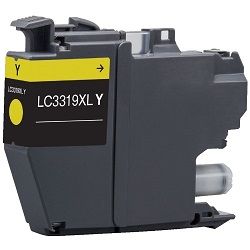
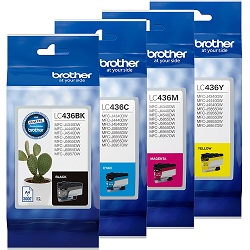
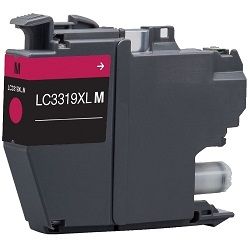
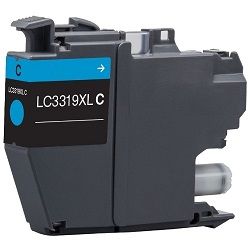

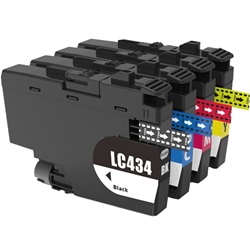


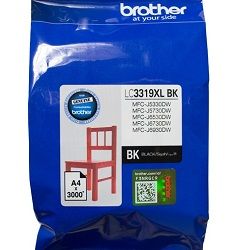


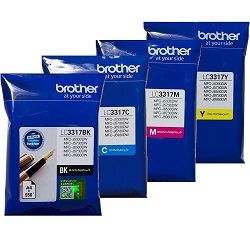
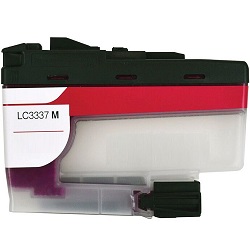

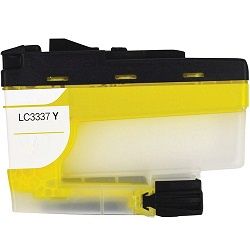
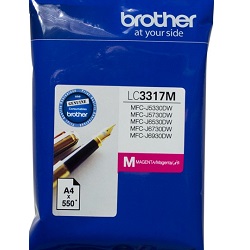


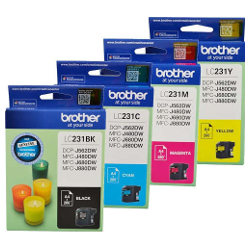


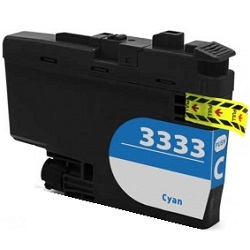
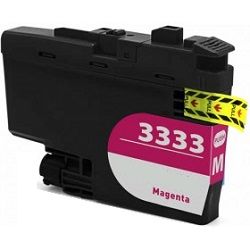


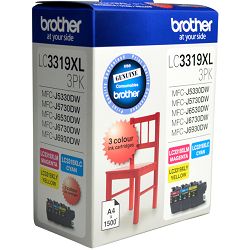
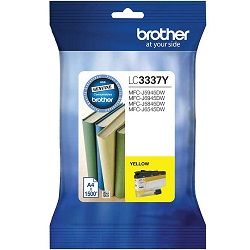

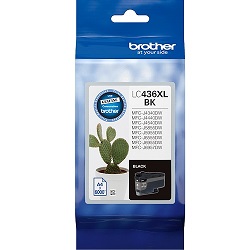


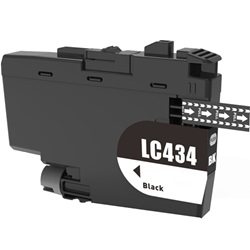


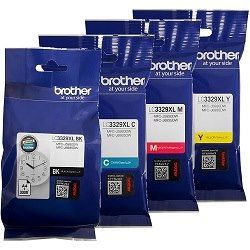
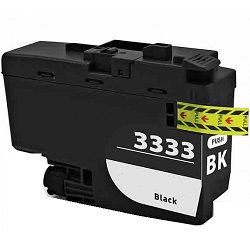

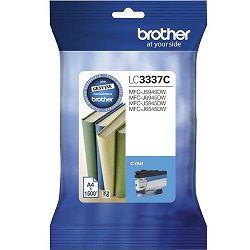
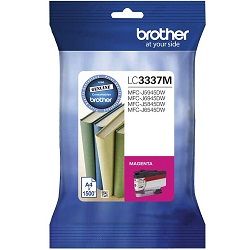
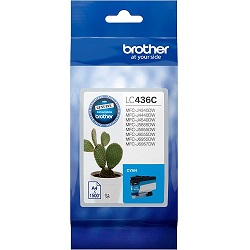
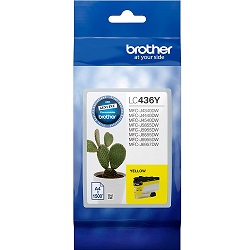
Brother ink cartridges are trusted by home users, students, and businesses across Australia for one simple reason, they deliver outstanding print quality at one of the lowest costs per page. Browse Brother ink cartridges online across all popular series, including:
- Brother LC3319XL: These cartridges are used for Brother MFC-J5330DW, MFC-J6530DW, MFC-J6930DW and more
- Brother LC3337: These cartridges are used for Brother's newest MFC printer models
- Brother LC73: These cartridges are compatible with Brother MFC-J430W, MFC-J625DW, MFC-J825DW and more
- Brother LC39: These cartridges are used for compact Brother printers including the MFC-J415W and DCP-J315W
NEW & TRENDING: LATEST BROTHER INK CARTRIDGE RELEASES
Brother's ink cartridge range has expanded significantly over the past two years, with several new series now available in Australia that are worth knowing about, particularly if you've recently purchased a newer Brother printer model:
Brother LC436 & LC436XL, Brother's Newest INKvestment Series: The LC436 series is one of Brother's most recent cartridge releases in Australia, designed specifically for Brother's newer INKvestment printer models including the MFC-J4440DW, MFC-J5855DW, MFC-J5955DW and MFC-J6955DW. What makes the LC436XL stand out is its remarkable page yield, the black cartridge delivers up to 6,000 pages, while colour cartridges yield up to 5,000 pages each.
Brother LC432 & LC432XL, Supporting Brother's Latest MFC Range: Launched to support Brother's newer MFC-J5340DW, MFC-J5740DW, MFC-J6540DW, MFC-J6740DW and MFC-J6940DW printer models, the LC432 series has quickly become a popular choice at Ink Depot. The LC432XL black cartridge prints up to 3,000 pages, more than five times the yield of the standard LC432, making it a smart choice for anyone printing regularly from one of these newer Brother models.
WHICH BROTHER PRINTER USES WHICH INK CARTRIDGE?
Many customers search by their printer model rather than cartridge name. Here are the most common Brother printer models and their matching ink cartridge series:
| Printer Model | Compatible Cartridge Series |
|---|---|
| Brother MFC-J5330DW | LC3319XL Series |
| Brother MFC-J6530DW | LC3319XL Series |
| Brother MFC-J6930DW | LC3319XL Series |
| Brother MFC-J430W | LC73 Series |
| Brother DCP-J315W | LC39 Series |
| Brother MFC-J415W | LC39 Series |
If you can't find your printer model above, use the cartridge finder tool at the top of this page to identify the correct Brother ink cartridge in seconds.
CARTRIDGE YIELD COMPARISON: STANDARD VS XL VS SUPER HIGH-YIELD
| Cartridge | Type | Page Yield |
|---|---|---|
| Brother LC3319XL Black | High Yield Black | ~3,000 pages |
| Brother LC39 Black | Standard Black | ~300 pages |
| Brother LC73 Black | High Yield Black | ~600 pages |
Upgrading from a standard cartridge to an XL or super high-yield option dramatically reduces your cost per page. For anyone printing more than 50 pages a week, choosing a higher-yield cartridge is strongly recommended, fewer replacements, less interruption, and real savings over time.
GENUINE VS COMPATIBLE BROTHER INK CARTRIDGES
A question we get asked often and it's worth knowing the answer before you buy.
Genuine Brother ink cartridges are manufactured by Brother to exacting quality standards. They're the safest choice for printers still under manufacturer warranty and deliver fully guaranteed performance.
Compatible Brother ink cartridges are produced by specialist third-party manufacturers and engineered to match the output of genuine cartridges at a significantly lower price. Every compatible cartridge stocked at Ink Depot is tested for print quality, cartridge fit, and performance before it reaches our shelves.
MODERN FEATURES ACROSS THE BROTHER PRINTER RANGE
Brother's latest inkjet printers are built around features that make everyday printing faster, smarter, and more cost-effective:
- Wireless printing: Print directly from your laptop, tablet, or phone, no cables required
- Mobile printing: Full support for Apple AirPrint, Mopria Print Service, and the Brother iPrint&Scan app
- Automatic document feeder: Scan, copy, or fax multi-page documents hands-free on Brother MFC printers
- Energy-efficient operation: Brother's newer models carry ENERGY STAR ratings for reduced power consumption during printing
- Cloud printing: Print directly from Google Drive, Dropbox, and Microsoft OneDrive on select models
EXPLORE MORE
- Looking for toner instead? Browse Brother Toner Cartridges
- Need a new printer? Shop Brother Printers
- Explore other ink cartridge brands: Canon Ink Cartridges | HP Ink Cartridges | Epson Ink Cartridges
BROTHER INK CARTRIDGE TROUBLESHOOTING: COMMON QUESTIONS
1. Why is my Brother printer not recognising the ink cartridge?
First check that all protective tape or film has been fully removed from the new cartridge. Reinsert it firmly until it clicks into place. If the error persists, reset the ink counter from your printer's maintenance menu or restart the printer completely.
2. Why is my Brother printout streaky or faded?
Streaking or fading usually indicates a partially clogged print head. Run a 'Head Cleaning' or 'Print Head Cleaning' cycle from your Brother printer's maintenance menu, then print a test page. Repeat the process if needed. Avoid leaving your printer unused for extended periods as this can cause ink to dry in the nozzles.
3. How do I check ink levels on my Brother printer?
Ink levels can be checked from your printer's control panel display, through the Brother iPrint&Scan app on your phone or tablet, or via the Brother printer driver on your PC or Mac.
4. Why won't my Brother printer connect to Wi-Fi?
Restart both your printer and your router. Make sure the printer is within range of your Wi-Fi network and that you are entering the correct password. Re-run the wireless setup wizard from your printer's network settings menu.
5. Can I use compatible cartridges without voiding my Brother printer warranty?
Yes. Under Australian Consumer Law, using compatible ink cartridges does not void your printer warranty. Ink Depot stocks only high-quality compatible Brother cartridges that are safe and reliable to use.
Other products you may interested in