
Brother LC436 & Brother LC436XL Ink Cartridges
Brother LC436 and LC436XL ink cartridges are built for high-volume printing, offering both standard and high-yield options alongside money-saving compatible cartridges. Standard cartridges yield up to 3,000 black pages, while XL cartridges double black output to 6,000 pages to reduce cartridge swap frequency in busy environments. Our 4.8 Google Star rating shows that our customers consistently receive high-quality cartridges backed by reliable performance.
Printers Compatible with Brother LC436 & Brother LC436XL Ink Cartridges


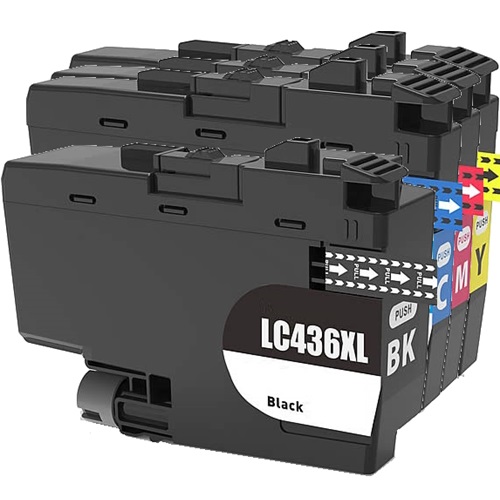
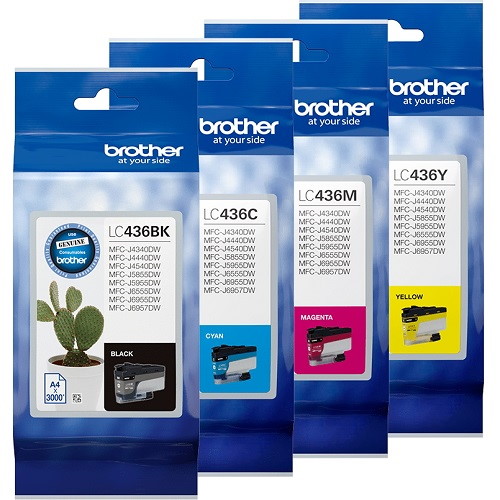


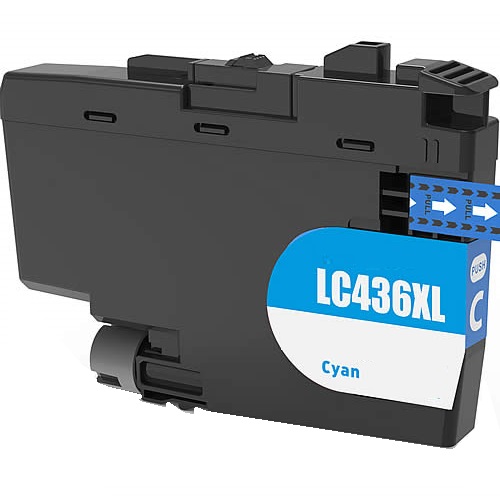
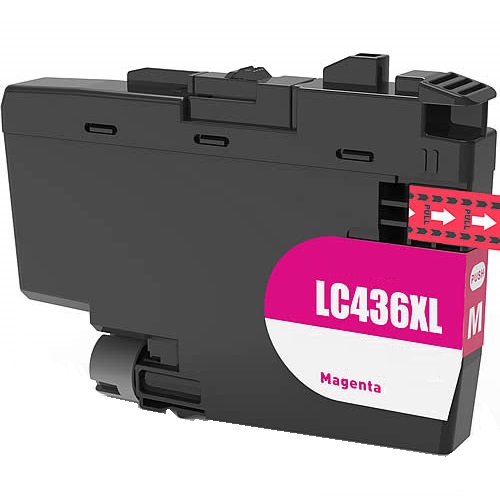


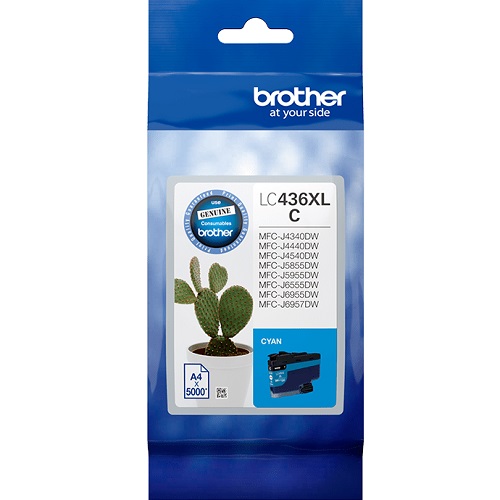


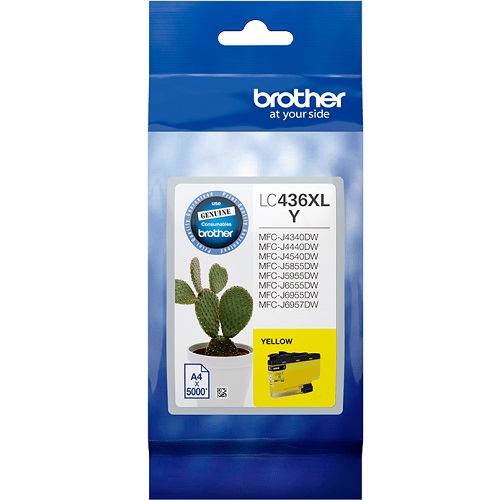
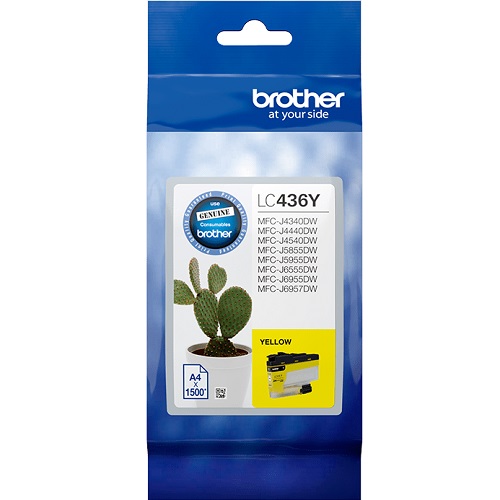
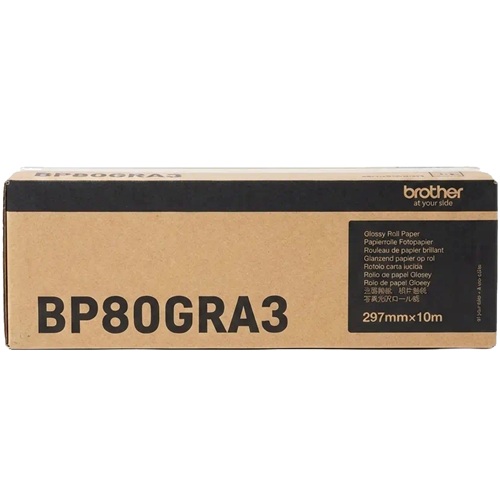
Choose Between Brother LC436 & LC436XL Ink Cartridges
Replace the Complete Colour Set
Instead of buying colours one by one, the 4-Pack LC436 Genuine (from $204.73) covers the complete set and qualifies for free delivery.
Print More with XL Cartridges
If you print often, the 4-Pack LC436XL Genuine (from $522.38) gives the same colour coverage with more pages per cartridge and also qualifies for free delivery.
Replace Just One Colour
Only one cartridge empty? A single Genuine LC436 Black cartridge (from $52.23) lets you top up just that colour.
Save with Compatible Cartridges
Watching the budget? Compatible cartridges cost less than genuine ink, with a single LC436XL Black cartridge from $48.89 or a 5-pack LC436XL for $309.53 with free delivery.
Stock Up for Frequent Printing
For a busy office printer, buying a bigger pack saves reordering as often. The 10-Pack LC436XL Compatible (from $612.55) is the lower-cost way to stock up. Prefer genuine ink? The 8-Pack LC436XL Genuine (from $1,034.10) is the official equivalent. Both packs qualify for free delivery.
Expected page output and replacement cycles
Page yields for LC436 and LC436XL cartridges are measured using ISO/IEC 24711 testing standards on continuous 5% page coverage. Standard cartridges yield 3,000 black and 1,500 colour pages, while high-yield XL options deliver 6,000 black and 5,000 colour pages for a significantly lower cost per page.
| Cartridge Number | Type | Colour | Page Yield | Cost Per Page |
|---|---|---|---|---|
| LC436BK | Standard | Black | 3,000 | $0.017 |
| LC436C | Standard | Cyan | 1,500 | $0.035 |
| LC436M | Standard | Magenta | 1,500 | $0.035 |
| LC436Y | Standard | Yellow | 1,500 | $0.035 |
| LC436XLBK | High Yield | Black | 6,000 | $0.016 |
| LC436XLC | High Yield | Cyan | 5,000 | $0.029 |
| LC436XLM | High Yield | Magenta | 5,000 | $0.029 |
| LC436XLY | High Yield | Yellow | 5,000 | $0.029 |
Cost Per Page = Total Cartridge Price ÷ Page Yield (at 5% coverage). Prices based on Genuine cartridges.
Choosing between genuine and compatible options
Selecting between OEM and compatible options comes down to budget preferences. Under Australian Consumer Law, using compatible cartridges does not void your printer warranty. Fully tested compatible options provide substantial cost savings per page while preserving output clarity across high-volume document runs. Learn more about performance differences in our genuine vs compatible cartridge guide.
Best way to stock these cartridges and delivery
For office environments printing heavily in black, upgrading to LC436XLBK cartridges reduces cost-per-page to 0.8 cents while cutting replacement intervals in half. If your workload involves frequent invoice generation or full-colour presentations, purchasing multi-pack bundles yields maximum overall savings. Every compatible cartridge is backed by our full money-back guarantee under our Returns policy. Free delivery applies on all orders over $99, dispatched quickly from our warehouses in Perth, Brisbane, Sydney, Melbourne and Adelaide. Browse our full range of Brother ink cartridges to complete your office setup.
Pro Tip
Never turn off your printer at the wall power point. Leaving the printer powered on allows Brother's internal maintenance cycles to run in low-power standby, which uses microscopic amounts of ink to clear printhead nozzles. Turning the power off at the wall forces a full, aggressive printhead cleaning cycle every time the printer reboots, wasting substantial amounts of ink.
Frequently Asked Questions
Do LC436XL cartridges fit in the same slot as standard LC436 cartridges?
Yes, LC436 and LC436XL cartridges share identical external physical dimensions. The XL variant holds a larger ink capacity internally, fitting into the exact same cartridge bay without requiring extra clips or printer modifications.
Why do colour ink levels decrease when printing only black documents?
Brother high-volume printers execute periodic cleaning routines to prevent printhead nozzles from drying out. These background maintenance cycles pull tiny amounts of ink from all cartridges-including Cyan, Magenta, and Yellow-even when your job settings are set strictly to Black and White.
Can I mix genuine Brother LC436 cartridges with compatible LC436XL cartridges?
Yes, individual compatible cartridges operate seamlessly alongside original OEM cartridges. The internal microchips communicate independently with the printer software, ensuring accurate ink tracking across mixed sets.
Is LC436XL the same as LC 436 XL?
Yes, LC436XL and LC 436 XL refer to the exact same high-yield Brother cartridge. The inserted space is simply a common formatting variation used by different retailers and search queries.


