Ink Bottles
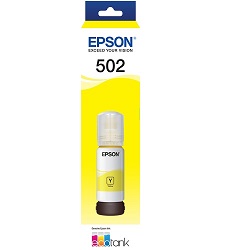
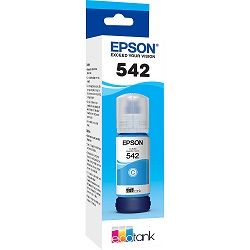
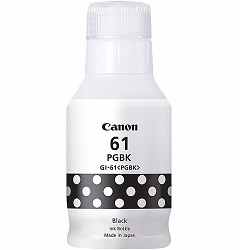
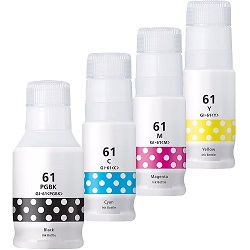
Ink bottles are the smart way to keep your tank-style printer topped up without constantly replacing cartridges. At Ink Depot, we stock a wide range of ink bottles for EcoTank, MegaTank and similar refillable systems, offering excellent value, high yield and dependable quality.
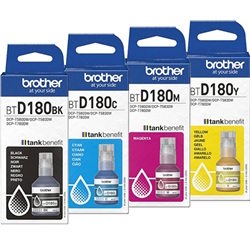
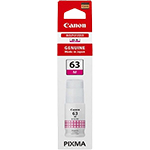
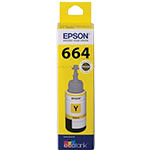
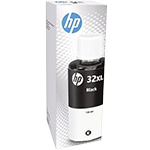
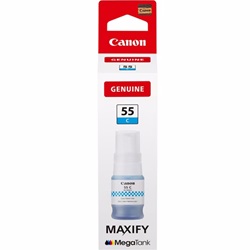
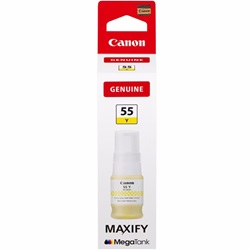
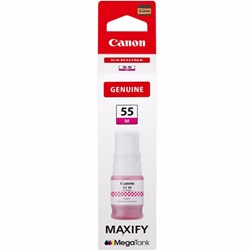
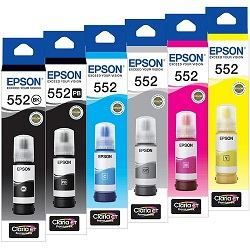

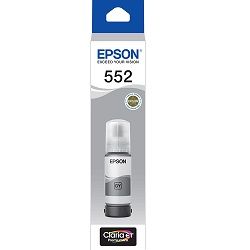

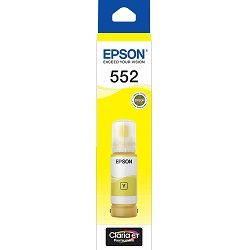

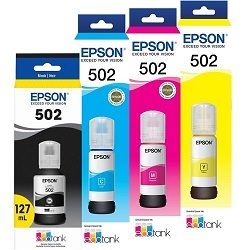

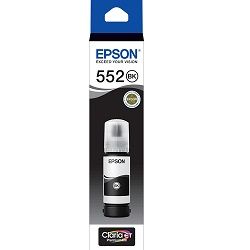
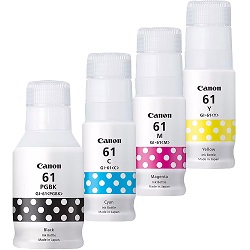

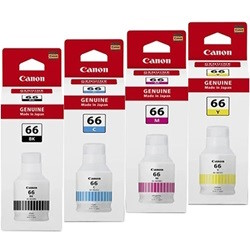
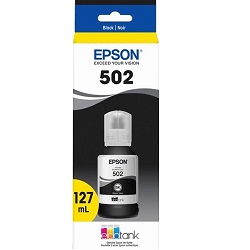


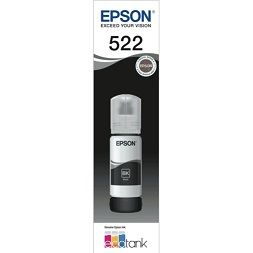

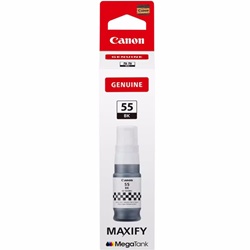

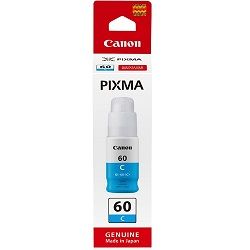
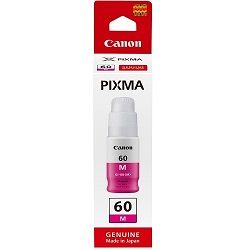
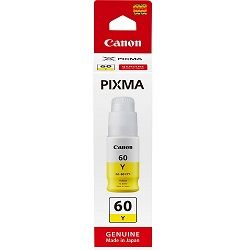
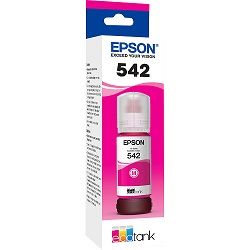
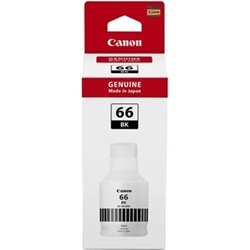


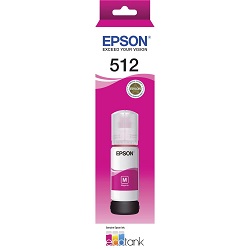


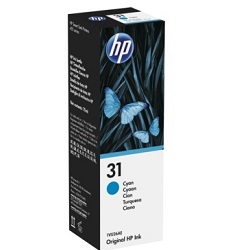
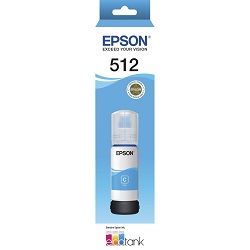
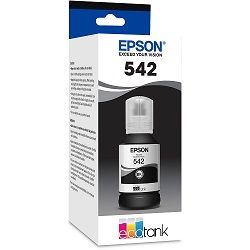
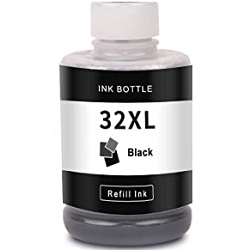
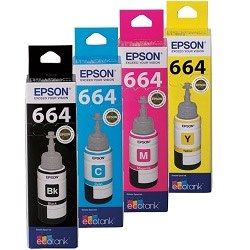


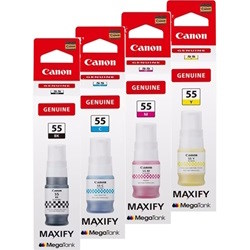


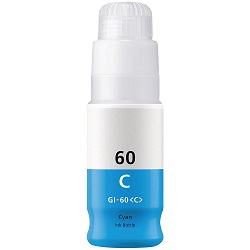
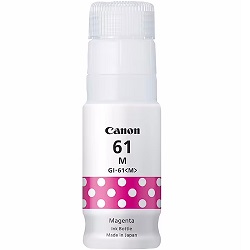
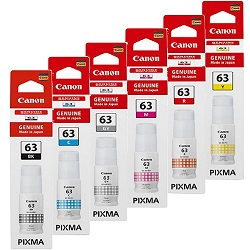


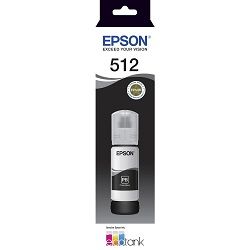
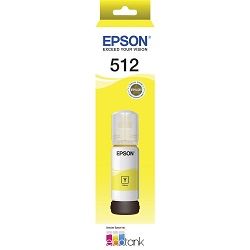
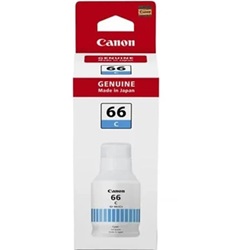
Why Use Ink Bottles?
Choosing ink bottles over traditional cartridges can dramatically reduce your printing costs. Because each bottle contains a large volume of ink, you’ll need fewer refills, which means less waste and a much lower cost per page. This makes them especially ideal for homes, small offices and anyone who prints frequently.
Tank-style printers, like Epson’s EcoTank or Canon’s MegaTank, are designed to work seamlessly with ink bottles, allowing you to refill directly and avoid the expense and inconvenience of frequent cartridge replacements. For regular printing users, this adds up to real savings.
Types of Ink Bottles Available at Ink Depot
Ink Depot carries a diverse selection of ink bottles to meet various printing needs:
- OEM Ink Bottles: Genuine ink from trusted brands like Epson.
- High-capacity multipacks: Bundle options that give more ink per dollar, reducing the frequency of reorders.
- Third-party / compatible ink: Reliable non-genuine options that maintain good print quality while cutting costs.
Key Advantages of Using Ink Bottles
Huge cost savings
Because ink bottles carry far more ink than standard cartridges, the cost per page is significantly less. This is a big win for anyone who prints regularly.
Long life between refills
Tank-style systems using ink bottles allow for thousands of pages per refill.
Simple, spill-resistant refilling
Modern ink bottles are designed with keyed nozzles and caps so you can refill without making a mess or risking cross-colour spillage.
Transparency of ink levels
You can easily see how much ink remains in your printer’s tank, helping you decide when to refill instead of being surprised by a “low ink” warning.
How to Refill Your Printer with Ink Bottles
Refilling your printer with ink bottles doesn’t have to be tricky. Follow these steps for a clean and safe process:
- Turn off your printer and open the refill tank access.
- Shake the bottle gently, then remove the cap.
- Align the correct colour bottle to the matching tank — many are “keyed” to prevent wrong-colour filling.
- Pour slowly or insert the nozzle into the tank to prevent spillage.
- Seal the tank, reset any ink-level indicators if your printer supports it, and run a test print to check everything is working properly.
Explore More
Canon Ink Cartridges | Toner Cartridges | Ink Cartridges | A3 Printers
Other products you may interested in