
Canon PIXMA TS8360a Ink Cartridges
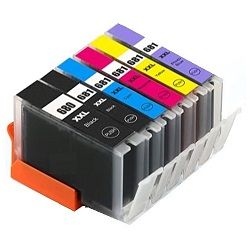
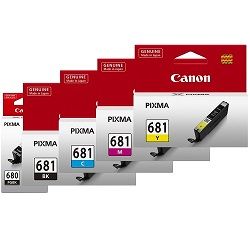
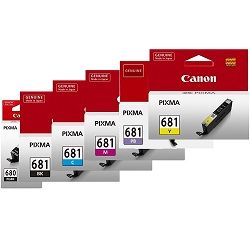
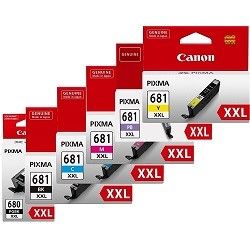
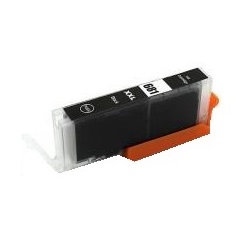
Your Canon PIXMA TS8360a uses the PGI-680 and CLI-681 cartridge series, featuring a sophisticated six-ink system that includes a dedicated Photo Blue tank. This creative-focused configuration is designed for high-fidelity photo reproduction and sharp document text. Because the printer separates large pigment black from smaller dye-based colours, you will notice the PGI-680BK depletes faster during heavy text use, while the Photo Blue and individual colours are consumed primarily during high-resolution image printing. Managing these distinct depletion rates is best handled by keeping individual spares or opting for value bundles.






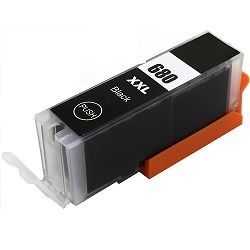

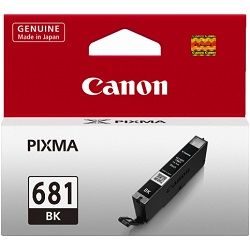
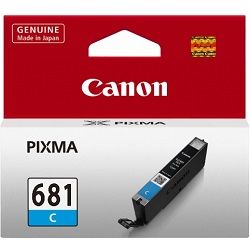

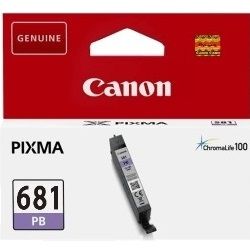

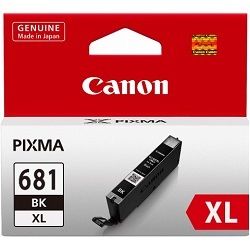
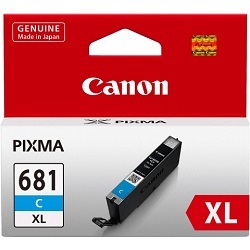
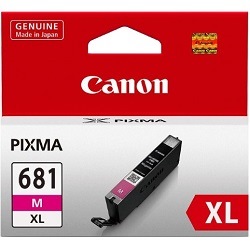
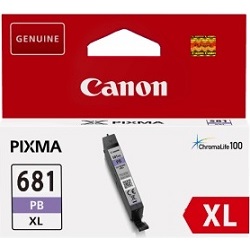


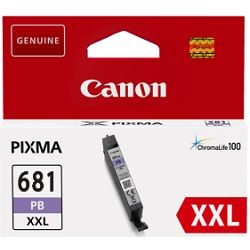


Colour Behaviour and Individual Tank Management
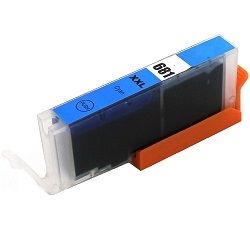
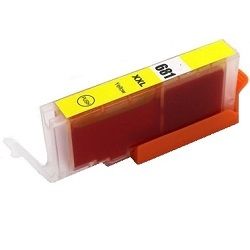
The six-cartridge system in this printer is tailored for creative and photo-heavy applications. Unlike four-colour printers, the addition of Photo Blue specifically reduces graininess in bright areas of photos, such as skies or water. You will likely find that your colour usage is imbalanced; for example, the Cyan, Magenta, and Yellow tanks may deplete at different rates depending on the colour palette of your images. Replacing only the specific colour that has run out is the most efficient way to maintain this printer, rather than replacing multiple tanks prematurely.
Understanding Page Yield and Replacement Cycles
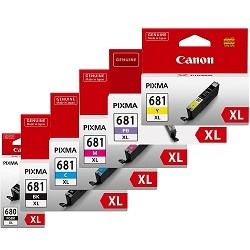
The number of prints you can expect varies significantly between the standard, XL, and XXL cartridge capacities. Canon determines these yields based on the ISO/IEC 24711 standard for A4 documents and ISO/IEC 29102 for 10x15cm photos. For the PIXMA TS8360a, the XXL cartridges offer the highest volume, making them the preferred choice for those who print high-resolution photos frequently. While the pigment black (PGI-680) is rated for document text, the dye-based CLI-681 tanks are primarily measured by their ability to produce laboratory-quality photographs.
| Cartridge Number | Type | Colour | Page Yield | Cost Per Page |
|---|---|---|---|---|
| CLI-681BK | Standard | Black | 1,500 | $0.012 |
| PGI-680BK | Standard | Black | 200 | $0.089 |
| CLI-681C | Standard | Cyan | 250 | $0.071 |
| CLI-681M | Standard | Magenta | 250 | $0.071 |
| CLI-681Y | Standard | Yellow | 250 | $0.071 |
| CLI-681PB | Standard | Photo | 1,660 | $0.011 |
| PGI-680XLBK | High Yield | Black | 400 | $0.071 |
| CLI-681XLBK | High Yield | Black | 3,120 | $0.009 |
| CLI-681XLC | High Yield | Cyan | 515 | $0.055 |
| CLI-681XLM | High Yield | Magenta | 515 | $0.055 |
| CLI-681XLY | High Yield | Yellow | 515 | $0.055 |
| CLI-681XLPB | High Yield | Photo | 4,710 | $0.006 |
| PGI-680XXLBK | Extra High Yield | Black | 600 | $0.053 |
| CLI-681XXLBK | Extra High Yield | Black | 6,360 | $0.005 |
| CLI-681XXLC | Extra High Yield | Cyan | 760 | $0.045 |
| CLI-681XXLM | Extra High Yield | Magenta | 760 | $0.045 |
| CLI-681XXLY | Extra High Yield | Yellow | 760 | $0.045 |
| CLI-681XXLPB | Extra High Yield | Photo | 9,140 | $0.004 |
Cost Per Page = Total Cartridge Price ÷ Page Yield (at 5% coverage). Prices based on Genuine cartridges.
Genuine vs Compatible Cartridges
Users can choose between genuine Canon supplies and compatible alternatives. Our compatible PGI-680 and CLI-681 cartridges are engineered to meet the same physical specifications as the originals and include the necessary chips for accurate ink level monitoring. Under Australian Consumer Law, using compatible cartridges does not void your printer warranty. For more detailed information on this, you can read our guide on genuine vs compatible cartridges.
Stocking and Delivery Options
For the best value, most users opt for XXL bundle packs, which provide the lowest cost per drop across all six colours. If you mainly print documents, ensure you have an extra PGI-680XXLBK on hand. For photographers, a full set of CLI-681XXL colours prevents project interruptions. All our compatible cartridges are backed by a money back guarantee. Please refer to our returns policy for more details. Free delivery applies on all orders over $99 (conditions apply). We ship promptly from our national network of warehouses in Perth, Brisbane, Sydney, Melbourne, and Adelaide to ensure your Canon ink cartridges arrive as quickly as possible.
Pro Tip
Always perform a print head alignment after replacing a cartridge, especially the Photo Blue tank. This ensures the complex six-colour blending remains precise for your photo prints.
Frequently Asked Questions
Can I mix and match standard, XL, and XXL cartridges in my TS8360a?
Yes, the cartridge slots are identical for all three capacities. You can use an XXL Black alongside standard colour cartridges without any compatibility or fitment issues.
Why does my printer have two different black cartridges?
The PGI-680 is a large pigment-based black used for sharp, smudge-resistant text on plain paper. The CLI-681 black is a dye-based ink used specifically for deep blacks and contrast in photo printing on glossy or matte photo papers.
Is the Photo Blue cartridge necessary for document printing?
While the printer can produce text without it, the TS8360a requires all six cartridges to be installed with at least some ink to function. The Photo Blue is mainly utilised during high-quality photo printing to reduce grain and enhance blue tones.


