
Printer Maintenance Kits
Find the printer maintenance kit you need for your printer here at Ink Depot. Low prices and delivered to you fast. We have printer maintenance kits for all major brands including Epson, Fuji Xerox and Ricoh.
Note: maintenance kits are not usually applicable for home and small office devices - but are intended for larger, more substantial printers.
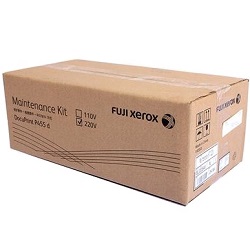
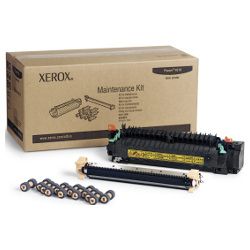
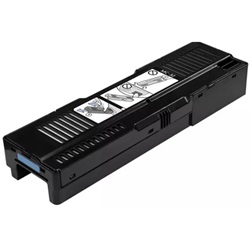

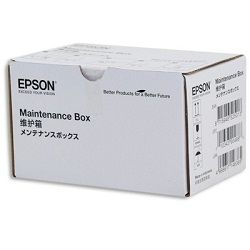

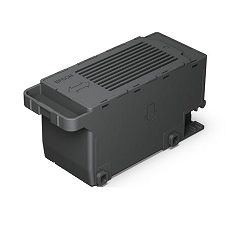
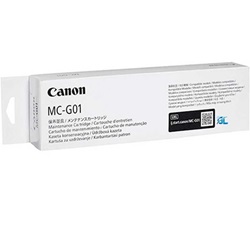
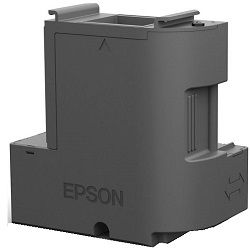

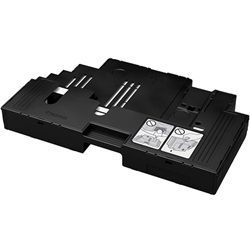

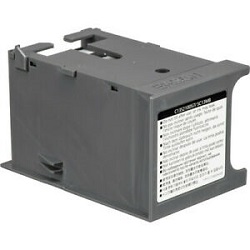
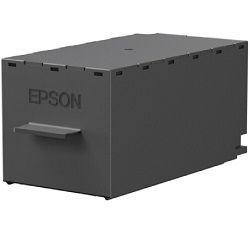


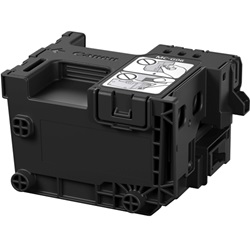
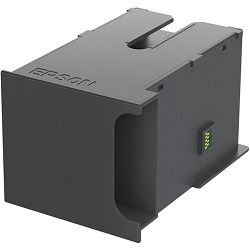
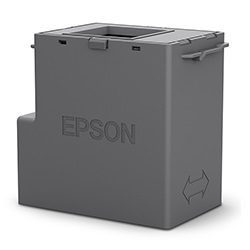
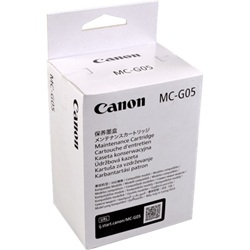


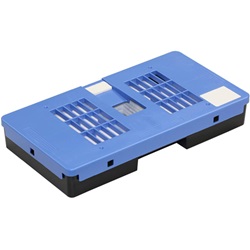


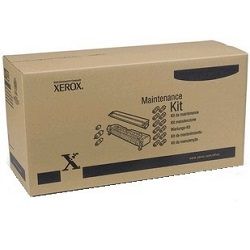

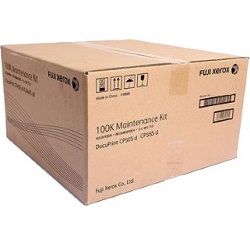
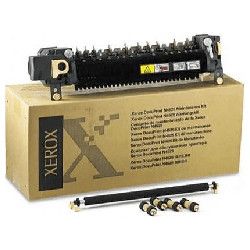
What is a printer maintenance kit?
A printer maintenance kit is a preventative maintenance kit and will help ensure the optimum performance of your laser printer for years to come. As with all machines a printer is comprised of a number of different components which will eventually wear out with use. Each printer maintenance kit is specifically designed for a particular brand and model of printer and cannot be interchanged.
Components of a printer maintenance kit
Whilst the components of a printer maintenance kit will vary from kit to kit, most kits include the following parts:
- Fuser: The heating assembly that applies heat and pressure needed to bind toner permanently on to paper.
- Transfer roller: A rotating roller that transfers toner from the cartridge to paper.
- Other rollers: Paper feed rollers, paper pickup rollers, separation pads/rollers
- Transfer corona unit: a thin wire that applies charge to paper
- Cooling fan: Present in laser printers to prevent overheating
- Cleaning supplies: To keep internal components clean and free of dust
To know what is included in each printer maintenance kit, please check the product details page for that kit.
When is it time for a printer maintenance kit
The main indication that your printer needs the installation of a maintenance kit's components is when the printer’s display shows an error message like ‘scheduled maintenance’ or ‘performance printer maintenance’. The exact message may vary. This message is displayed after a certain number of pages are printed (varies with brand and model) because it is likely that at this point, paper and toner dust will have accumulated to an extent that it can reduce the performance your printer's components.
To ensure smooth functioning and long life for your printer it is recommended that you install the components of your printer's maintenance kit as soon as possible after this message appears on your printer.
How often are maintenance kits needed?
Certain factors decide when and how often a printer needs a maintenance kit installation. They are:
- Operating environment
- Thickness of toner
- Paper and printing media used
- Print application
DIY or technician?
This depends on your skills and prior experience in handling and installation of maintenance kits. Some maintenance kit components can be installed quickly whilst others require significant dismantling of the printer.
In most cases, it is best to schedule an appointment with a technician to help you dismantle the printer and install the maintenance kit components. This is especially important if the kit is covered under guarantee/warranty. For further information refer to the detailed instructions included with the maintenance kit.
Other products you may interested in


Customer Reviews for Printer Maintenance Kits Purchase
General FAQ
Certain Canon wireless printers allow borderless printing, a technique to print an image across the entire paper or cardstock without any white borders/margins. This is useful for printing out photos.
SELPHY CP1300 can print in the following sizes: postcard (148 x 100mm), credit card (86 x 54mm), square stickers (50 x 50mm) and mini stickers (22 x 17.3mm). SELPHY QX10 can print in the following size: 68 x 68mm (fixed).
Install the free Canon PRINT Inkjet/SELPHY app in your Android or Apple smartphone. Follow the simple instructions to set up and start printing directly from your phone when connected to WiFi.


