
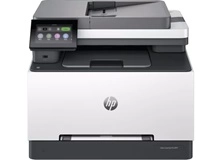
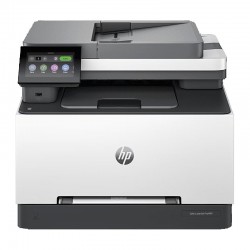
HP Color LaserJet Pro MFP 3301fdw Toner Cartridges
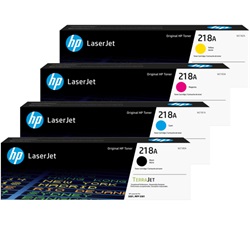
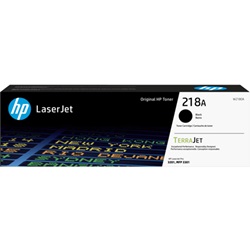
Your HP Color LaserJet Pro MFP 3301fdw uses the 218A / 218X cartridge series, a four-toner system designed for business environments requiring crisp text and professional colour graphics. Because this printer is built for small business and home office productivity, you will find that the black toner typically depletes much faster than the cyan, magenta, and yellow units. To manage this imbalance, most users opt for the high-yield 218X black toner while keeping standard 218A colour cartridges on hand for occasional marketing materials and reports.



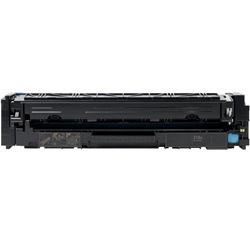
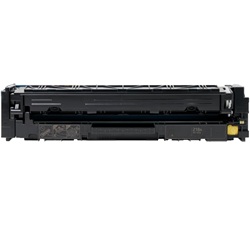
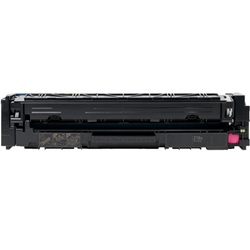
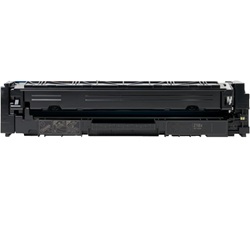
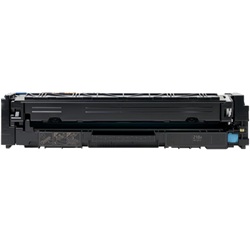
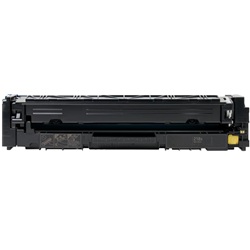
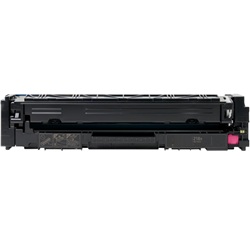
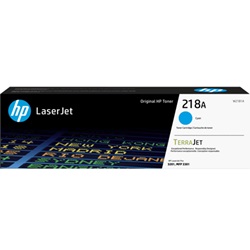
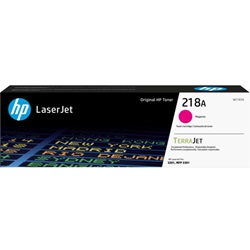
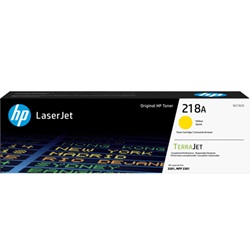
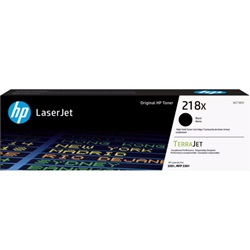
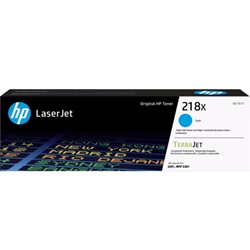
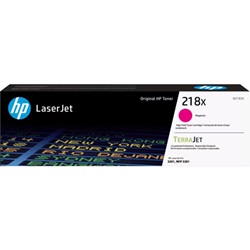
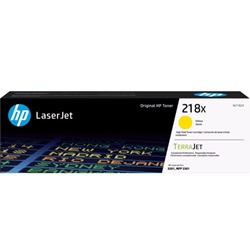
Page output and replacement cycles
How long your toner lasts depends heavily on the density of your documents. HP calculates the yield for these 218A and 218X cartridges based on the ISO/IEC 19798 standard, which assumes approximately 5% coverage per page. If your office prints heavy graphics or full-page presentations, your actual number of prints will be lower than the stated yields. High-volume users generally find the 218X series more efficient as it more than doubles the page capacity of the standard 218A variants, reducing the frequency of printer downtime.
| Cartridge Number | Type | Colour | Page Yield | Cost Per Page |
|---|---|---|---|---|
| 218A | Standard | Black | 1,300 | $0.096 |
| 218A | Standard | Cyan | 1,200 | $0.12 |
| 218A | Standard | Magenta | 1,200 | $0.12 |
| 218A | Standard | Yellow | 1,200 | $0.12 |
| 218X | High Yield | Black | 3,200 | $0.057 |
| 218X | High Yield | Cyan | 2,500 | $0.085 |
| 218X | High Yield | Magenta | 2,500 | $0.085 |
| 218X | High Yield | Yellow | 2,500 | $0.085 |
Cost Per Page = Total Cartridge Price ÷ Page Yield (at 5% coverage)
Genuine vs compatible toner options
We provide both genuine HP toners and premium compatible alternatives for this printer model. Our compatible 218A and 218X cartridges are engineered to match the performance of the original brand at a lower price point. Under Australian Consumer Law, using compatible cartridges does not void your printer warranty. For more detailed information on this, you can read our guide on genuine vs compatible cartridges.
Selecting the right cartridges
If your daily workflow consists mainly of black and white invoices or text documents, investing in 218X high-yield black toner is the most cost-effective strategy. However, if you only occasionally print in colour, the standard 218A colour cartridges are often sufficient. For those looking to keep costs low, our compatible cartridges come with a money-back guarantee. You can find more details on our returns policy.
Free delivery applies on all orders over $99 (conditions apply). We ensure fast distribution by shipping from our specialised warehouses in Perth, Brisbane, Sydney, Melbourne, and Adelaide. Browse our full range of HP toner cartridges to stock up your office.
Pro Tip
When the printer indicates a "Low Toner" message, you can often extend the life of the cartridge by removing it and gently rocking it from side to side. This redistributes the remaining toner powder inside the hopper, which can sometimes provide a few dozen extra clear prints while you wait for your replacement to arrive.
Frequently Asked Questions
Can I mix a 218X high-yield black cartridge with 218A standard-yield colour cartridges?
Yes, the 218A and 218X series are fully interchangeable within the same printer. You can install a high-yield black toner alongside standard-yield colour toners without any compatibility or software issues, which is a common strategy for managing high-volume text printing.
Why does my colour toner decrease even if I only print in black and white?
Laser printers often use a small amount of colour toner during the startup and calibration cycles to maintain printhead health and colour accuracy. To minimise this, ensure your printer driver settings are set to "Black Ink Only" or "Grayscale" for everyday internal documents.
How do bundle packs compare to buying individual toners for the MFP 3301fdw?
Bundle packs for the 218A and 218X series offer a lower price per unit compared to purchasing each colour separately. For business users, bundles are the most efficient way to ensure you aren't left with a non-functional printer when a single colour finally hits its exhaustion point during a print run.


