
Fuji Xerox Toner Cartridges
Fuji Xerox printers are suitable for small to large business environments where the printing frequency ranges from medium to high. Fuji Xerox toners are designed to handle high volume printing. Compliment your printer with original Fuji Xerox toner cartridges to print sophisticated documents in both black or vibrant colours.




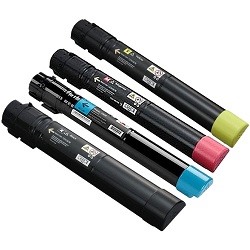
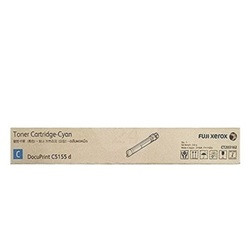
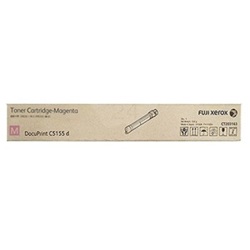
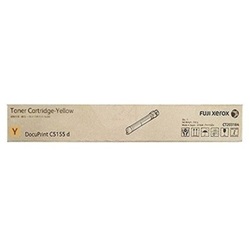
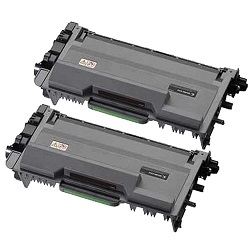

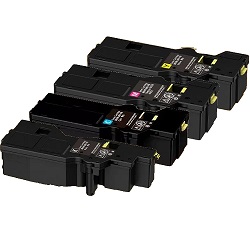
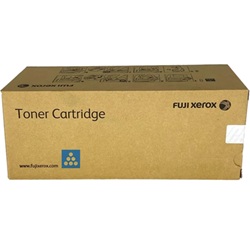
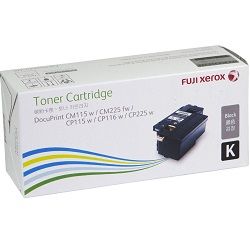

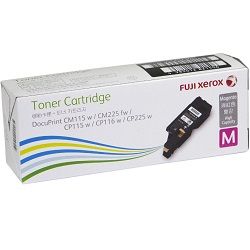
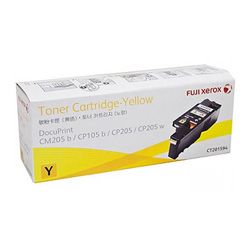
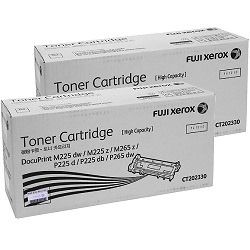




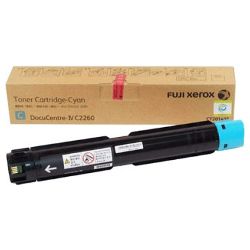
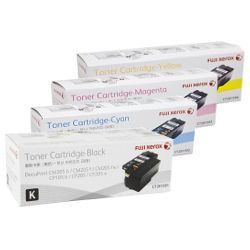
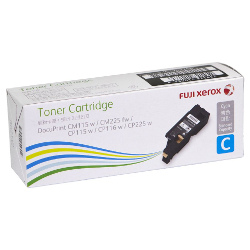
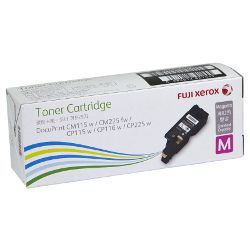


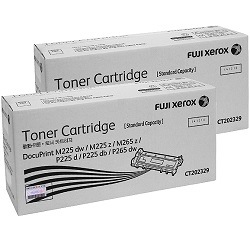
Fuji Xerox laser printers are a staple in Australian offices, schools, and small businesses, known for reliable, high-volume output and solid build quality across their DocuPrint and ApeosPort ranges. Ink Depot stocks both genuine Fuji Xerox toner cartridges and quality compatible alternatives across the most popular models sold in Australia, including the DocuPrint CP and CM desktop series through to the higher-capacity ApeosPort workgroup machines.
Whether you're running a home office in Brisbane or managing print supplies for a busy team in Melbourne or Perth, we deliver Australia-wide with fast dispatch on all stocked items.
Understanding Fuji Xerox Toner Series
| Series (CT Codes) | Compatible Printer Models | Key Features & Yields |
|---|---|---|
| CT201591–CT201594 | DocuPrint CP105b, CP205, CP205w, CM205b, CM205fw, CM215, CM215fw, CP215w | Individual CMYK cartridges. Black yields approximately 2,000 pages; cyan, magenta and yellow yield approximately 1,400 pages each. Suitable for entry-level colour laser printing in home offices and small businesses. |
| CT201632–CT201635 | DocuPrint CP305d, CM305df | Individual CMYK cartridges with approximately 3,000-page yields for black and colour. A mid-range colour laser series suitable for small workgroups needing regular colour output. |
| CT202264–CT202267 | DocuPrint CM225fw, CP225w | High-yield CMYK cartridge set. Black yields approximately 2,000 pages; colour cartridges yield approximately 1,400 pages each. Popular compact wireless colour laser range for home offices. |
| CT201937–CT201938 | DocuPrint M355df, P355d | Black toner only. CT201937 is standard yield at approximately 4,000 pages, while CT201938 is high yield at approximately 10,000 pages. Ideal for regular monochrome office printing. |
| CT203346–CT203349 | ApeosPort-VII C4421, ApeosPort-VII C3321, DocuPrint CP475 AP | High-capacity workgroup colour toner range. Black yields approximately 15,000 pages; colour cartridges yield approximately 11,000 pages each. Suitable for busy offices and high-volume colour printing. |
Finding your cartridge number: The CT code for your toner is printed on the label of your current cartridge and listed in your printer's user manual. You can also check the printer's front panel menu under Supplies or Consumables. If you're unsure, enter your printer model name in the search bar at the top of this page.
Fuji Xerox EA Toner Technology
Genuine Fuji Xerox toner cartridges for many DocuPrint and ApeosPort models use EA toner, which stands for Emulsion Aggregation. Unlike conventional mechanically ground toner, EA toner is chemically manufactured to create particles that are more uniform in size and shape.
In practical terms, this can help produce sharper text edges, smoother colour gradients and more consistent coverage across the page. EA toner also fuses at a lower temperature than conventional toner, helping reduce energy use during printing.
Getting the Most from Your Fuji Xerox Toner
Choose high-yield cartridges if you print regularly. The CT201938 high-yield black toner for the M355df and P355d delivers around 10,000 pages compared to approximately 4,000 pages from the standard CT201937. If your printer supports a high-yield option, it is usually better value for regular printing.
Do not ignore the drum life indicator. Fuji Xerox printers track toner and drum life separately. If print quality drops but toner levels still look healthy, check the drum status through the printer menu.
Shake the cartridge gently before fitting it. Toner can settle during storage and shipping. Before installing a new cartridge, gently shake it horizontally a few times to redistribute the toner powder evenly.
Store spare cartridges correctly. Keep Fuji Xerox toner cartridges sealed in their packaging, stored horizontally, and away from direct sunlight, heat and humidity.
Match the cartridge series precisely to your model. Similar-looking CT codes are not always interchangeable. Always confirm the full printer model and cartridge code before ordering.
Consider bundle packs for high-volume colour printing. If you run an ApeosPort-VII C4421 or C3321 in a busy office, multi-pack compatible toner bundles can reduce ordering frequency and lower overall printing costs.
Note: Page yields quoted are based on ISO/IEC 19798 for colour cartridges and ISO/IEC 19752 for monochrome cartridges at 5% page coverage. Actual page yield will vary depending on document type, toner coverage and print settings.
Genuine vs Compatible Fuji Xerox Toner
Genuine Fuji Xerox toner cartridges are manufactured to the printer's original specifications and are often preferred for critical business printing, managed print environments, or colour-sensitive documents.
Compatible Fuji Xerox toner cartridges are made by third-party manufacturers to work with Fuji Xerox printers. Quality compatible cartridges can offer strong everyday performance at a much lower cost per page, especially for regular office documents, reports and internal paperwork.
Under Australian Consumer Law, using a compatible toner cartridge does not automatically void your printer warranty. A manufacturer would need to show that the compatible cartridge directly caused the fault.
Delivery & Availability
Ink Depot delivers Fuji Xerox toner cartridges Australia-wide, including Sydney, Melbourne, Brisbane, Adelaide, Perth and regional locations. Both genuine and compatible options are available for many popular DocuPrint and ApeosPort models.
Before ordering, confirm the full model name printed on the front of your printer and cross-check it with the CT code on your current cartridge.
Frequently Asked Questions
1. My DocuPrint CP205 says "Replace Toner" but I've only printed around 800 pages. Is the cartridge faulty?
Not always. The CT201591 black toner is rated at approximately 2,000 pages at 5% coverage, but heavy text, graphics or solid colour areas can use much more toner per page. Check the toner level in the printer menu to see whether the cartridge is genuinely empty or only showing a low-toner warning.
2. Can I use CT201591 toner in my CM215fw?
Yes. The CT201591–CT201594 cartridge set is compatible with the CP105b, CP205, CP205w, CM205b, CM205fw, CM215, CM215fw and CP215w models. These printers share the same toner system.
3. I replaced the toner cartridge in my M225dw but I am still getting faint streaks. What is wrong?
The M225dw uses a separate drum unit alongside the toner cartridge. If streaks or ghost images remain after installing fresh toner, the drum may be worn and need replacement.
4. Is the CT203346 black toner for the ApeosPort-VII C4421 the same as for the C3321?
Yes. The CT203346 black toner and CT203347–CT203349 colour toners are shared by the ApeosPort-VII C4421, ApeosPort-VII C3321 and DocuPrint CP475 AP.
5. Will using a compatible toner void my Fuji Xerox printer warranty?
No, not automatically. Under Australian Consumer Law, a manufacturer cannot void your warranty simply because you used a third-party toner cartridge. They would need to prove that the compatible cartridge directly caused the fault.
6. What is the difference between CT201937 and CT201938?
Both are black toner cartridges for the DocuPrint M355df and P355d. CT201937 is the standard-yield cartridge at approximately 4,000 pages, while CT201938 is the high-yield version at approximately 10,000 pages.
Explore Our Range Popular Products
Other products you may interested in


