
Kyocera EcoSys M5526cdna Toner Cartridges
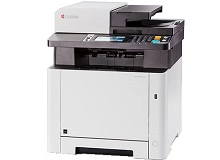
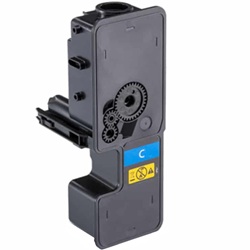
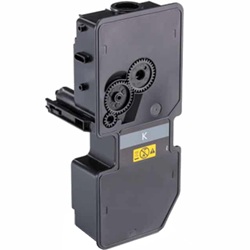
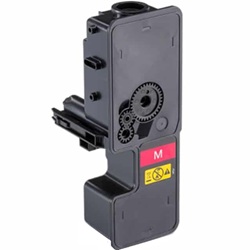
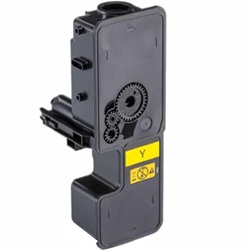
Shop toner cartridges for your Kyocera EcoSys M5526cdna, which uses the Kyocera TK-5244 toner cartridge series. Built as a fast colour laser multifunction device for small business operations, routine workflow usually exhausts black TK-5244K cartridges faster than colour units. Our 4.8 Google rating reflects a long-standing track record of premium cartridge performance. Choosing TK-5244 bundle options helps streamline replacements for high-volume office tasks.
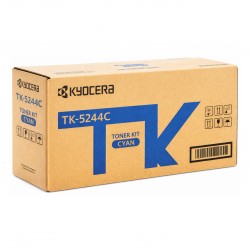
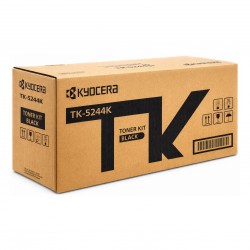
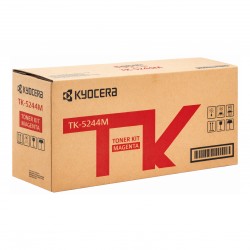
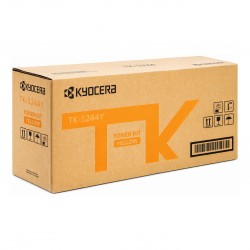
Expected Page Output and Replacement Cycles
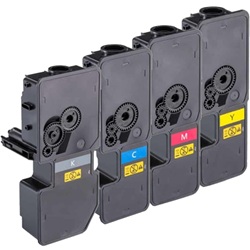
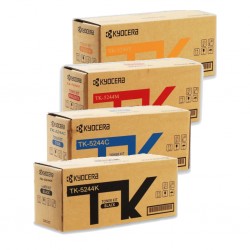
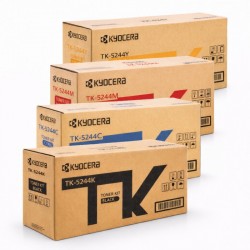
Toner capacities for the Kyocera EcoSys M5526cdna are measured under ISO/IEC 19798 standards based on 5% page coverage. The TK-5244K black toner yields up to 4,000 pages, while TK-5244C, TK-5244M, and TK-5244Y colour toners yield up to 3,000 pages each, providing low operating costs for high-volume business documentation.
| Cartridge Number | Type | Colour | Page Yield | Cost Per Page |
|---|---|---|---|---|
| TK-5244K | Standard | Black | 4,000 | $0.032 |
| TK-5244C | Standard | Cyan | 3,000 | $0.064 |
| TK-5244M | Standard | Magenta | 3,000 | $0.064 |
| TK-5244Y | Standard | Yellow | 3,000 | $0.064 |
Cost Per Page = Total Cartridge Price ÷ Page Yield (at 5% coverage). Prices based on Genuine cartridges.
Choosing Between Genuine and Compatible Options
For small business budgets, compatible TK-5244 cartridges offer substantial savings on daily office printing without compromising clarity or colour consistency. Under Australian Consumer Law, using compatible cartridges does not void your printer warranty. Read our detailed guide on genuine vs compatible cartridges to determine which option best fits your printing environment.
Best Way to Stock These Toner Cartridges
If your office prints predominantly invoices and text documents, buying individual TK-5244K black toners as needed keeps upfront expenditure low. For teams producing regular colour marketing materials, complete TK-5244 value bundles minimise downtime and overall page expenses. Compatible toners include a full money back guarantee through our returns policy if you are not completely satisfied. Free delivery applies on all orders over $99 across Australia. We dispatch fast from warehouses in Perth, Brisbane, Sydney, Melbourne and Adelaide to keep your Kyocera toner cartridges topped up without delay.
Pro Tip
When replacing colour toners on the EcoSys M5526cdna, purchasing a 4-colour TK-5244 pack rather than individual cyan, magenta, and yellow cartridges significantly reduces per-unit costs and ensures all three colours deplete evenly over heavy print cycles.
Frequently Asked Questions
Can I mix genuine Kyocera TK-5244 toner cartridges with compatible ones in the same printer?
Yes, you can run genuine TK-5244 cartridges alongside compatible TK-5244 toners without issue. The printer's microchips process each toner slot individually, allowing you to replace single colours with compatible alternatives as each cartridge runs out.
Why does the TK-5244K black toner have a higher page yield than the colour toners?
Black toner is designed for document-heavy business workflows where text dominates output. Kyocera fills the TK-5244K cartridge to deliver 4,000 pages compared to 3,000 pages for TK-5244C, TK-5244M, and TK-5244Y, matching typical office black-to-colour usage ratios.
How do full TK-5244 toner bundle sets improve cost efficiency for office printing?
Buying TK-5244 multi-packs reduces the per-cartridge price compared to purchasing single toners individually. It also ensures you have replacement cyan, magenta, yellow, and black toners on hand, preventing unexpected workflow halts when a specific colour depletes during large print runs.


