
HP OfficeJet 7612 Ink Cartridges
Your HP OfficeJet 7612 uses the 932 / 933 cartridge series, featuring a four-cartridge ink management system with dedicated slots for black, cyan, magenta, and yellow. We have been supplying reliable printer consumables for this system since Mar 2017. Our 4.8 Google rating highlights our long-standing focus on cartridge reliability. For home office or small business setups running wide-format A3 documents, this individual colour layout ensures you only replace the specific ink tank that runs low.
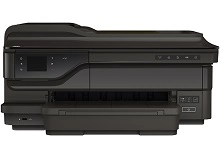
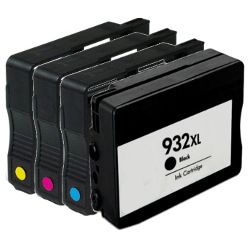
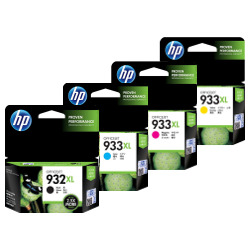
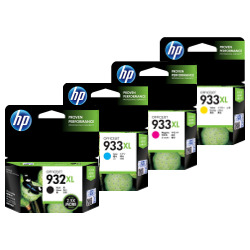



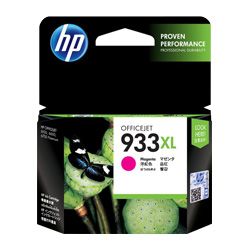

Expected page yields for this series
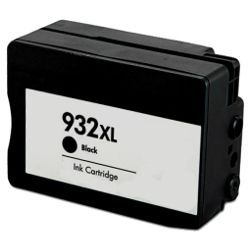
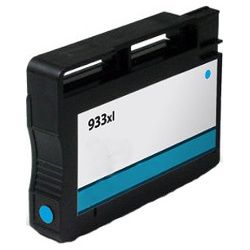
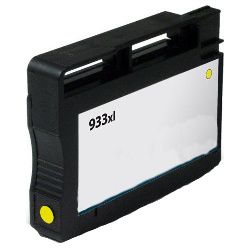
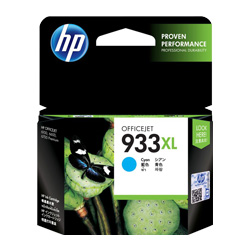
Standard 932 black ink cartridges deliver an estimated output of 400 pages, while high-yield 932XL black cartridges step up to 1000 pages. The individual 933XL colour cartridges (cyan, magenta, and yellow) deliver up to 825 pages each. These targets are calculated using international ISO/IEC 24711 compliance standards, though total page counts depend on document layout styles and graphical area coverage.
| Cartridge Number | Type | Colour | Page Yield | Cost Per Page |
|---|---|---|---|---|
| 932 | Standard | Black | 400 | $0.067 |
| 932XL | High Yield | Black | 1,000 | $0.089 |
| 933XL | High Yield | Cyan | 825 | $0.055 |
| 933XL | High Yield | Magenta | 825 | $0.055 |
| 933XL | High Yield | Yellow | 825 | $0.055 |
Cost Per Page = Total Cartridge Price ÷ Page Yield (at 5% coverage). Prices based on Genuine cartridges.
The performance of compatible cartridges
Opting for premium compatible ink replacements offers a practical mechanism to drop your business printing expenses without risking physical damage to your machine. Under Australian Consumer Law, using compatible cartridges does not void your printer warranty.
Cartridge stocking strategies
If your office primarily runs financial spreadsheets or letters, standalone black replacements manage those workflows efficiently. If you frequently print full-colour brochures or marketing material, choosing a value bundle pack lowers your upfront expenditure. Every compatible unit is fully supported by our standard money-back guarantee. Free delivery applies on all orders over $99. We fulfil and ship daily from logistics facilities located across Brisbane, Sydney, Melbourne, Adelaide, and Perth. Discover the entire category range on our dedicated HP ink cartridges hub, and view our returns policy for additional terms.
Pro Tip
This printer features a permanent printhead separate from the ink tanks themselves. To prevent stray air from entering the fine micro-channels and causing print gaps, always prepare your replacement cartridge before taking out the old one, minimising the time the receiving port remains exposed to ambient air.
Frequently Asked Questions
Can I use a high-yield 932XL black cartridge alongside standard 933 colour cartridges?
Yes, this printer layout accommodates any mix of standard and high-yield XL versions within the 932 and 933 families. The on-board system tracks each cartridge slot independently, allowing you to configure yields based on your actual consumption patterns.
Why does my display screen throw a warning message after putting in a new compatible ink cartridge?
Modern printer logic loops occasionally retain older chip profiles and prompt a non-genuine or low status alert. You can typically bypass this notification and proceed with your print queue by clicking past the prompt or pressing OK on the control console.
What steps prevent the separate printhead from clogging if I only print occasionally?
Because the printhead mechanism is built into the printer body rather than the cartridges, letting the machine sit idle for long periods can cause dry ink residue to block the pathways. Keeping the printer powered on allows its automated maintenance cycles to run periodically and keep nozzles clear.


