
Drum Units
Are you looking to replace the worn drum unit for your printer or copier? Here at Ink Depot, you can easily search for the correct model you need using the brand, model number or product code. Drum unit (also called imaging unit) is the component that transfers ink from the toner onto the paper.
At Ink Depot, find the best selection of genuine, compatible and remanufactured drum units for your printer or copier from reputed brands like Canon, Fuji Xerox, Lexmark, Brother, HP, Samsung and have them delivered right to your doorstep.
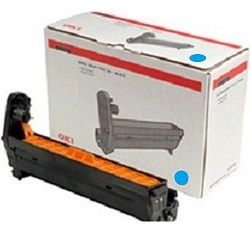
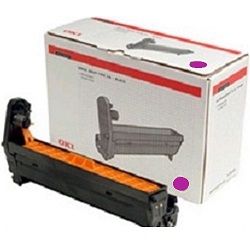
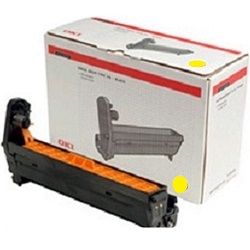






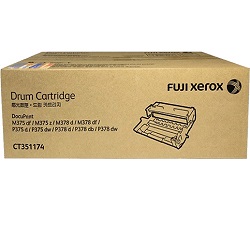
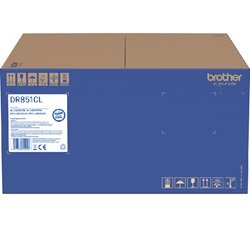

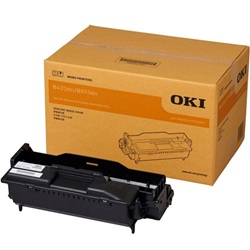
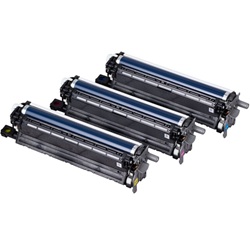
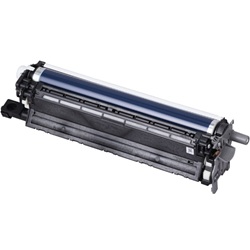
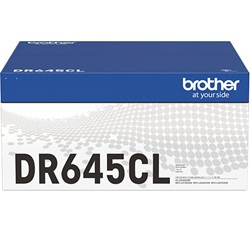

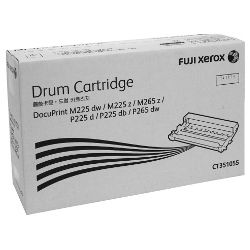

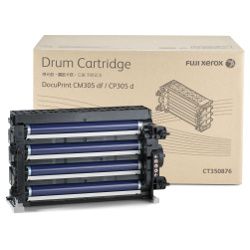
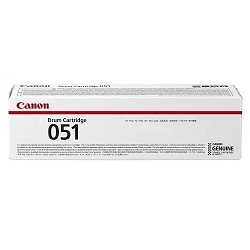

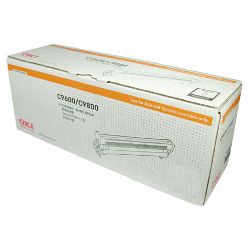
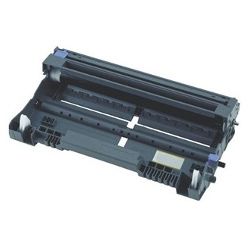


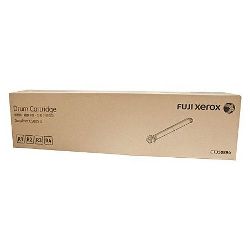
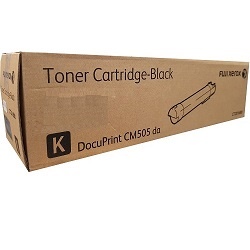
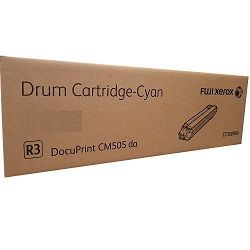
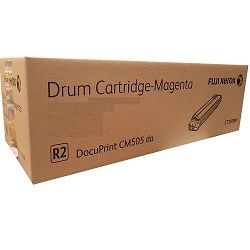


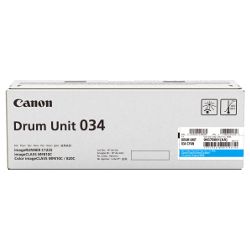


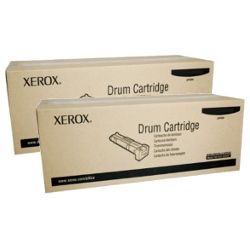
What’s the drum unit?
The drum unit is one of the most important components of your printer. It is an electrically charged drum responsible for transferring toner particles to the sheets while printing. As with toner cartridges, you must replace your drum unit whenever needed to ensure that your laser printer continues to print out smoothly.
When do you know it’s time to replace your drum unit?
If your printouts are missing words or small sections of the page, if there are smudges, streaks or horizontal lines in the printed material or if some pages arrive at the output tray completely blank (even though your toner cartridge is new or not in need of a replacement any time soon), it could be an indication that it is time to replace the drum unit.
As a general rule of thumb, a drum unit lasts for 10,000 to 25,000 pages before needing a replacement. You can check the specifications for your model to find out the page estimate. Its durability varies with the brand and model. Typically, you will replace a drum unit after using 3 to 4 toner cartridges. Some laser printer models also have an inbuilt monitoring system for the number of pages printed and will display a warning message.
How to replace the drum?
The way to replace a drum unit varies across printer brands and models. You can read how to do it for your printer and follow the instructions. Generally, look for a door that you can open at the front or back of the device and press the button to release the toner and the drum. Always remove the drum unit from its package only when you are ready to replace it at once and do not expose it to sunlight for more than a few minutes. Use your printer’s manual to learn the right way to replace the drum unit.
If your printer does not detect the newly replaced drum unit, you might need to reset your device. Also, don’t forget that some printer models incorporate the drum and toner cartridge together as one unit that needs to be replaced as one component.
Other products you may interested in


General FAQ
Epson inkjet printers use inks specific to the model, and are usually DURABrite or Claria Photo HD inks. They are dye-based inks, but some black inks are pigment-based. Epson EcoTank printers use ink bottles with pigment-based black ink and colour dye-based inks. Be sure to choose the right cartridge/bottle for your Epson printer.
- Method 1: Search for your printer model on the Epson website and download the Epson Printer Setup utility. Follow the instructions to register your printer and create an account.
- Method 2: Use the installation CD provided with the printer and follow the instructions to connect your Epson inkjet printer to the computer or laptop.
If the prints appear faded, you can use the automatic clean cycle available in the printer options to clean up clogged nozzles in the printhead. If this does not make a difference, you can gently clean the printhead with a soft, moist towel or a microfibre cloth.


