
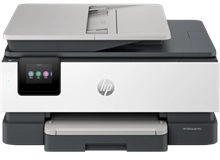
HP OfficeJet Pro 8130 Ink Cartridges
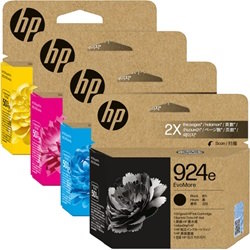
Shop ink cartridges for your HP OfficeJet Pro 8130, which uses the HP 924 and 924e ink cartridge series. Ink Depot has been supplying reliable consumables for this printer since Feb 2024. Designed for small business efficiency, this desktop all-in-one printer handles daily office document workflows with precision. Upgrading from standard 4K0U6NA black cartridges to high-yield 4K0V0NA options reduces replacement frequency during heavy printing. Our 4.8 Google rating reflects a long-standing track record of premium cartridge performance.

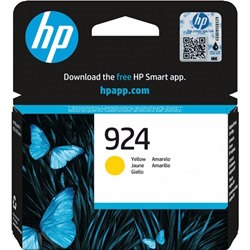
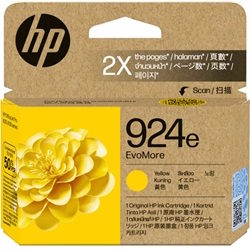
Expected Output and Replacement Cycles
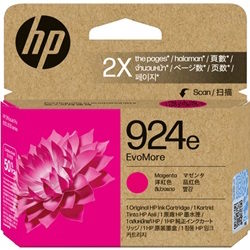
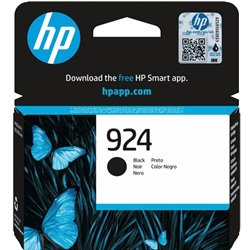
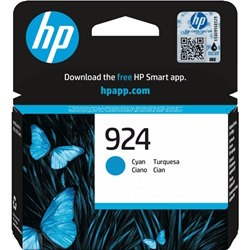
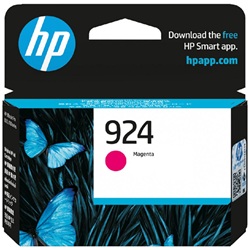
Expected page output for HP 924 and 924e cartridges is measured under the ISO/IEC 24711 standardised testing protocol for inkjet printers. Actual page yield varies based on coverage, page size, and printhead maintenance. High-yield 924e units provide substantially higher page output for busier environments.
| Cartridge Number | Type | Colour | Page Yield | Cost Per Page |
|---|---|---|---|---|
| 924 | Standard | Black | 500 | $0.090 |
| 924 | Standard | Cyan | 400 | $0.054 |
| 924 | Standard | Magenta | 400 | $0.054 |
| 924 | Standard | Yellow | 400 | $0.054 |
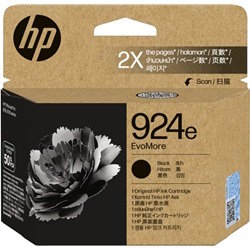
| 924e | High Yield | Black | 1,000 | $0.091 |
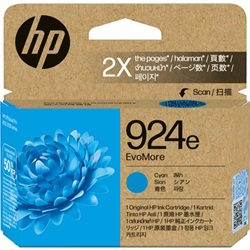
| 924e | High Yield | Cyan | 800 | $0.055 |
| 924e | High Yield | Magenta | 800 | $0.055 |
| 924e | High Yield | Yellow | 800 | $0.055 |
Cost Per Page = Total Cartridge Price ÷ Page Yield (at 5% coverage). Prices based on Genuine cartridges.
Choosing the Right Cartridge Setup
For high-volume office document printing, choosing high-yield 924e cartridges like the 4K0V0NA Black lowers ongoing cost per page compared to standard 4K0U6NA units. Standard HP 924 cartridges suit lower output demands or lighter printing cycles. Purchasing multipacks helps prevent workflow stops when multiple inks deplete around the same time. Free delivery applies on all orders over $99. We dispatch quickly from warehouses in Perth, Brisbane, Sydney, Melbourne and Adelaide. Browse our complete range of HP ink cartridges or check our returns policy.
Pro Tip for HP 924 Cartridges
To avoid unnecessary ink loss, always leave your HP OfficeJet Pro 8130 powered on or in sleep mode using the power button rather than turning off power at the wall switch. Unplugging the wall switch causes the printer to run a full printhead reset cycle upon startup, consuming extra ink.
Frequently Asked Questions
Can I mix standard HP 924 and high-yield HP 924e cartridges in the same printer?
Yes, you can mix standard 924 and high-yield 924e cartridges in the HP OfficeJet Pro 8130. The 924e cartridges fit into the exact same physical slots as standard 924 cartridges; they simply hold a higher volume of ink.
Why does my HP OfficeJet Pro 8130 consume colour ink when I only print black text?
The printer performs routine maintenance routines and printhead nozzle sweeps to prevent drying and clogging. A minute quantity of colour ink is used during these automated cycles to keep the printhead operational, regardless of print settings.
What is the practical benefit of buying HP 924 multipacks instead of individual inks?
Buying HP 924 or 924e bundle packs lowers the total cost per cartridge compared to individual purchases and guarantees you have replacement Cyan, Magenta, Yellow, and Black inks on hand when depletion occurs.


