
HP DesignJet T120 Ink Cartridges
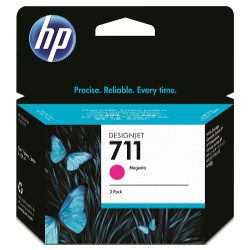
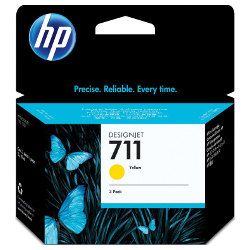
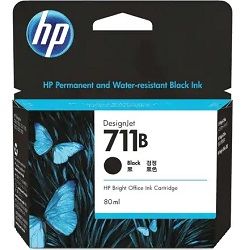
Shop ink cartridges for your HP DesignJet T120, which uses the HP 711 and 711B ink cartridges series. Ink Depot has been supplying reliable consumables for this printer since Jun 2014. As a compact 24-inch wide-format plotter for CAD drawings and plans, high-volume drafting consumes 711B (3WX01A) black ink at a faster rate than 711 (CZ130A) colour inks. Our 4.8 Google rating reflects a long-standing track record of premium cartridge performance.

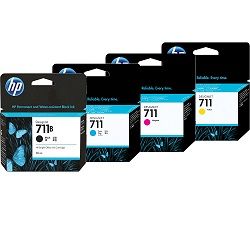
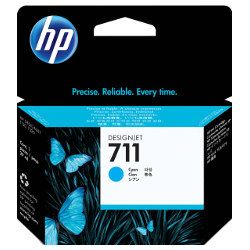
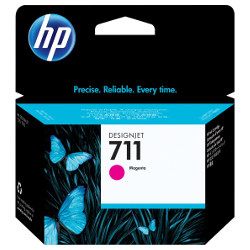

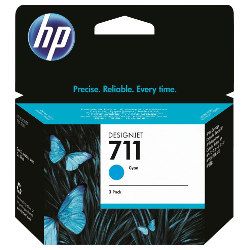
Page yield expectations for wide-format printing
Wide-format technical drafting consumes ink differently based on vector line coverage versus full-colour renders. Standard ISO/IEC page yield test standards measure standard A4 coverage, whereas architectural plotters output larger surface areas.
Managing replenishment and delivery options
For CAD blueprints and text-heavy plans, stocking extra 711B (3WX01A) black cartridges prevents print halts. When running presentation graphics or full-colour renders, opting for multi-pack 711 (CZ134A) colour options helps balance inventory. View our complete range of HP ink cartridges with total peace of mind under our Returns policy. We ship directly from warehouse locations in Perth, Brisbane, Sydney, Melbourne and Adelaide. Free delivery applies on all orders over $99.
Consumable Pro Tip
When printing wide-format CAD drawings, black ink depletion significantly outpaces colour usage; keeping a spare 711B (3WX01A) black cartridge on hand avoids mid-plot interruptions on large print jobs.
Frequently Asked Questions
How does the HP 711B black cartridge differ from the standard HP 711 black cartridge?
The 711B (3WX01A) black cartridge features a larger ink volume specifically formulated for CAD text and fine vector lines, replacing earlier 711 black variants while maintaining direct compatibility with the DesignJet T120.
Can I replace individual colour cartridges as they run out, or do I need to replace the full set?
The DesignJet T120 uses four independent ink channels (Cyan, Magenta, Yellow, and Black), allowing you to replace individual 711 (CZ130A, CZ131A, CZ132A) cartridges only when a specific colour is depleted.
How does large-format paper size affect ink depletion rates compared to standard A4 printing?
Printing on A1 or A2 sheet sizes significantly increases total ink consumption per page compared to standard A4 documents. Fine technical line drawings use relatively low ink per square metre, but solid fill renders consume colour cartridges at a noticeably accelerated rate.


