
Canon PIXMA MG5760 MG5765 Ink Cartridges
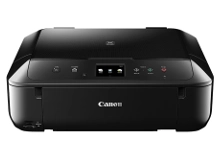
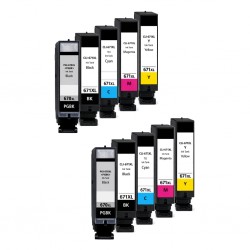
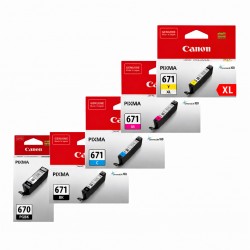
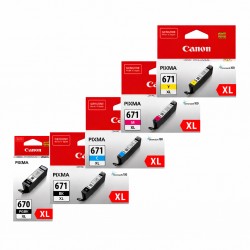
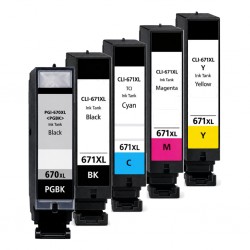
Your Canon PIXMA MG5760 and MG5765 printers use the PGI-670 and CLI-671 ink cartridge series. Ink Depot has supplied reliable consumables for these printers since Nov 2015. Designed for home printing, this 5-ink system combines PGI-670BK pigment black for crisp text with CLI-671 dye-based inks for realistic photo rendering. Switching to high-yield PGI-670XL and CLI-671XL cartridges reduces cost per page during regular print runs. Our 4.8 Google rating reflects a long-standing track record of premium cartridge performance.

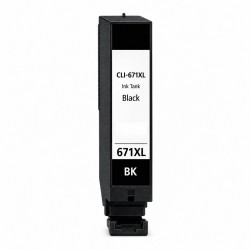
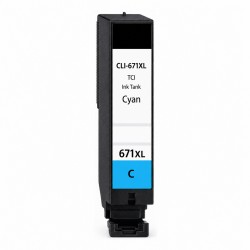
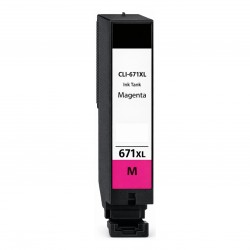
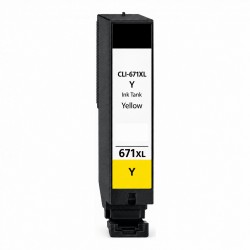



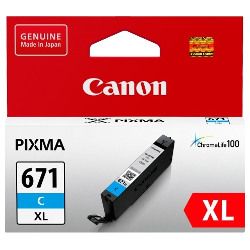

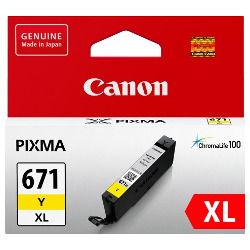


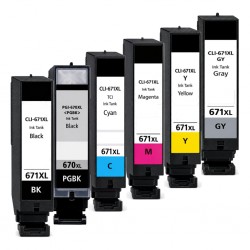
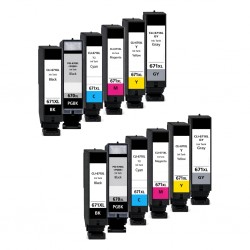
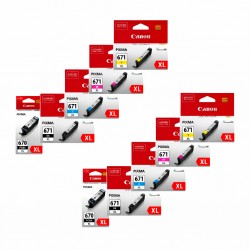
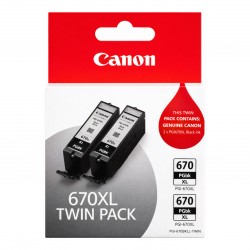
Expected Page Output and Cartridge Yields
Canon calculates page yields for PGI-670 and CLI-671 cartridges using ISO/IEC 24711 standard test patterns. High-yield XL cartridges contain significantly higher ink volume, extending output between replacements while keeping printed text and photo output sharp throughout each tank's lifecycle.
| Cartridge Number | Type | Colour | Page Yield | Cost Per Page |
|---|---|---|---|---|
| CLI-671BK | Standard | Black | 1,105 | $0.017 |
| PGI-670BK | Standard | Black | 300 | $0.073 |
| CLI-671C | Standard | Cyan | 311 | $0.061 |
| CLI-671M | Standard | Magenta | 311 | $0.061 |
| CLI-671Y | Standard | Yellow | 311 | $0.061 |
| PGI-670XLBK | High Yield | Black | 500 | $0.059 |
| CLI-671XLBK | High Yield | Black | 4,425 | $0.007 |
| CLI-671XLC | High Yield | Cyan | 680 | $0.043 |
| CLI-671XLM | High Yield | Magenta | 680 | $0.043 |
| CLI-671XLY | High Yield | Yellow | 680 | $0.043 |
Cost Per Page = Total Cartridge Price ÷ Page Yield (at 5% coverage). Prices based on Genuine cartridges.
Choosing Between Genuine and Compatible Options
Choosing between genuine Canon cartridges and compatible replacements depends on your budget and print demands. Compatible PGI-670XL and CLI-671XL options deliver comparable print clarity at a fraction of the price. Under Australian Consumer Law, using compatible cartridges does not void your printer warranty. Read our genuine vs compatible guide to learn more about performance standards.
Smart Buying Options and Fast Dispatch
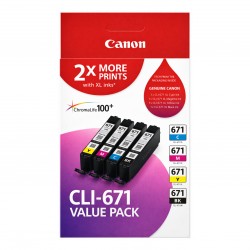
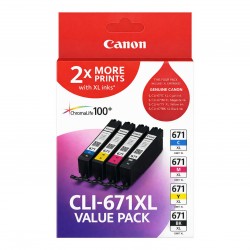
For high-volume text printing, selecting PGI-670XL black cartridges reduces cost per page, whereas multi-packs provide better value when replacing full colour sets for family photos. Choosing compatible cartridges offers extra savings, fully backed by our money-back guarantee under our returns policy. Free delivery applies on all orders over $99. We dispatch daily from warehouses across Perth, Brisbane, Sydney, Melbourne, and Adelaide to ensure prompt delivery across Australia. Browse our full range of Canon ink cartridges today.
Important Cartridge Insight
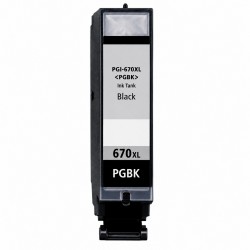
Pro Tip: The PGI-670 pigment black ink is formulated exclusively for plain paper text printing, while the CLI-671 dye black ink handles photo contrast and shading. Replacing the correct black cartridge based on what you print prevents unnecessary ink depletion.
Frequently Asked Questions
Do the Canon PIXMA MG5760 and MG5765 share the same ink cartridges?
Yes, both models use the exact same PGI-670 and CLI-671 ink series. Any standard or XL cartridge listed on this page fits both the MG5760 and MG5765 printers without compatibility issues.
What is the difference between PGI-670BK and CLI-671BK cartridges?
PGI-670BK uses pigment-based black ink designed for sharp, crisp text on plain paper documents. CLI-671BK uses dye-based black ink designed specifically for image shading, photo contrast, and glossy media output.
Can I mix standard PGI-670 or CLI-671 cartridges with XL versions in the same printer?
Yes, standard and XL capacity cartridges share identical exterior dimensions and can be installed together in any combination across the five individual ink slots.
Why does my CLI-671 colour ink run out even when printing mostly black documents?
The printer uses small amounts of dye colour ink during default black text printing to improve grey shades and keep ink nozzles primed. Selecting 'Grayscale' or 'High Quality Text' in print settings reduces colour consumption during routine document printing.


