
Canon GX6560 MegaTank Ink Bottles
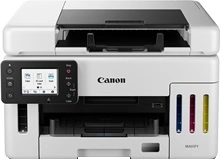
Shop ink bottles for your Canon MAXIFY GX6560 MegaTank, which uses the Canon GI-66 ink bottles series along with MC-G01 maintenance cartridges. Ink Depot has been supplying reliable consumables for this printer since Oct 2023. The MAXIFY GX6560 is a compact A4 MegaTank business printer built for heavy daily document workflows. High-volume offices benefit from topping up with GI-66BK black ink bottles to keep per-page costs minimal. Our 4.8 Google rating reflects a long-standing track record of premium cartridge performance.
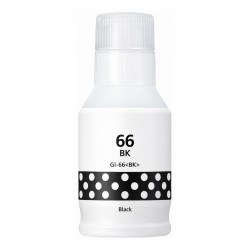
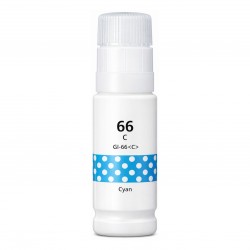
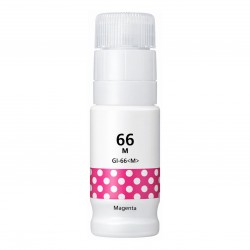
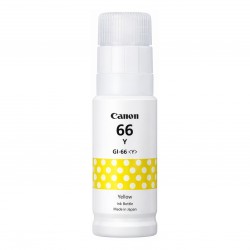
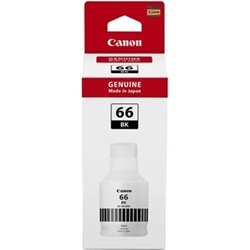
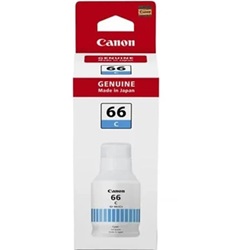
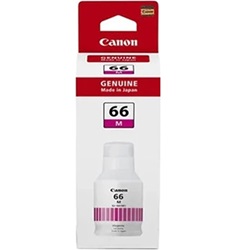
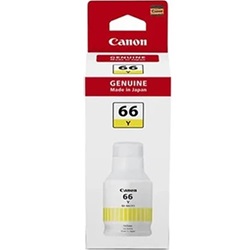
Expected page output and ink yield
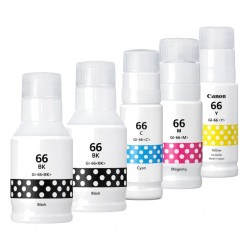
Canon GI-66 pigment ink bottles deliver exceptionally high page outputs designed for demanding office environments, achieving up to 6,000 pages from GI-66BK black bottles and 14,000 pages from GI-66 colour bottles in Economy mode, tested under ISO/IEC 24711 standards.
| Cartridge Number | Type | Colour | Page Yield | Cost Per Page |
|---|---|---|---|---|
| GI-66BK | Standard | Black | 6,000 | $0.006 |
| GI-66C | Standard | Cyan | 6,000 | $0.007 |
| GI-66M | Standard | Magenta | 6,000 | $0.007 |
| GI-66Y | Standard | Yellow | 6,000 | $0.007 |
Cost Per Page = Total Cartridge Price ÷ Page Yield (at 5% coverage). Prices based on Genuine cartridges.
Choosing between genuine and compatible ink bottles
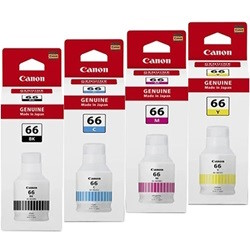
Both genuine Canon GI-66 ink bottles and third-party compatible bottles are available for the MAXIFY GX6560 MegaTank printer. Under Australian Consumer Law, using compatible cartridges does not void your printer warranty. Compatible ink bottles offer substantial savings per page for routine office printing. For a detailed comparison between OEM and compatible options, read our guide on genuine vs compatible cartridges.
Managing MC-G01 maintenance cartridges
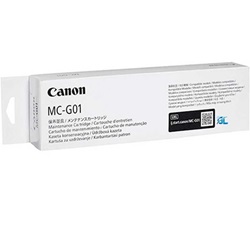
The Canon MC-G01 maintenance kit is an essential replaceable component for the MAXIFY GX6560 continuous ink system. Experience Tip: The MC-G01 maintenance cartridge absorbs excess ink generated during automatic printhead cleaning cycles and can be easily replaced by the user without requiring service calls.
Best way to stock GI-66 ink bottles
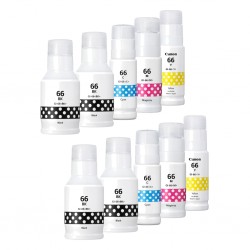
If you print mainly text documents, purchasing individual GI-66BK black ink bottles in multi-packs helps maintain uninterrupted workflow during heavy volume printing. If you print colour graphics or marketing materials, ordering full CMYK bottle sets ensures even ink supply across all tanks. All compatible ink bottles carry a money-back guarantee for complete confidence. View details on our returns policy. Free delivery applies on all orders over $99, dispatched quickly from our warehouses in Perth, Brisbane, Sydney, Melbourne and Adelaide. Browse our full range of Canon ink bottles.
Pro Tip
Refill ink tanks before the liquid level drops below the lower mark line to prevent air bubbles from entering the printhead feed lines during high-volume print runs.
Frequently Asked Questions
How do GI-66 pigment ink bottles differ from standard dye refill inks?
GI-66 ink bottles contain pigment-based inks for all four colours (black, cyan, magenta, and yellow), providing smudge-proof, highlighter-resistant text and crisp line graphics essential for business documents printed on plain paper.
What happens when the Canon MC-G01 maintenance cartridge reaches full capacity?
The MC-G01 collects waste ink during printhead maintenance. When full, the printer prompts for a quick replacement, allowing continuous operation without affecting installed GI-66 ink bottles.
Can compatible GI-66 ink bottles be mixed with genuine Canon ink in the tanks?
Yes, premium compatible GI-66 ink bottles are formulated to blend safely with remaining genuine Canon ink inside the MAXIFY GX6560 ink tanks without clogging print nozzles or altering liquid viscosity.


