
Canon imagePROGRAF LP17 Ink Cartridges
Your Canon imagePROGRAF LP17 uses the PFI-102 series ink cartridges, a compact 17-inch desktop large-format printer engineered for precise CAD drawings and technical schematics. Ink Depot has been supplying reliable ink for this printer since Jun 2017. Technical drafting consumes PFI-102MB matte black ink rapidly for sharp lines on plain paper, whereas PFI-102BK photo black ensures deep density on glossy stock. Our 4.8 Google rating reflects a long-standing track record of premium cartridge performance.

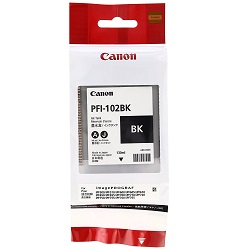
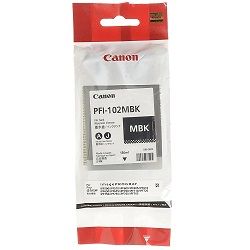
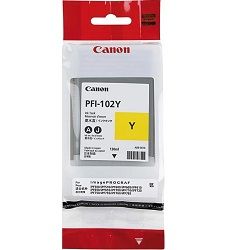

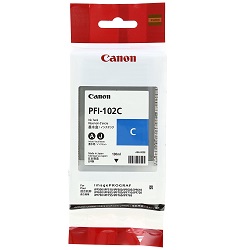

Ink Output and Technical Printing Requirements
Canon rates PFI-102 ink tank page capacity using ISO/IEC 24711 test standards for document printing and ISO/IEC 29103 for photo/graphic output. High-density CAD rendering consumes matte black faster than standard CMYK graphics.
Managing Ink Replacements and Fast Delivery
If your print runs consist primarily of monochrome architectural plans, maintain extra PFI-102MB matte black tanks to prevent mid-project pauses. For colour-heavy GIS maps and visual presentation posters, multi-packs offer a convenient way to restock all channels simultaneously. All genuine Canon products are backed by our transparent returns policy. Order your genuine Canon ink cartridges today for fast dispatch from our national distribution network in Sydney, Melbourne, Brisbane, Adelaide, and Perth. Free delivery applies on all orders over $99.
Important Ink Management Advice
Because the LP17 uses distinct PFI-102MB Matte Black and PFI-102BK Photo Black ink channels, ensure you select the appropriate media setting in your print driver-matte paper draws from MBK while glossy media utilizes BK, avoiding unnecessary ink depletion across channels.
Frequently Asked Questions
Why does the imagePROGRAF LP17 use both Matte Black (PFI-102MB) and Photo Black (PFI-102BK)?
Matte Black (PFI-102MB) uses a high-density pigment ink formulated specifically for uncoated bond paper and CAD media, yielding crisp, bleed-free lines. Photo Black (PFI-102BK) uses dye ink optimized for smooth finish and deep tonal range on coated glossy and satin photo papers.
Can I install a PFI-102 ink cartridge into a different colour slot if one runs out?
No. Each PFI-102 cartridge is physically keyed and colour-coded to match its designated slot on the LP17 printhead carriage. Attempting to force a cartridge into the wrong slot will prevent installation and risk damaging the ink supply system.
How does the LP17 manage ink when printing heavy line-work versus full-bleed technical graphics?
CAD line-work predominantly draws from the PFI-102MB matte black channel, leaving colour channels mostly unused. Conversely, GIS mapping and technical rendering draw evenly across Cyan, Magenta, Yellow, and Photo Black, causing balanced depletion across the colour ink tanks.


