
Brother MFC-L6720DW Toner Cartridges
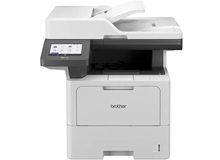
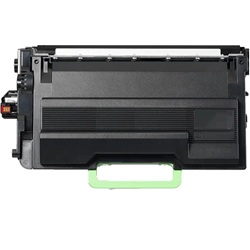
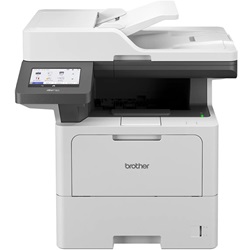
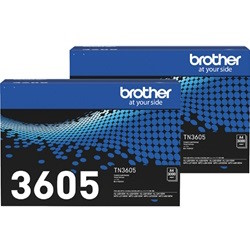
Your Brother MFC-L6720DW uses the TN-3605 / TN-3605XL / TN-3605XXL / TN-3615 / TN-3615XL mono toner cartridges designed for heavy office document workflows. Since Jun 2024, Ink Depot has supplied workplaces with dependable cartridges that maintain crisp text output. High-yield capacity options like the TN-3615 drastically reduce user maintenance stops during large print runs. Our 4.8 Google rating proves it: we consistently supply premium cartridges backed by rock-solid reliability.

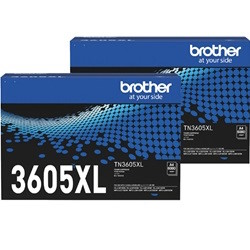
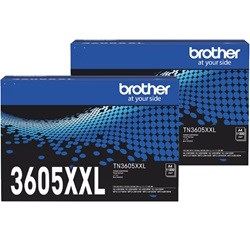
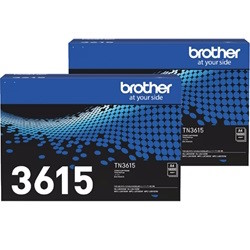
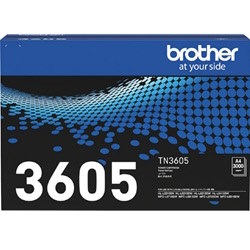
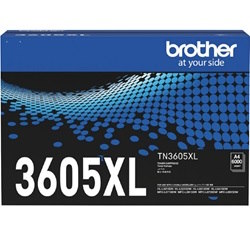
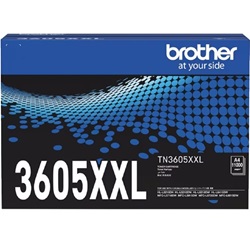
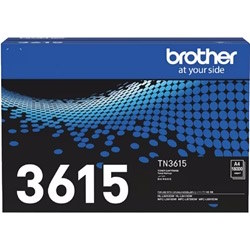
Expected Page Output and Replacement Cycles
Page yields across the TN-3605, TN-3605XL, TN-3605XXL, and TN-3615 series follow the ISO/IEC 19752 testing standard for monochrome electrophotographic printing. Heavy office coverage, detailed graphics, or continuous printing of complex multi-page files will result in faster toner depletion than standard test page benchmarks.
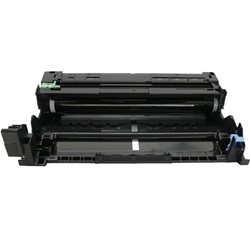
Managing Drum Unit Maintenance
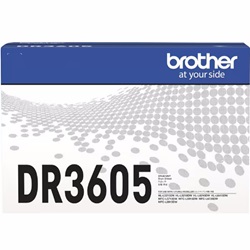
The separate DR-3605 drum unit handles image transfer independently of the toner cartridge and outlasts multiple toner replacements. Experience Tip: Reset the drum counter via the panel menu immediately after fitting a new DR-3605 to clear the warning prompt and track roller life accurately.
Choosing Between Genuine and Compatible Cartridges
High-volume workplaces frequently switch to compatible TN-3605XXL or TN-3615 cartridges to lower printing costs on daily internal paperwork. Under Australian Consumer Law, using compatible cartridges does not void your printer warranty. Read our comprehensive genuine vs compatible cartridges guide to compare performance metrics.
Stocking Strategy and Delivery Options
Selecting the high-capacity TN-3615 option allows busy departments to minimise cartridge swap-outs and keep overall cost per page down. Compatible options come backed by a full money-back guarantee for complete purchasing confidence. Free delivery applies on all orders over $99, with orders dispatched from facilities in Perth, Brisbane, Sydney, Melbourne, and Adelaide. Browse our full selection of Brother toner cartridges or review our returns policy.
Pro Tip
Always keep a spare DR-3605 drum unit in your supply cupboard alongside toner cartridges; once the drum hits its fixed 45,000-page limit, the printer will stop operating until the drum is replaced, regardless of how much toner remains.
Frequently Asked Questions
Can I install the high-yield TN-3615 cartridge if my printer came with a standard TN-3605?
Yes, all cartridges in the TN-3605, TN-3605XL, TN-3605XXL, and TN-3615 series share identical outer dimensions, meaning the higher-capacity variants fit directly into the same drum slot while holding significantly more toner.
Why does the printer still prompt for replacement after installing a fresh DR-3605 drum unit?
The Brother system does not automatically detect a new drum unit. You must manually reset the drum lifecycle counter through the printer menu settings to clear the replacement message and reset the internal counter.
How do I determine whether poor print quality is caused by low toner or a worn drum unit?
Faded print across the entire page indicates depleted toner powder. Repeated spots, vertical lines, or smudges occurring at regular intervals down the page point to a marked drum cylinder that needs replacing.


