
Brother MFC-L5915DW Toner Cartridges
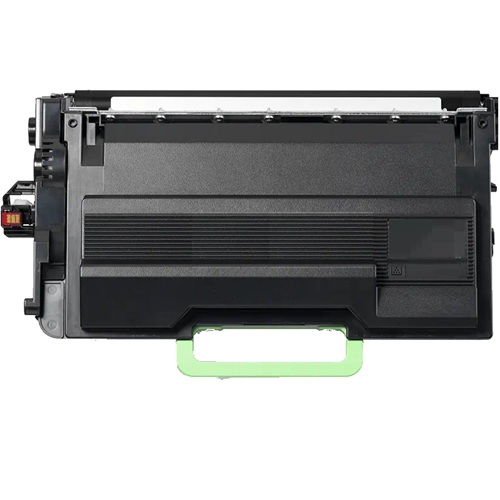
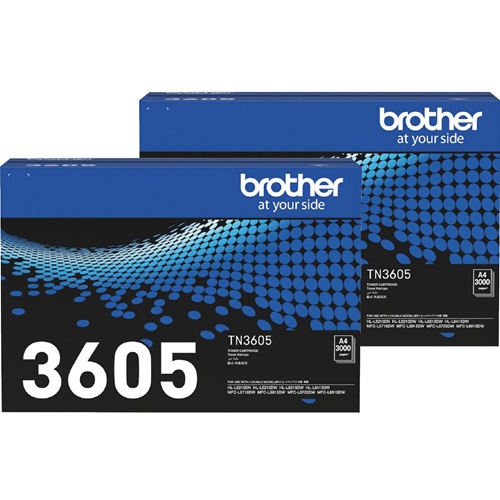
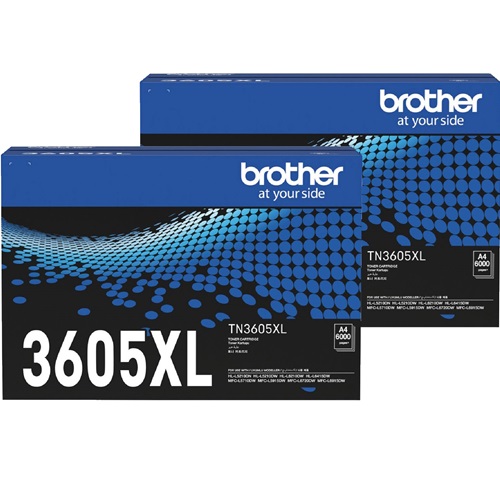
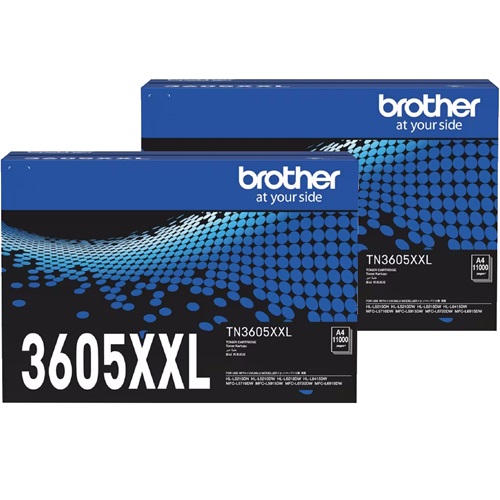
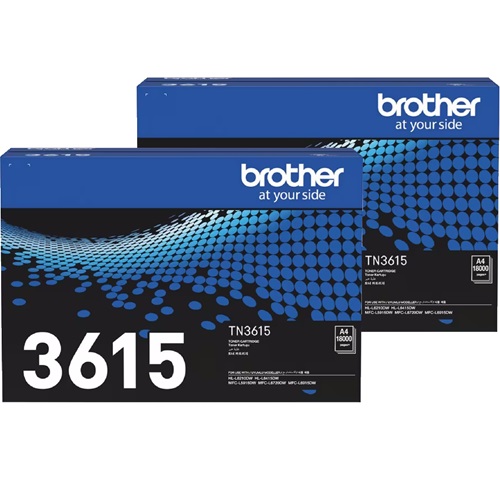
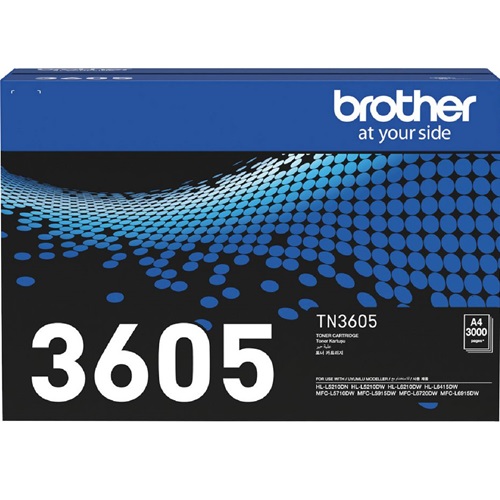
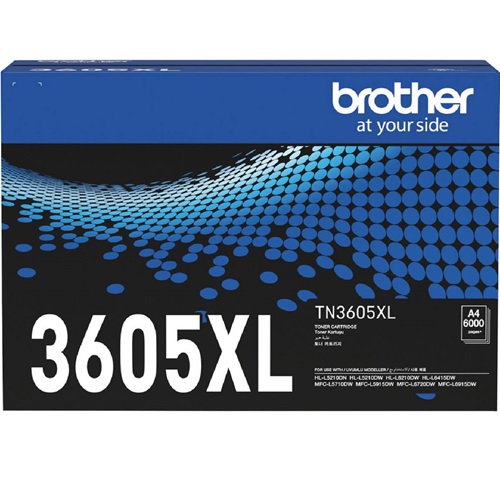
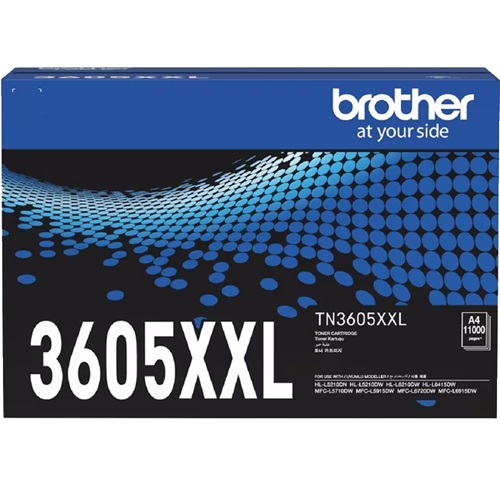
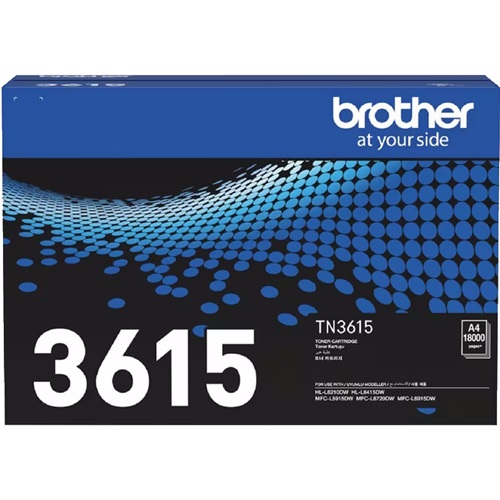
Your Brother MFC-L5915DW uses the TN-3605 / TN-3605XL / TN-3605XXL / TN-3615 / TN-3615XL mono toner cartridges, designed for high-volume corporate document output. Since Jun 2024, Ink Depot has supplied reliable cartridges to keep office workflows running smoothly. High-capacity variants like the TN-3615 substantially reduce physical replacement intervals during heavy print runs. Our 4.8 Google rating is built on dependable cartridge performance and uncompromising product quality.


Expected Page Output and Replacement Cycles
Page yields for the TN-3605, TN-3605XL, TN-3605XXL, TN-3615, and TN-3615XL series are measured in accordance with the ISO/IEC 19752 standard for monochrome electrophotographic printing. Heavy text coverage or continuous large print jobs directly impact real-world consumption.
Choosing Between Genuine and Compatible Cartridges
High-volume workplaces often switch to compatible TN-3605XXL or TN-3615 cartridges to reduce operating expenses without impacting text sharpness. Under Australian Consumer Law, using compatible cartridges does not void your printer warranty. Learn more by reading our detailed genuine vs compatible cartridges guide.
Managing Drum Unit Maintenance
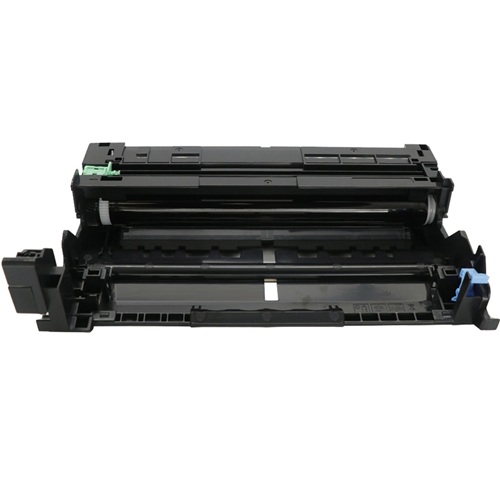
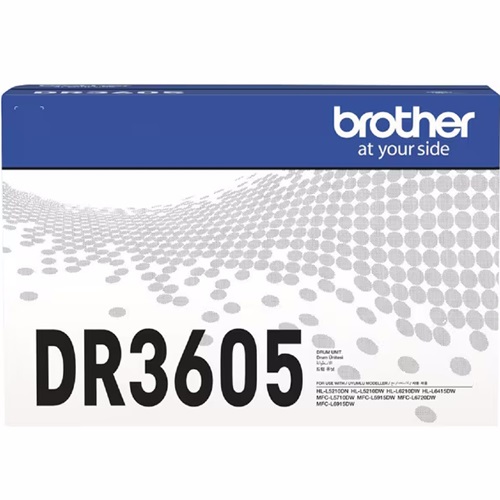
The DR-3605 drum unit operates independently from the toner cartridge and typically lasts through several toner cycles. Experience Tip: When installing a fresh DR-3605, manually reset the drum counter through the control panel menu to clear the replacement prompt and ensure accurate lifecycle tracking.
Stocking Strategy and Ordering
For busy offices, moving from standard TN-3605 cartridges to high-yield TN-3615 options drastically lowers cost per page and reduces administrative reordering frequency. Compatible options include a complete money-back guarantee for added confidence. Free delivery applies on all orders over $99, dispatched quickly from our warehouses in Perth, Brisbane, Sydney, Melbourne, and Adelaide. View our complete range of Brother toner cartridges or review our returns policy for total order assurance.
Pro Tip
Always keep a spare DR-3605 drum unit in stock alongside your toner cartridges; when the drum reaches its fixed 45,000-page limit, the printer will stop printing until it is replaced, regardless of remaining toner levels.
Frequently Asked Questions
Can I use the ultra-high yield TN-3615 toner cartridge in place of a standard TN-3605?
Yes, the physical cartridge dimensions are identical across the TN-3605, TN-3605XL, TN-3605XXL, TN-3615, and TN-3615XL variants; the higher-yield options simply hold a larger volume of toner powder.
How do I know whether I need to replace the toner cartridge or the DR-3605 drum unit?
The printer displays distinct message alerts for each consumable. A low toner warning indicates empty powder, while a drum warning signifies the physical roller mechanism has reached its end of life and requires replacement to maintain print clarity.
Does changing the toner cartridge automatically reset the drum counter?
No, the toner cartridge and drum unit are separate components. Replacing the toner cartridge does not reset the drum lifespan, and fitting a new drum unit requires a manual counter reset via the menu to clear the prompt.


