
Brother MFC-L5710DW Toner Cartridges
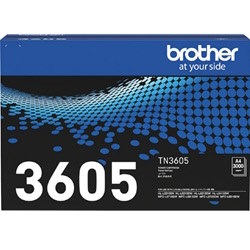
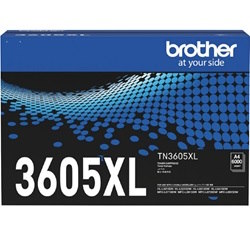
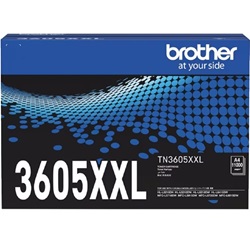
Your Brother MFC-L5710DW uses the TN-3605, TN-3605XL, TN-3605XXL, TN-3615, and TN-3615XL series mono toner cartridges. Ink Depot Supplying consumables for this printer since Jun 2024, we understand high-volume workplace document requirements. In busy offices, high yield cartridges dramatically cut down maintenance interruptions. Our 4.8 Google rating is built on dependable cartridge performance and uncompromising product quality.
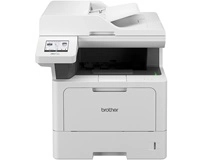

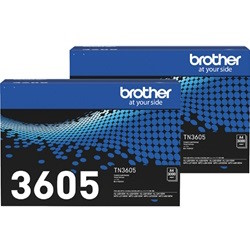
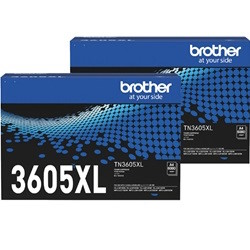
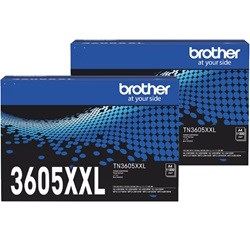
Expected Page Output and Replacement Cycles
Page yields for mono laser cartridges—including TN-3605, TN-3605XL, TN-3605XXL, TN-3615, and TN-3615XL—are measured under ISO/IEC 19752 standards based on 5% page coverage. High-volume office environments running dense text or heavy graphics will experience lower total page outputs.
Choosing Between Genuine and Compatible Options
Using cost-effective alternatives reduces office overheads while maintaining clear text clarity. Under Australian Consumer Law, using compatible cartridges does not void your printer warranty. Read our comprehensive genuine vs compatible cartridges guide to decide which option best suits your team.
Managing Drum Units
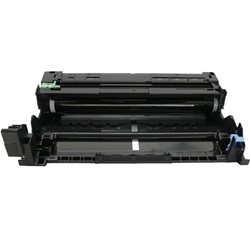
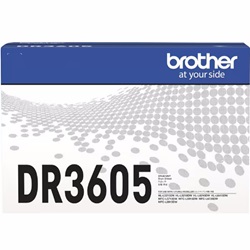
The DR-3605 drum unit operates independently from the toner cartridge and is rated for up to 45,000 pages. Replacing the toner will not clear a drum message, so ensure you reset the internal drum counter manually via the printer control panel only after fitting a fresh drum unit.
Stocking Strategy and Order Options
High-volume workspaces printing hundreds of pages weekly should standardise on TN-3605XXL or TN-3615 series cartridges to achieve the lowest cost per page and minimise downtime. If budget management is paramount, compatible cartridges deliver exceptional value backed by a 100% money-back guarantee. View our full range of Brother toner cartridges to suit your print environment. Free delivery applies on all orders over $99, dispatched quickly from local warehouses in Perth, Brisbane, Sydney, Melbourne, and Adelaide. Check our Returns policy for complete peace of mind.
Pro Tip
Always keep a spare drum unit on hand alongside your extra toner cartridges; unlike toner depletion which provides early warnings, drum wear causes sudden print degradation across high-volume print runs.
Frequently Asked Questions
Can I use the TN-3605XXL, TN-3615, or TN-3615XL cartridges if my printer previously ran on standard TN-3605?
Yes, all TN-3605 and TN-3615 series cartridges share compatible physical outer dimensions. Higher-yield options contain significantly more toner powder internally, fitting into the exact same drum housing without modification.
Why does my printer still say low toner after replacing the cartridge?
This usually occurs when the gear mechanism on the end of the cartridge did not properly engage the internal sensor upon installation. Re-seating the toner firmly into the DR-3605 drum assembly before inserting it back into the printer typically resolves the prompt.
Does replacing the toner cartridge automatically reset the drum unit counter?
No, the toner cartridge and DR-3605 drum unit are separate consumables with distinct lifespans. The printer tracks drum wear separately, requiring a manual counter reset through the settings menu only when a new drum unit is installed.


