
Epson 302 & Epson 302XL Ink Cartridges
Epson 302 and 302XL ink cartridges supply the five-colour Claria Premium ink system used by the Epson Expression Premium XP-6000 and Expression Premium XP-6100. Both standard and high-yield XL options are available in genuine single cartridges, multi-packs, and lower-cost compatible alternatives for everyday printing. Our 4.8 Google Star rating shows that our customers consistently receive high-quality cartridges backed by reliable performance.
Printers Compatible with Epson 302 & Epson 302XL Ink Cartridges


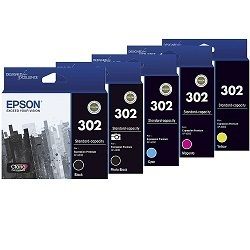
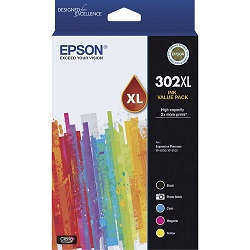
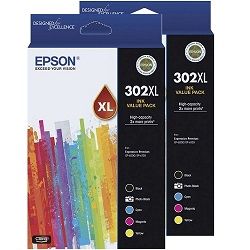
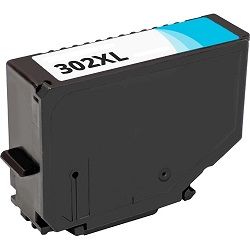
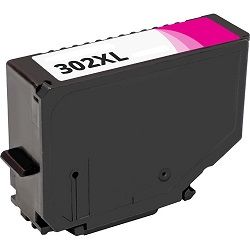

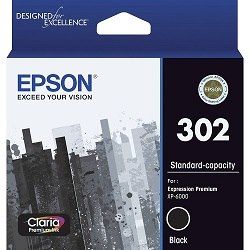
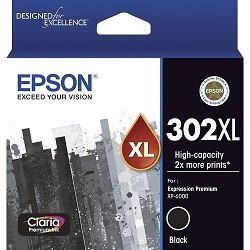

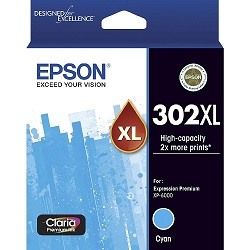
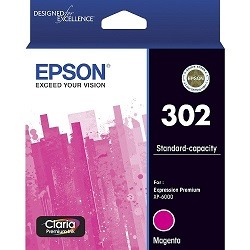
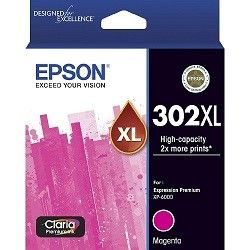
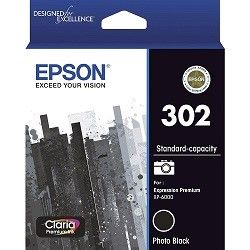

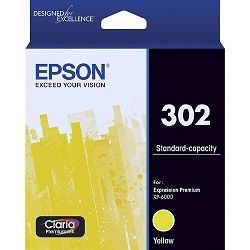

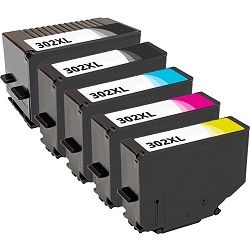

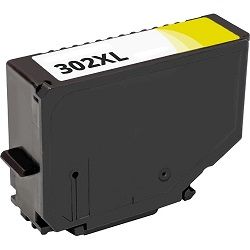
Choose Between Epson 302 & 302XL Ink Cartridges
Replace the Complete Colour Set
Time to replace them all? The 5-Pack 302 Genuine (from $127.17) includes one of each colour and qualifies for free delivery.
Print More with XL Cartridges
Print more before you need to reorder: the 5-Pack 302XL Genuine (from $179.92) offers the same full-colour set at a higher page yield and also qualifies for free delivery.
Replace Just One Colour
Only one cartridge empty? A single Genuine 302 Black cartridge (from $25.87) lets you top up just that colour.
Save with Compatible Cartridges
To keep costs down, choose compatible cartridges - a single 302XL Photo Black cartridge from $15.58 or a 5-pack 302XL for $74.67.
Stock Up for Frequent Printing
Stocking up in one order means you are not caught short. The 10-Pack 302XL Compatible (from $147.76) is the lower-cost way to stock up. Prefer genuine ink? The 10-Pack 302XL Genuine (from $352.64) is the official equivalent. Both packs qualify for free delivery.
Expected page output and ink replacement cycles
Epson calculates page yields using ISO/IEC 24711 standard continuous printing tests. Standard 302 cartridges suit occasional light printing, while 302XL high-yield options deliver up to double the pages for document text and photo output, significantly reducing per-page printing costs across all five ink channels.
| Cartridge Number | Type | Colour | Page Yield | Cost Per Page |
|---|---|---|---|---|
| 302 | Standard | Black | 250 | $0.10 |
| 302 | Standard | Photo Black | 2,150 | $0.012 |
| 302 | Standard | Cyan | 300 | $0.086 |
| 302 | Standard | Magenta | 300 | $0.086 |
| 302 | Standard | Yellow | 300 | $0.086 |
| 302XL | High Yield | Black | 550 | $0.068 |
| 302XL | High Yield | Photo Black | 300 | $0.12 |
| 302XL | High Yield | Cyan | 650 | $0.058 |
| 302XL | High Yield | Magenta | 650 | $0.058 |
| 302XL | High Yield | Yellow | 650 | $0.058 |
Cost Per Page = Total Cartridge Price ÷ Page Yield (at 5% coverage). Prices based on Genuine cartridges.
Choosing between genuine and compatible options
Compatible 302XL cartridges offer a practical alternative to genuine Epson cartridges, lowering your expense per page without compromising document sharpness or colour vibrancy. Under Australian Consumer Law, using compatible cartridges does not void your printer warranty. Every compatible unit sold comes backed by our money-back performance guarantee. Read our genuine vs compatible cartridge guide to evaluate which option best suits your printing volume.
Ordering advice and delivery details
If you print mainly text documents, standard or XL Pigment Black cartridges keep text crisp. If you frequently print borderless photos or graphics, ordering high-yield 302XL photo black and colour packs ensures consistent saturation across high-ink jobs. Our compatible cartridges are covered by a full 100% satisfaction guarantee, detailed in our returns policy. We dispatch directly from warehouses in Perth, Brisbane, Sydney, Melbourne and Adelaide. Free delivery applies on all orders over $99 when you stock up on Epson ink cartridges.
Pro Tip
The 302 series uses two distinct black cartridges: a pigment Black for sharp plain-paper text and a dedicated Photo Black for glossy media. If your Photo Black cartridge depletion seems uneven, check your print driver paper settings-selecting 'Plain Paper' prevents the printer from drawing ink from the Photo Black cartridge on standard office documents.
Frequently Asked Questions
Why does my Epson printer use two different black cartridges?
The 302 series uses a pigment black cartridge for durable, smudge-resistant text on plain paper, alongside a specialised photo black cartridge designed specifically for rich dark tones and contrast on glossy photo paper.
Can I install a 302XL high-yield cartridge alongside standard 302 cartridges?
Yes, standard 302 and high-yield 302XL cartridges use identical physical dimensions and mounting slots. You can mix standard and XL capacities across different colour slots depending on which inks deplete fastest.
What happens if one colour cartridge runs out while printing photo projects?
Epson Expression Premium printers require all five cartridges to contain ink to operate. If a single colour or photo black drops below the operating threshold, printing pauses until that specific cartridge is replaced to prevent printhead clogging.
Is 302XL the same as 302 XL?
Yes, 302XL and 302 XL refer to the exact same high-yield Epson cartridge. The space is simply a visual formatting difference used by different retailers, with both designations fitting the exact same printer models.


