
Canon PGI-29 Ink Cartridges
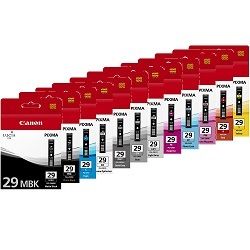
Designed for the Canon Pixma Pro-1, the PGI-29 ink cartridge series incorporates a 12-ink pigment system including specialised grey, light grey, dark grey, and Chroma Optimiser tanks to ensure smooth tonal transitions on archival media. Our 4.8 Google Star rating shows that our customers consistently receive high-quality cartridges backed by reliable performance. Each single-colour tank replaces individually as shades drop.




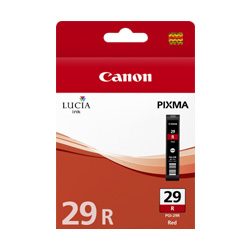
Expected page output and replacement cycles
Yields range from 90 pages for the PGI-29CO Chroma Optimiser up to 505 pages for the PGI-29MBK Matte Black, measured using ISO/IEC 24711 and ISO/IEC 29102 photo print standards. Monochrome and neutral photo output relies heavily on the three grey channels, accelerating their depletion relative to standard chromatic colours.
| Cartridge Number | Type | Colour | Page Yield | Cost Per Page |
|---|---|---|---|---|
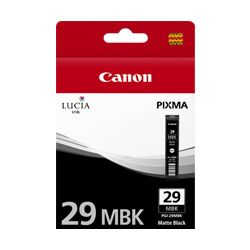
| PGI-29MBK | Standard | Black | 505 | $0.082 |
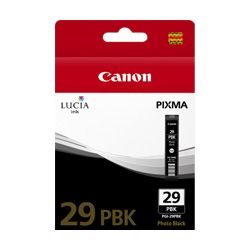
| PGI-29PBK | Standard | Photo Black | 111 | $0.40 |
| PGI-29PC | Standard | Cyan | 400 | $0.10 |
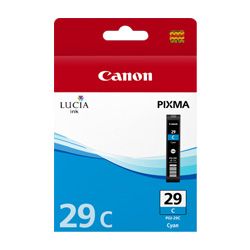
| PGI-29C | Standard | Cyan | 230 | $0.18 |
| PGI-29M | Standard | Magenta | 281 | $0.15 |
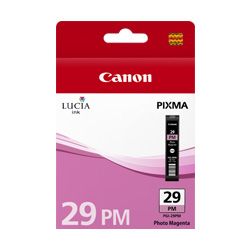
| PGI-29PM | Standard | Magenta | 228 | $0.18 |
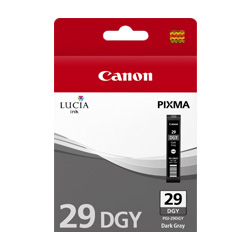
| PGI-29DGY | Standard | Yellow | 119 | $0.35 |
| PGI-29GY | Standard | Yellow | 179 | $0.23 |
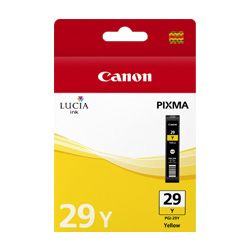
| PGI-29Y | Standard | Yellow | 290 | $0.14 |
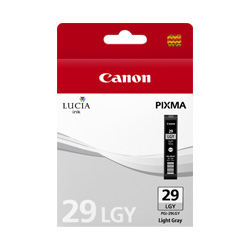
| PGI-29LGY | Standard | Yellow | 352 | $0.12 |
| PGI-29CO | Standard | Chroma optimizer | 90 | $0.41 |
| PGI-29R | Standard | Red | 454 | $0.091 |
Cost Per Page = Total Cartridge Price ÷ Page Yield (at 5% coverage). Prices based on Genuine cartridges.
Managing multi-ink gallery stock
Because fine-art photo printing consumes light inks and gloss coaters faster than standard cyan or yellow, replacing single cartridges as needed avoids stalling large-format print runs. Free delivery applies on all orders over $99 with fast dispatch from local distribution centres located in Perth, Brisbane, Sydney, Melbourne, and Adelaide. For items requiring return or swap, review our returns policy, or explore our complete catalogue of Canon ink cartridges.
Pro Tip
The Chroma Optimiser (PGI-29CO) coats gloss and semi-gloss papers to eliminate bronzing; if printing exclusively on rag or matte papers, turn off gloss optimisation in the print driver to save ink.
Frequently Asked Questions
Why does the PGI-29CO Chroma Optimiser run out faster than standard colour cartridges?
The Chroma Optimiser lays a uniform clear coat over the entire printed photo surface to equalise light reflection on glossy papers, meaning it consumes liquid across the full image area rather than just where specific colours land.
Why are there three different grey ink cartridges in the PGI-29 series?
The PGI-29GY, 29DGY, and 29LGY cartridges work together to deliver neutral black-and-white tonal gradations without colour casting, reducing dependence on composite cyan, magenta, and yellow ink mixes.
Can I substitute Photo Black (PGI-29PBK) with Matte Black (PGI-29MBK)?
No, the printer selects MBK for non-reflective absorbent media and PBK for coated glossy photo media to ensure proper surface adhesion and maximum density without smudging.


