
Kyocera Ecosys P6026cdn Toner Cartridges
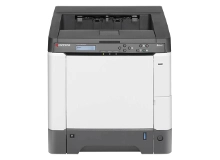
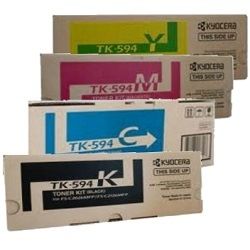
Your Kyocera Ecosys P6026cdn uses the TK-594 toner cartridge series. We have been supplying reliable consumables for this printer since Feb 2014. Utilising a four-toner CMYK array, this busy office printer faces fast black toner turnover compared to colour units during everyday administrative printing. Ordering full set multipacks keeps essential print workflows running smoothly without unexpected replacement delays. Our 4.8 Google rating reflects a long-standing track record of premium cartridge performance.


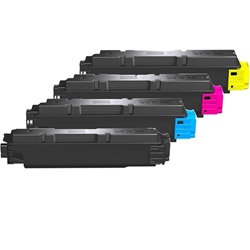
Expected page output and replacement cycles
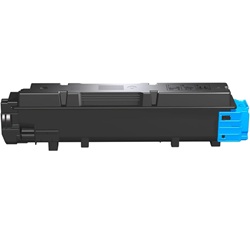
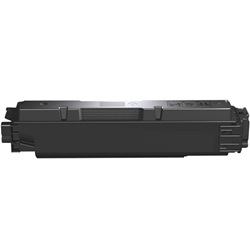
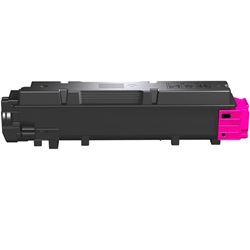
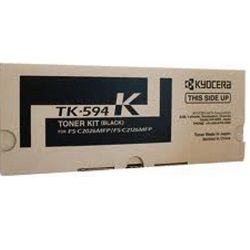
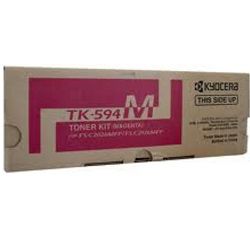
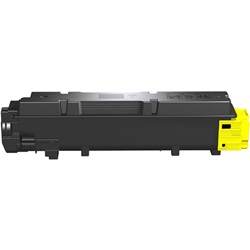
Black TK-594K cartridges deliver up to 7,000 pages, while individual TK-594 colour units yield up to 5,000 pages, measured under ISO/IEC 19798 testing standards for colour laser printers. High-volume office setups will find black cartridges exhaust considerably faster than cyan, magenta, or yellow during high-frequency document processing.
| Cartridge Number | Type | Colour | Page Yield | Cost Per Page |
|---|---|---|---|---|
| TK-594K | Standard | Black | 7,000 | $0.028 |
| TK-594C | Standard | Cyan | 5,000 | $0.047 |
| TK-594M | Standard | Magenta | 5,000 | $0.047 |
| TK-594Y | Standard | Yellow | 5,000 | $0.048 |
Cost Per Page = Total Cartridge Price ÷ Page Yield (at 5% coverage). Prices based on Genuine cartridges.
Choosing between genuine and compatible options
Selecting third-party cartridges provides a practical path to reduce running print costs without sacrificing output reliability. Under Australian Consumer Law, using compatible cartridges does not void your printer warranty. Review our full genuine vs compatible guide to compare cost structure and performance factors.
Best way to stock these cartridges
Commercial teams print large volumes of monochrome text, causing black supplies to drain ahead of colour channels. Stocking an additional black TK-594 unit alongside a complete colour set guarantees continuous output without downtime. All compatible cartridges come with a full money back guarantee for complete reassurance. Orders dispatch promptly from local hubs in Perth, Brisbane, Sydney, Melbourne, and Adelaide. Free delivery applies on all orders over $99. Explore our wide range of Kyocera toner cartridges today, backed by our straightforward returns policy.
Pro Tip
When installing a fresh TK-594 cartridge, gently shake it horizontally 5 to 6 times before insertion to evenly distribute packed toner powder for immediate, uniform print density.
Frequently Asked Questions
Why does my Kyocera Ecosys P6026cdn report low toner right after installing a new TK-594 unit?
Kyocera devices calculate toner consumption via internal drive gear rotation metrics alongside optical checks. If a cartridge is improperly seated or swapped while the device is powered down, the internal counter may fail to reset correctly, causing an inaccurate low supply warning.
Can I mix genuine and compatible TK-594 cartridges in the same printer?
Yes, genuine and compatible TK-594 cartridges operate seamlessly alongside each other. You can replace individual colours as they run empty without replacing the entire set at once.
Why does replacing one empty colour cartridge trigger an extra toner usage cycle?
Whenever a new TK-594 cartridge is locked into place, the printer initiates an automated toner feed and developer calibration process. This brief cycle draws a tiny amount of powder across all four positions to balance developer density across the image transfer assembly.


