
HP OfficeJet 6820 Ink Cartridges
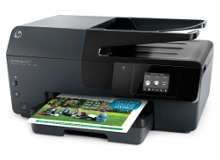
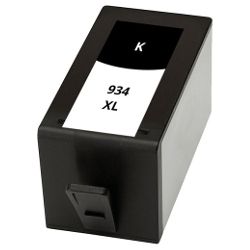
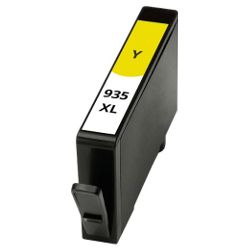
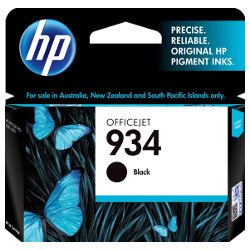
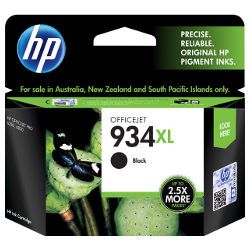
Your HP OfficeJet 6820 uses the HP 934, 934XL, 935 and 935XL ink cartridge series. Ink Depot has been supplying reliable consumables for this printer since May 2016. Designed for home office productivity and double-sided document printing, this desktop all-in-one relies on separate ink tanks for efficient colour delivery. Our 4.8 Google rating proves it: we consistently supply premium cartridges backed by rock-solid reliability. Replacing standard 934 (C2P19AA) black ink with high-yield 934XL (C2P23AA) options extends continuous operation during long print runs.



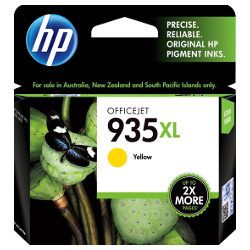
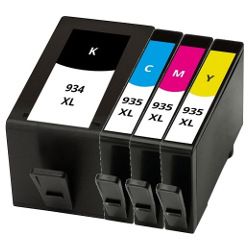
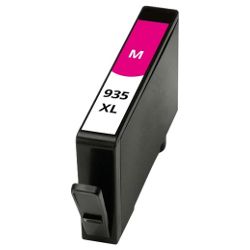
Expected page output and replacement cycles
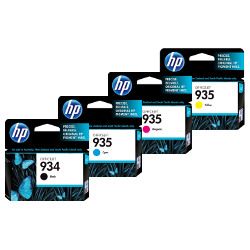
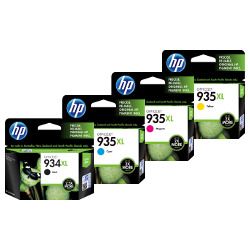
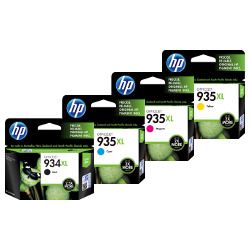
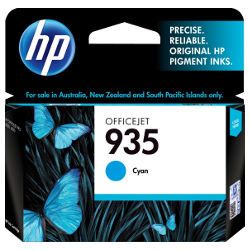
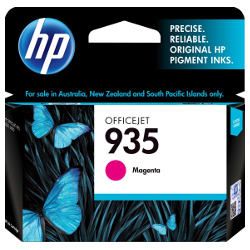
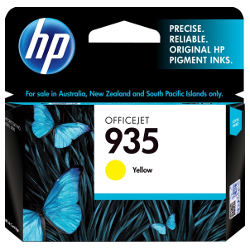
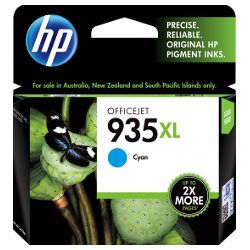
Standard 934 and 935 ink cartridges suit light printing requirements, whereas high-yield 934XL and 935XL cartridges provide higher page capacity for frequent document printing. Declared page yields follow ISO/IEC 24711 testing standards for desktop inkjet printing systems.
| Cartridge Number | Type | Colour | Page Yield | Cost Per Page |
|---|---|---|---|---|
| 934 | Standard | Black | 400 | $0.11 |
| 935 | Standard | Cyan | 400 | $0.069 |
| 935 | Standard | Magenta | 400 | $0.069 |
| 935 | Standard | Yellow | 400 | $0.069 |
| 934XL | High Yield | Black | 1,000 | $0.087 |
| 935XL | High Yield | Cyan | 825 | $0.064 |
| 935XL | High Yield | Magenta | 825 | $0.064 |
| 935XL | High Yield | Yellow | 825 | $0.064 |
Cost Per Page = Total Cartridge Price ÷ Page Yield (at 5% coverage). Prices based on Genuine cartridges.
Choosing between genuine and compatible options
Selecting compatible HP 934XL and 935XL cartridges significantly reduces ongoing consumable expenses without sacrificing daily document crispness. Under Australian Consumer Law, using compatible cartridges does not void your printer warranty. For a detailed comparison between OEM and third-party inks, read our genuine vs compatible cartridges guide.
Selecting the right cartridge setup and delivery
For frequent text printing, replacing individual 934 (C2P19AA) cartridges with high-yield 934XL (C2P23AA) black ink reduces cost per page, while multipacks streamline colour replenishment. Compatible alternatives include a money back guarantee for total peace of mind. Check our returns policy for details. Free delivery applies on all orders over $99, dispatched quickly from our warehouses in Perth, Brisbane, Sydney, Melbourne and Adelaide. Explore our full range of HP ink cartridges.
Cartridge Buyer Pro Tip
Pro Tip: Purchase high-yield 934XL (C2P23AA) and 935XL (C2P24AA/C2P25AA/C2P26AA) bundle packs if you regularly print multi-page reports. Bundles reduce individual unit pricing and ensure all four individual colour slots are refreshed together, preventing workflow pauses when one colour runs out mid-job.
Frequently Asked Questions
Can I mix standard HP 934 cartridges with high-yield 935XL cartridges in the OfficeJet 6820?
Yes, standard and high-yield cartridges share identical physical slot dimensions. You can freely install a high-yield 934XL black cartridge alongside standard 935 colour cartridges depending on your usage patterns.
Why does my HP OfficeJet 6820 require ink in all four cartridges even when printing black-only text?
The printer performs periodic printhead maintenance using small amounts of all four inks to prevent printhead nozzles from drying out or clogging, ensuring continuous reliability across all print channels.
How do 935XL colour cartridges perform when printing documents with light graphics vs full-colour images?
Page yields for 935XL cyan, magenta, and yellow cartridges are measured at 5% coverage per colour according to ISO standards. Printing charts or images with heavier coverage depletes colour cartridges faster than standard text pages.


