
Epson WF-2950 Ink Cartridges
Shop ink cartridges for your Epson WorkForce WF-2950, which uses the Epson 604 and 604XL ink cartridges series. Ink Depot has been supplying reliable consumables for this printer since Oct 2022. The Epson WorkForce WF-2950 is a compact all-in-one printer suited for everyday home office tasks. Upgrading from standard 604 inks to high-yield 604XL cartridges lowers your printing costs during heavy document runs. Our 4.8 Google rating reflects a long-standing track record of premium cartridge performance.


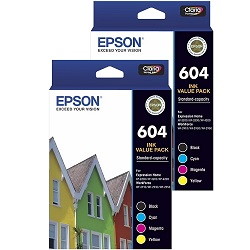

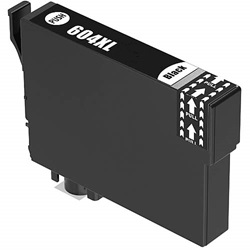
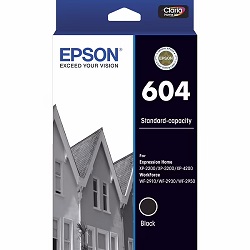

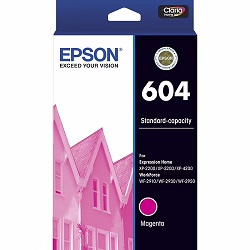

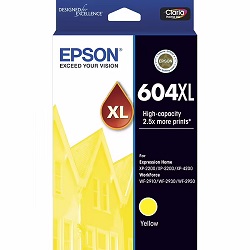
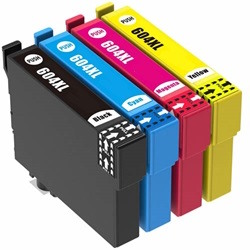


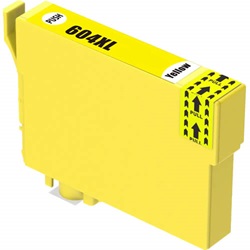
Understanding 604 and 604XL cartridge yields
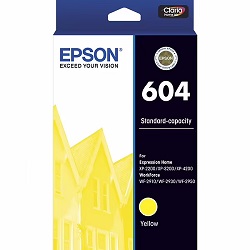
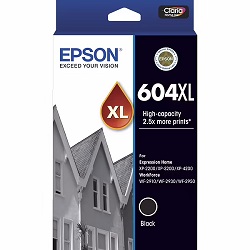
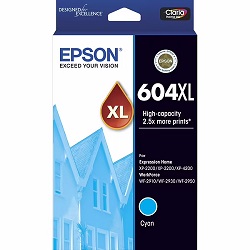
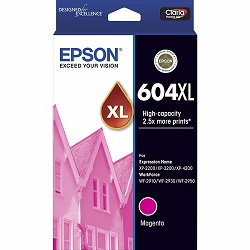
Page yields for Epson 604 cartridges are measured under ISO/IEC 24711 testing standards. Standard 604 black and colour cartridges suit occasional printing, while high-yield 604XL options provide more ink per tank, extending replacement intervals for higher volume text and graphic output.
| Cartridge Number | Type | Colour | Page Yield | Cost Per Page |
|---|---|---|---|---|
| 604 | Standard | Black | 150 | $0.14 |
| 604 | Standard | Cyan | 130 | $0.13 |
| 604 | Standard | Magenta | 130 | $0.13 |
| 604 | Standard | Yellow | 130 | $0.13 |
| 604XL | High Yield | Black | 500 | $0.084 |
| 604XL | High Yield | Cyan | 350 | $0.082 |
| 604XL | High Yield | Magenta | 350 | $0.082 |
| 604XL | High Yield | Yellow | 350 | $0.082 |
Cost Per Page = Total Cartridge Price ÷ Page Yield (at 5% coverage). Prices based on Genuine cartridges.
Choosing compatible 604XL ink options
Compatible 604XL cartridges deliver substantial cost savings without compromising print clarity or colour consistency. Under Australian Consumer Law, using compatible cartridges does not void your printer warranty. Every compatible unit is tested for reliable page output. To learn more about performance differences, read our genuine vs compatible cartridge guide.
Additional Epson consumables
In addition to standard ink cartridges, maintenance components collect residual ink during automatic cleaning cycles to keep your printer running smoothly.
Selecting the best ink setup for your printing needs
If you print primarily black text documents, choose high-yield 604XL black cartridges to minimise unit swaps. If you regularly output colour charts and graphics, value bundle packs reduce overall expense. All compatible cartridges come with a full money-back guarantee. Free delivery applies on all orders over $99, with fast dispatch from our Melbourne, Sydney, Brisbane, Perth and Adelaide warehouses. Browse our full range of Epson ink cartridges for reliable performance. View our returns policy for complete purchase confidence.
Pro Tip
Because individual colour cartridges deplete at different rates, replacing only the empty 604XL colour tank prevents wasted ink in the remaining cartridges.
Frequently Asked Questions
Can I mix standard 604 and high-yield 604XL cartridges in the Epson WorkForce WF-2950?
Yes, standard 604 and high-yield 604XL cartridges use identical physical slots and printhead geometry. You can freely combine a 604XL black cartridge with standard 604 colour cartridges based on your specific printing needs.
What happens if one colour cartridge runs out while printing colour documents?
The Epson WorkForce WF-2950 uses individual CMYK cartridges, so when one colour runs out, printing halts until that specific cartridge is replaced. Keeping a spare 604XL colour cartridge on hand prevents workflow interruptions.
Why does black ink run out faster than cyan, magenta, or yellow in home office environments?
Standard document printing uses pigmented black ink for crisp text, whereas colour inks are blended primarily for photos and graphics. Selecting 604XL black cartridges balances replacement frequency across all four ink slots.


