
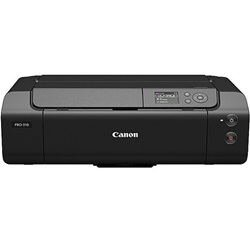
Canon imagePROGRAF PRO-310 Ink Cartridges
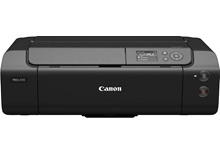
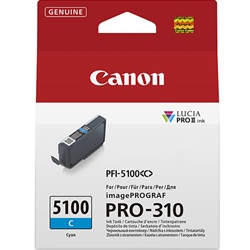
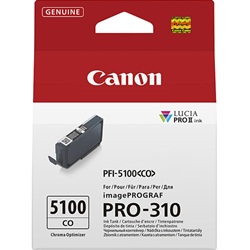
Shop ink cartridges for your Canon imagePROGRAF PRO-310, which uses the Canon PFI-5100 ink cartridges series. Ink Depot has been supplying reliable consumables for this printer since Apr 2025. Designed for gallery-standard photo output, fine art media depletes PFI-5100MBK Matte Black while glossy prints require PFI-5100CO Chroma Optimizer for uniform surface gloss. Our 4.8 Google rating reflects a long-standing track record of premium cartridge performance.
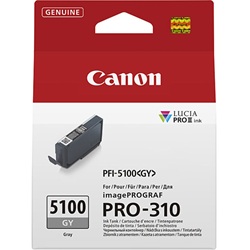
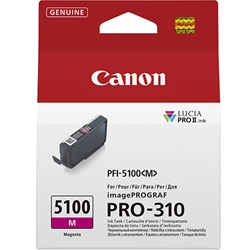
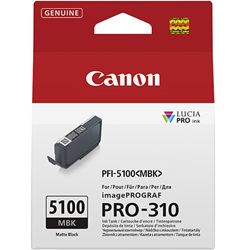
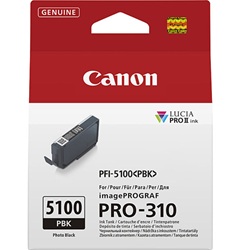
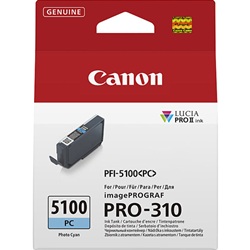
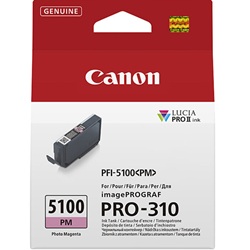
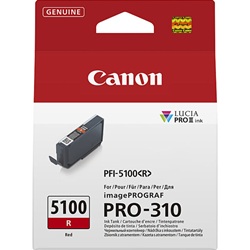
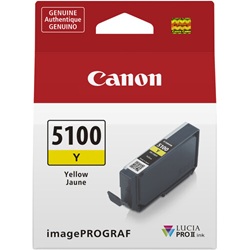
Expected Page Output and Replacement Cycles
Photo printing cartridge yield depends heavily on image coverage, paper type, and tonal density. Chroma Optimizer and Photo Grey cartridges consume at different rates than standard primary colours during full-bleed gallery prints. Quoted yields adhere to ISO/IEC 24711 and ISO/IEC 29103 photo printing standards.
Managing Fine Art Printing Workflow Supplies
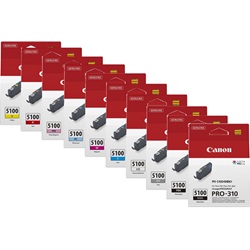
If you print predominantly monochrome photo art, stock up on PFI-5100MBK Matte Black and PFI-5100GY Grey. For glossy and lustre media, keeping extra PFI-5100CO Chroma Optimizer on hand prevents job interruptions. Complete multi-pack ink bundles offer an effective way to refresh depleted channels across high-volume production schedules. All genuine consumables are covered by our returns policy. Free delivery applies on all orders over $99, and we ship from warehouses in Perth, Brisbane, Sydney, Melbourne and Adelaide. Explore our full range of Canon ink cartridges for dependable studio supplies.
Pro Tip
Always match your Black ink selection to media settings in your print driver before sending jobs; using Matte Black on glossy stock or Photo Black on cotton rag consumes unnecessary ink and compromises shadow density.
Frequently Asked Questions
Why does the PFI-5100CO Chroma Optimizer run out faster on glossy paper?
Chroma Optimizer coats the printed surface on glossy and semi-gloss papers to balance light reflection and eliminate gloss differential. Fine art matte papers do not use this coating, meaning CO consumption depends heavily on the ratio of glossy media you print.
What is the functional difference between PFI-5100MBK Matte Black and PFI-5100PBK Photo Black?
Matte Black ink is formulated to absorb deeply into absorbent fine art and rag papers for ultra-deep density. Photo Black stays on the surface of coated photographic papers to prevent bleeding and preserve fine shadow detail.
Do I need to replace all 10 PFI-5100 ink tanks at the same time?
No, each PFI-5100 colour channel functions independently. You only need to replace individual cartridges as they empty, based on the color spectrum of the specific images you print.


