
Brother MFC-J6560DW Ink Cartridges
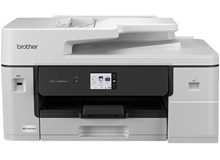
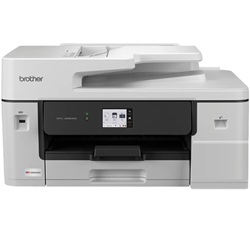
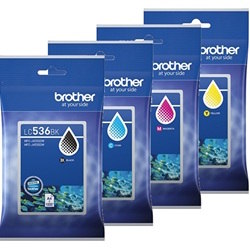
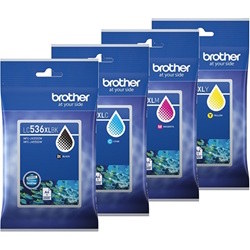
Shop ink cartridges for your Brother MFC-J6560DW, which uses the Brother LC536, LC536XL and LC536XXL ink cartridge series. Ink Depot has supplied reliable consumables for this A3 business inkjet printer since Aug 2026. High-volume office environments benefit significantly from upgrading to LC536XXLBK black ink cartridges, which produce up to 5,000 pages to minimise replacement frequency. Our 4.8 Google rating reflects a long-standing track record of premium cartridge performance.
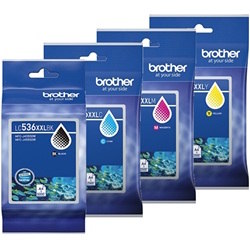
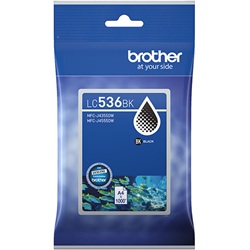
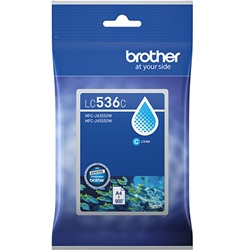
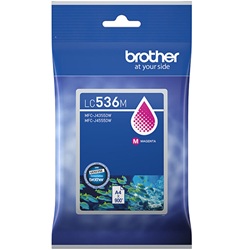
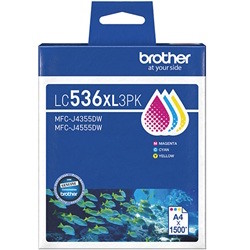
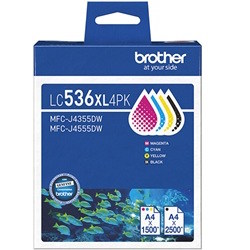
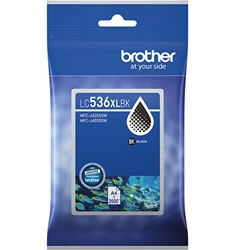
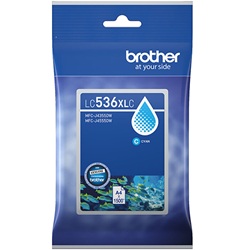
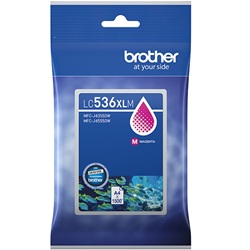
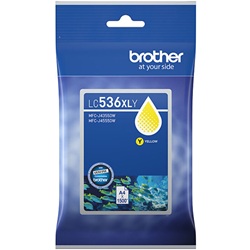
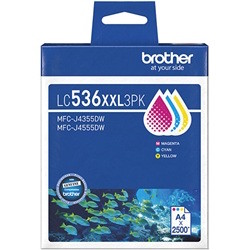
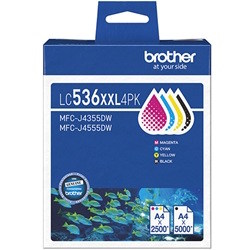
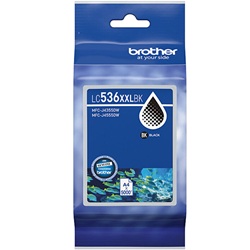
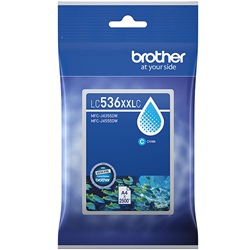
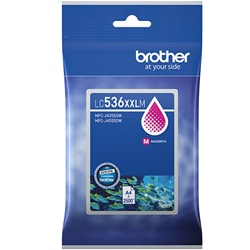
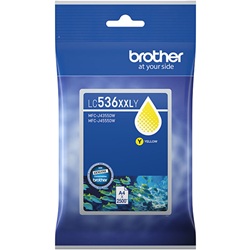
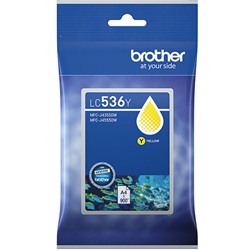
Expected page output and replacement cycles
Page yields are measured in accordance with ISO/IEC 24711 standard testing. Standard LC536 cartridges offer up to 1,000 pages for black and 900 for colour, while high-yield LC536XL and extra-high-yield LC536XXL options substantially decrease replacement frequency during heavy office printing cycles.
| Cartridge Number | Type | Colour | Page Yield | Cost Per Page |
|---|---|---|---|---|
| LC536BK | Standard | Black | 1,000 | $0.071 |
| LC536C | Standard | Cyan | 900 | $0.051 |
| LC536M | Standard | Magenta | 900 | $0.051 |
| LC536Y | Standard | Yellow | 900 | $0.051 |
| LC536XLBK | High Yield | Black | 2,500 | $0.045 |
| LC536XLC | High Yield | Cyan | 1,500 | $0.045 |
| LC536XLM | High Yield | Magenta | 1,500 | $0.045 |
| LC536XLY | High Yield | Yellow | 1,500 | $0.045 |
| LC536XXLBK | Extra High Yield | Black | 5,000 | $0.031 |
| LC536XXLC | Extra High Yield | Cyan | 2,500 | $0.035 |
| LC536XXLM | Extra High Yield | Magenta | 2,500 | $0.035 |
| LC536XXLY | Extra High Yield | Yellow | 2,500 | $0.035 |
Cost Per Page = Total Cartridge Price ÷ Page Yield (at 5% coverage). Prices based on Genuine cartridges.
Selecting the optimal ink setup for your office
For daily text documents, upgrading to the LC536XXLBK black cartridge offers maximum page yield and lowers overall cost per page. Colour-heavy business reports benefit from LC536XXL or LC536XL cyan, magenta, and yellow cartridges to prevent frequent depletion. Ink Depot dispatches all orders from warehouses in Perth, Brisbane, Sydney, Melbourne, and Adelaide. Free delivery applies on all orders over $99. Explore our complete range of Brother ink cartridges or review our returns policy for total purchase security.
Pro Tip
When replacing ink cartridges on the Brother MFC-J6560DW, ensure the printer remains turned on during installation so the internal ink management system correctly registers the full capacity of LC536XL or LC536XXL cartridges.
Frequently Asked Questions
Can I mix standard LC536 cartridges with LC536XL or LC536XXL cartridges in the same printer?
Yes, you can mix standard, XL, and XXL yield cartridges across different colour slots without issue. The printer accepts all sizes simultaneously, allowing you to use LC536XXLBK for heavy black text printing while running standard LC536 colour cartridges.
Why does my black LC536XXLBK cartridge show a significantly higher yield than colour cartridges?
Standard office document workflows generate a far higher proportion of monochrome text than colour graphics. Brother designs the LC536XXLBK with double the physical ink volume of XXL colour cartridges (up to 5,000 pages vs 2,500 pages) to balance replacement schedules across all four slots.
Does changing empty LC536 cartridges interrupt an active A3 print job?
If ink runs out during a multi-page print job, the Brother MFC-J6560DW pauses printing and retains the job in memory. Replacing the depleted cartridge immediately allows the printer to resume without corrupting or cancelling your document.


