
Brother MFC-9340CDW Toner Cartridges
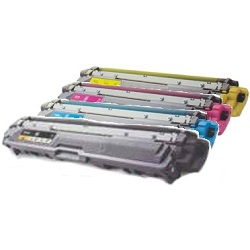
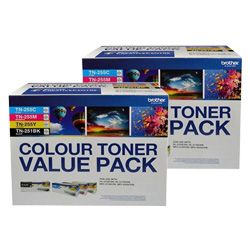
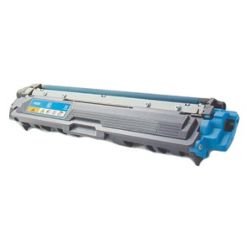
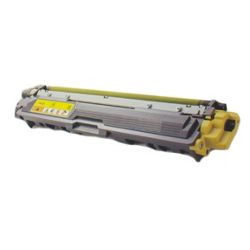
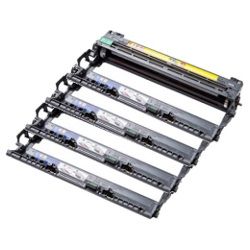
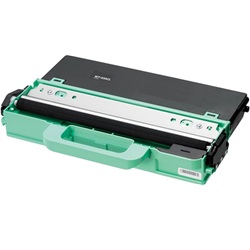
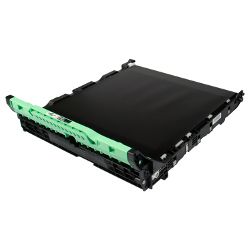
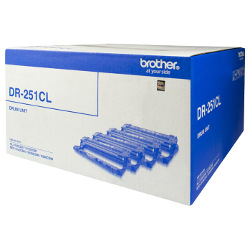
Your Brother MFC-9340CDW uses the TN-251, TN-255 toner cartridge series alongside DR-251CL drum units, BU-220 belt units, and WT-220CL waste toner collections. Supplying businesses with daily office printing supplies since Jul 2013, we understand how essential continuous output remains. Upgrading from standard TN-251 colour cartridges to high-yield TN-255 options dramatically extends print runs between standard maintenance swaps. Our 4.8 Google rating proves it: we consistently supply premium cartridges backed by rock-solid reliability.



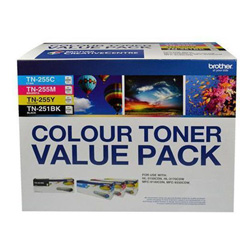

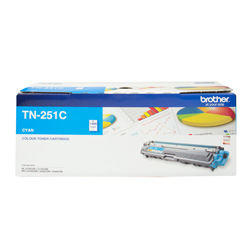

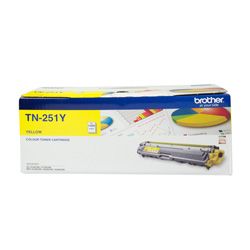
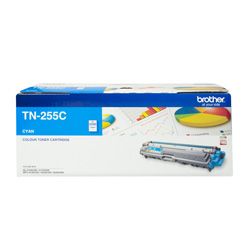




Expected page output and replacement cycles
Standard TN-251 black toners deliver 2,500 pages, whereas cyan, magenta, and yellow standard toners yield 1,400 pages. High-capacity TN-255 colour toners increase capacity to 2,200 pages, rated under ISO/IEC 19798 testing standards. Heavy coverage on office graphics naturally reduces overall yield per cartridge.
| Cartridge Number | Type | Colour | Page Yield | Cost Per Page |
|---|---|---|---|---|
| TN-251BK | Standard | Black | 2,500 | $0.073 |
| TN-251C | Standard | Cyan | 1,400 | $0.10 |
| TN-251M | Standard | Magenta | 1,400 | $0.10 |
| TN-251Y | Standard | Yellow | 1,400 | $0.10 |
| TN-255C | High Yield | Cyan | 2,200 | $0.087 |
| TN-255M | High Yield | Magenta | 2,200 | $0.087 |
| TN-255Y | High Yield | Yellow | 2,200 | $0.087 |
Cost Per Page = Total Cartridge Price ÷ Page Yield (at 5% coverage). Prices based on Genuine cartridges.
Managing drum units and image transfer components
Beyond standard toners, this printing setup relies on a separate DR-251CL drum unit rated for 15,000 pages, a BU-220 belt unit, and a WT-220CL waste toner collector.
Experience Tip: When replacing the DR-251CL drum assembly, reset the internal drum counter manually via the control panel menu to prevent premature replacement warnings.
Choosing between genuine and compatible options
Running compatible TN-251 and TN-255 toner cartridges offers a direct method for controlling ongoing operational expenses without impacting output stability. Under Australian Consumer Law, using compatible cartridges does not void your printer warranty. Learn more about performance standards in our guide comparing genuine vs compatible cartridges.
Smart buying strategies and dispatch
For workplaces heavy on text documents, standard TN-251 black cartridges combined with high-yield TN-255 colour cartridges deliver optimal long-term value. Third-party compatible toners include a risk-free money-back guarantee for added assurance. Free delivery applies on all orders over $99. All orders ship directly from local dispatch hubs across Sydney, Melbourne, Brisbane, Perth, and Adelaide. Browse our full collection of Brother toner cartridges or review our straightforward returns policy before ordering.
Pro Tip
Always install high-yield TN-255 toners for cyan, magenta, and yellow even if your black consumption is higher, as full-colour office graphics deplete standard TN-251 colour tanks almost twice as fast.
Frequently Asked Questions
Can I mix genuine Brother drum units with compatible TN-255 toner cartridges?
Yes, compatible TN-251 and TN-255 toner cartridges lock directly into genuine DR-251CL drum units without requiring special modifications or adjustments.
How do I know whether to replace the toner cartridge or the drum unit?
The printer issues distinct alert messages for each component; a low toner warning references specific TN-251 or TN-255 colour codes, while a "Replace Drum" message indicates the 15,000-page DR-251CL tray assembly has reached its end-of-life cycle.
Do TN-255 high-yield colour toners take up more physical space than standard TN-251 toners?
No, TN-255 high-yield cartridges share the exact external dimensions of standard TN-251 cartridges; they simply contain a higher volume of toner powder inside the internal reservoir.


