
HP OfficeJet Pro 9120 Ink Cartridges
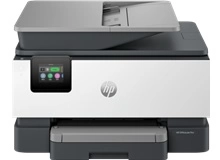
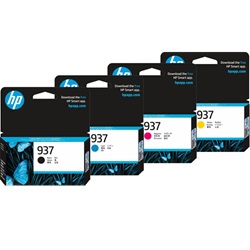
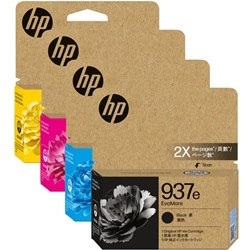
Your HP OfficeJet Pro 9120 uses the 937, 937e ink cartridge series to manage heavy text and graphics workloads. Our 4.8 Google rating is built on dependable cartridge performance and uncompromising product quality. Ink Depot has been supplying reliable printer consumables for this individual ink system since Feb 2024, helping workplaces maintain continuous document production with efficient business-class replacements.
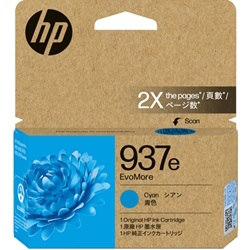
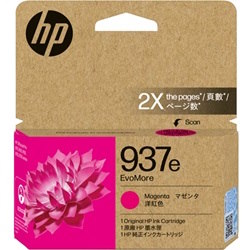
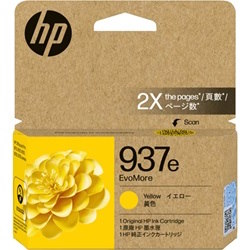
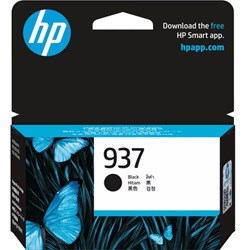
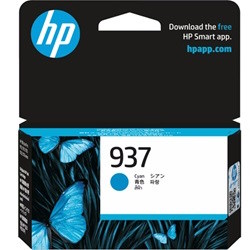
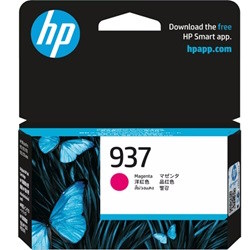
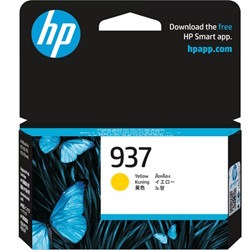
Page yield expectations for business printing
Heavy office administration demands a clear strategy regarding page output. The genuine ink cartridges for this printer are tested under the ISO/IEC 24711 standard for inkjet systems to establish stable print capacities. Black text documents deplete the main reservoir independently of the primary colour elements.
| Cartridge Number | Type | Colour | Page Yield | Cost Per Page |
|---|---|---|---|---|
| 937 | Standard | Black | 1,250 | $0.055 |
| 937 | Standard | Cyan | 800 | $0.054 |
| 937 | Standard | Magenta | 800 | $0.054 |
| 937 | Standard | Yellow | 800 | $0.054 |
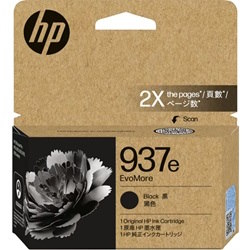
| 937e | High Yield | Black | 2,500 | $0.055 |
| 937e | High Yield | Cyan | 1,650 | $0.054 |
| 937e | High Yield | Magenta | 1,650 | $0.054 |
| 937e | High Yield | Yellow | 1,650 | $0.054 |
Cost Per Page = Total Cartridge Price ÷ Page Yield (at 5% coverage). Prices based on Genuine cartridges.
Strategic stock management for office workstations
Workplaces that rely on continuous printing generally shift from standard 937 replacements to the high-yield 937e versions to reduce maintenance downtime. Ordering a complete bundle pack ensures all required replacements are on hand before low-ink warnings interrupt office workflows. Free delivery applies on all orders over $99. We dispatch daily from regional stock centres located in Brisbane, Sydney, Melbourne, Adelaide and Perth to ensure quick delivery. For complete confidence, our returns process is detailed under our Returns policy. Browse our complete range of HP ink cartridges to keep your fleet operational.
Pro Tip
When replacing individual colour cartridges, avoid leaving an empty slot open for more than a few minutes, as exposed printheads can dry out rapidly and lead to missing lines on subsequent office documents.
Frequently Asked Questions
Can I mix standard 937 and high-yield 937e cartridges in the same printer?
Yes. The printer allows you to install a high-yield 937e black cartridge alongside standard 937 colour cartridges, or vice versa, as each slot functions independently.
Why does the printer indicate low ink on a colour cartridge when I mainly print black text?
The printer performs routine printhead cleaning cycles using small amounts of all colours to prevent the microscopic nozzles from clogging, meaning colour levels will slowly decrease over time even during mono-only tasks.
How does the ISO/IEC 24711 standard apply to my daily office document printing?
The industry standard calculates yield based on 5% page coverage. If your business documents contain heavy graphics, dense emails or large logos, your real-world page output will be lower than the rated specification.


